
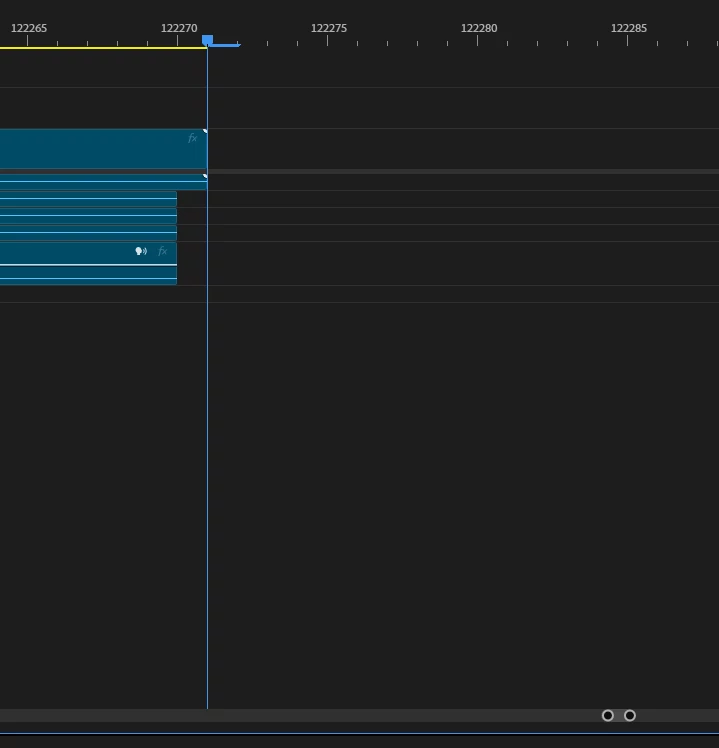
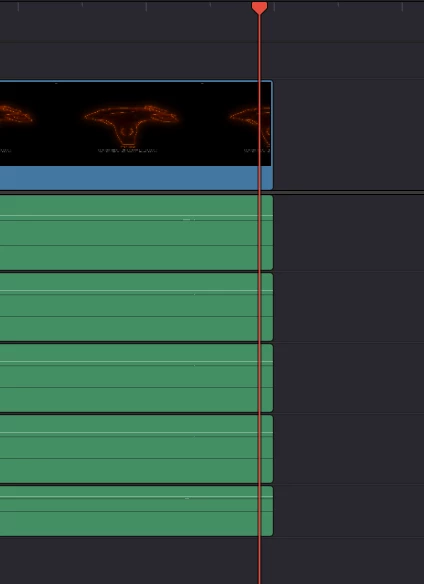
Imported media from OBS which contains multiple audio tracks will have all audio tracks besides the first one off by 1 frame.
If you record footage in obs that contains multiple audio tracks and then import that footage into obs, all audio channels but the first one will be offset by exactly 1 frame. This issue does not occur in other editing software and only occurs within adobe premiere pro 26.3.0 (Build 93). Audio remains synced but this causes issues when creating cuts or snapping footage together, as the 1 frame difference will cause clips to not snap together properly.


 AdChoices