
Issue with Step-and-Repeat Watermark on Proxies in 4K Footage
I’m running into an issue creating a step-and-repeat watermark when working with proxies on 4K footage.
My source footage is 4K.
The watermark file (a Photoshop PNG) is also 4K.
When I render proxies, the watermark appears much smaller and shifts to the lower-left corner instead of covering the entire frame.
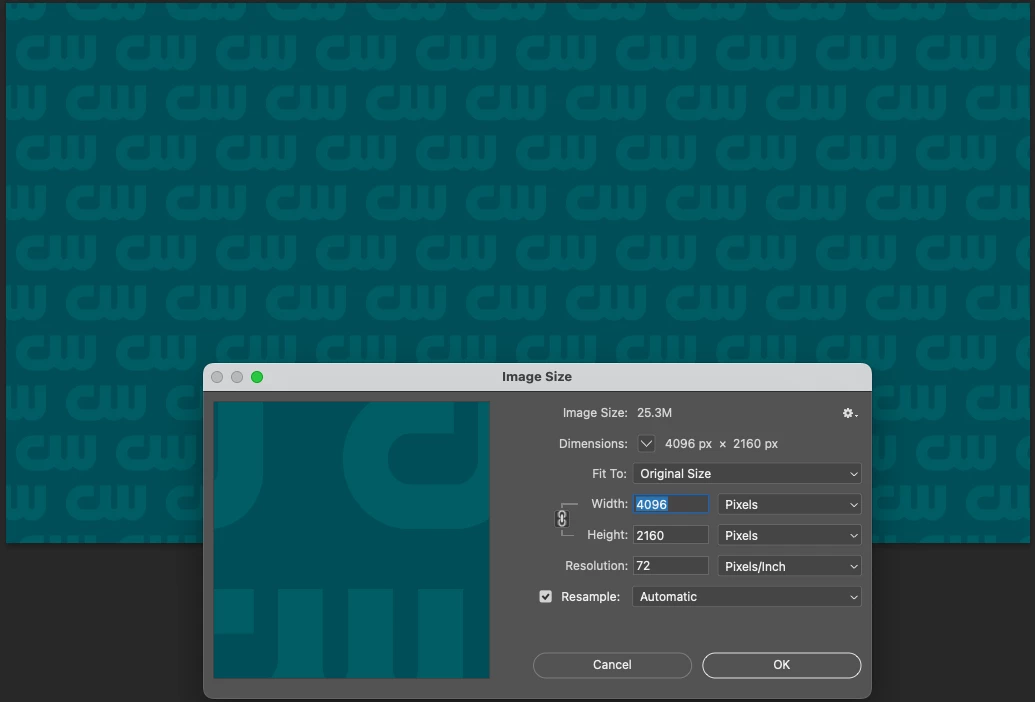
For reference, here’s the PNG file sized at 4K (with blue added for this discussion). It should overlay across the full frame, but it isn’t rendering that way in the proxies.
I can’t just use a single watermark in the lower right, since that area may get cropped out in the final video. That’s why I need the step-and-repeat pattern applied across the whole frame. I also have many files that need this treatment, so I’m looking for a workflow solution.
Does anyone know why the proxies are handling the watermark this way, or how I can fix it so the step-and-repeat applies correctly?



 AdChoices