

visualize3cx
Participant
May 6, 2026

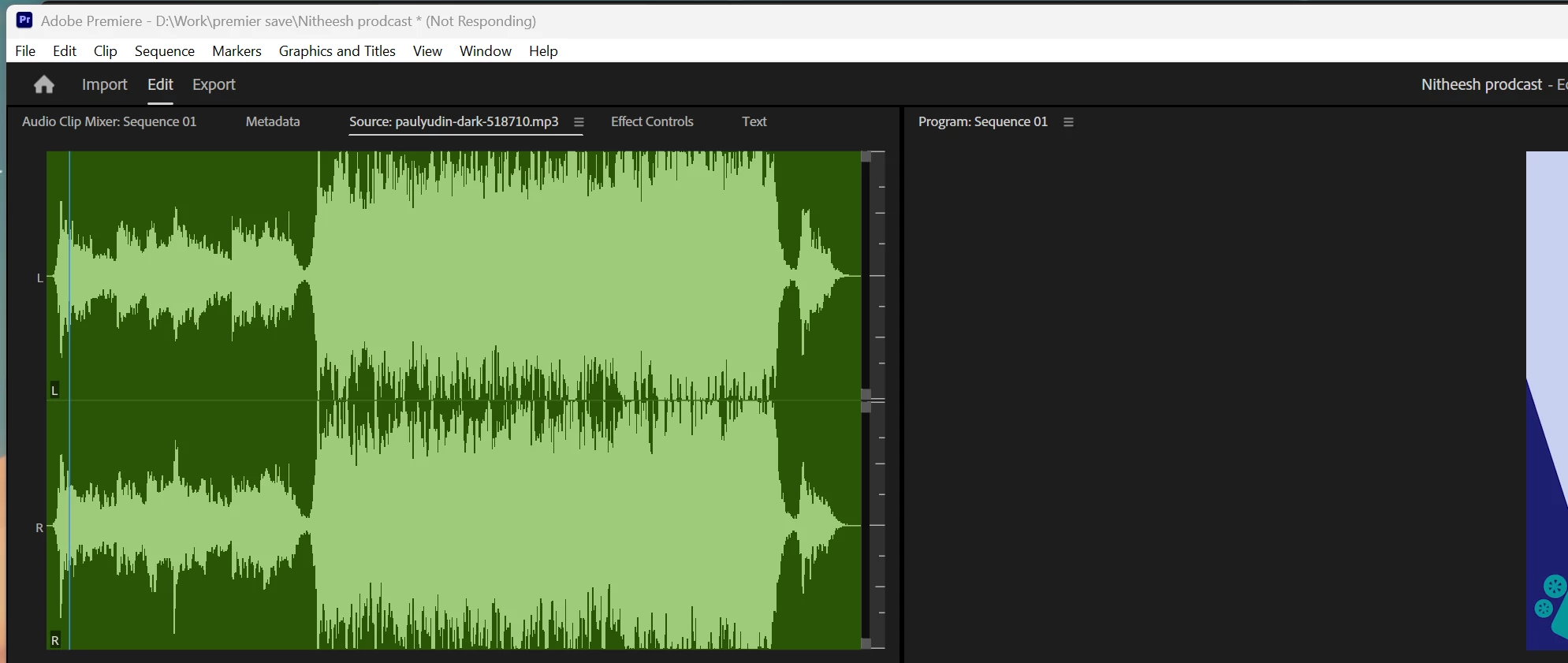
latest version of premier pro hanging frequently on my latest high-end PC, when I downgrade to old version there is no problem. please fix it
  • May 6, 2026
  • 3 replies
  • 103 views

latest version of premier pro hanging frequently on my latest high-end PC, when I downgrade to old version there is no problem. please fix it


    3 replies

    IanB_360
    Community Manager
    Community Manager
    May 25, 2026

    Hi ​@visualize3cx , and ​@wfwfwfwfw 

    While there have been reports of hangs from some users, many others are running 26.2.2 without seeing the same behavior, so it would be helpful to gather a bit more information about your specific case.

    Could you provide:

    • Your exact Premiere Pro version and build number
    • Operating system and version
    • CPU, GPU, and RAM specifications
    • Whether the hangs occur in specific projects or all projects
    • What you are doing immediately before the hang occurs
    • Whether the application eventually recovers or must be force-quit

    Since you mentioned that downgrading resolves the issue, that's a useful clue and may help narrow down whether you're encountering a regression introduced in the 26.2.x release cycle.

    If you can provide reproducible steps or a sample project, that would be especially helpful for identifying and tracking the issue.

    Here to help
    Ian

    Participating Frequently
    May 25, 2026

    Hey Ian, also still getting the same issue. Here are my details

    Premiere Pro - 26.2.2
    OS - Windows 11 Pro - 26200.8457
    CPU - INTEL CORE I9 13900KF 3.0GHZ 24C/32T
    GPU -  RTX 4090 GAMING X TRIO 24GB
    RAM - 64GB DDR5 4800 
    Storage - WD_BLACK SN850X WDS400T2XHE - SSD (4TB/8TB)

    Hangs happen in any and all projects, regardless of project size. This will happen as soon as I click on any menu items, such as View/Window.

    The issue doesn’t recover and must be forced quit, but the only working solution is to roll back to 26.0.2.

    NVIDIA Studio drivers are also updated to the latest version - 596.36

    Thanks

    wfwfwfwfw
    Participant
    May 11, 2026

    When do youll plan to fix this rubbish?


    R Neil Haugen
    Legend
    May 11, 2026

    I’m not having any issues whatsoever ... and if any significant portion of the user base was, we’d have thousands of posts here of the several million daily users of Premiere across the planet. Nor do I nor anyone have any idea of what problembs you’re having that Adobe would need to fix. And on what hardware.


    Troubleshooting is always data ... so what hardware you’re using, what media, what effects, and what troubles you are having in detail would be necessary to have any idea of what to suggest to improve your situation.

    Everyone's mileage always varies ...
    FocusPulling.com
    Known Participant
    May 29, 2026

    You’ve been aggressively defending Adobe for years and year, while claiming that you don’t get kickbacks from them which is financial as well as legal fraud.


    Everybody who has even a trace of familiarity with these forums has learned to ignore everything you write.

    mattchristensen1
    Community Manager
    Community Manager
    May 6, 2026

    @visualize3cx we just released a patch update (version 26.2.2) specifically to address some hangs that were introduced with 26.2. Could you try that latest version and let us know if the issue is still happening? Thanks!

    FocusPulling.com
    Known Participant
    May 9, 2026

    Still happening to practically everyone. 26.2.2 solved nothing.