

Missing masks data after project saved via Project manager
Pr 26.2.2, Win11 26h1, RTX 4080, internal SSDs, 14700K, 64 Gb of Ram. After my project was finished a month ago I exported it via the Project Manager in Premiere and then uploaded it into a cloud.
Today I needed to review something from this project, so I downloaded it back and upon opening it saw this:
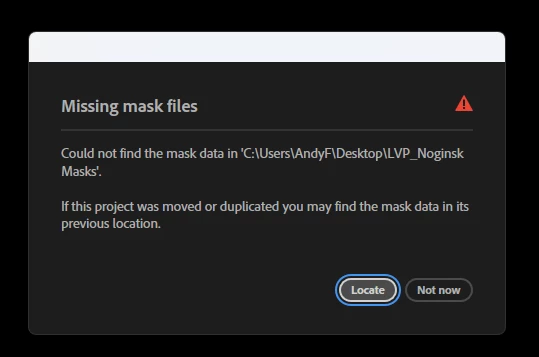
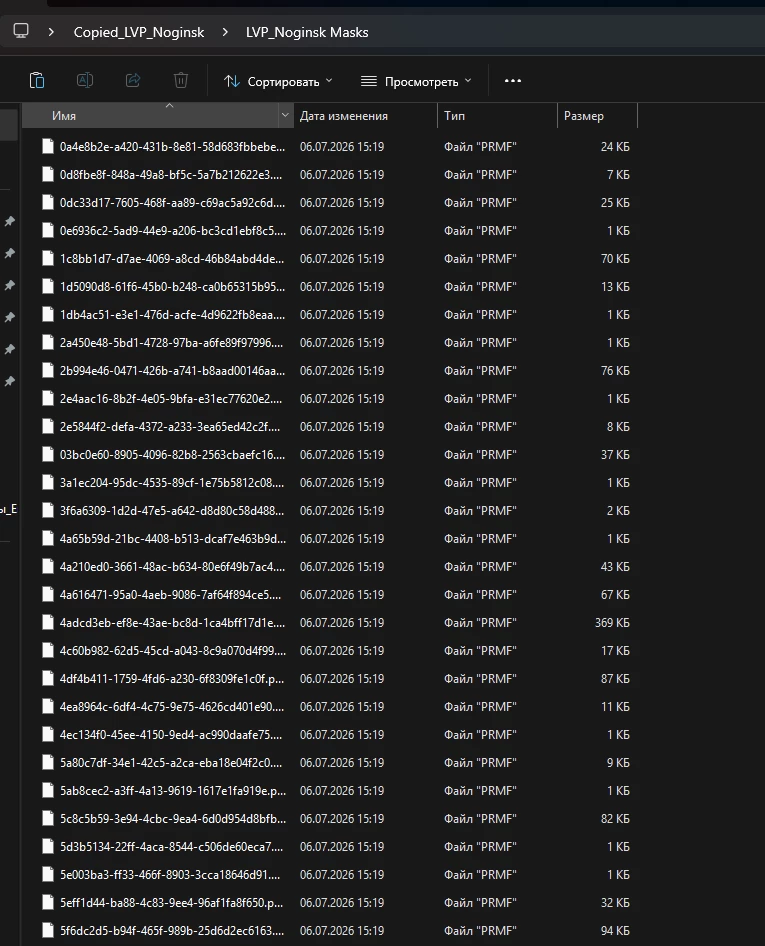
It’s strange because there IS a masks data folder in the archive, but if I point Premiere to this folder, it does not relink the masks saying they can’t be located:
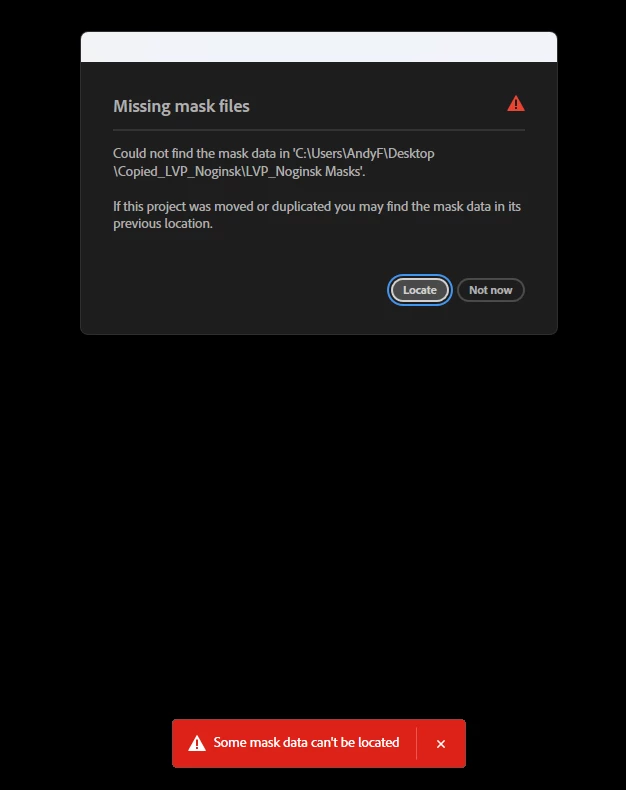
How come and how can I fix it? I’ve got quite a bunch of object masks in the project to retrack everything again.
Besides, the project was made in the same exact version of Premiere - 26.2.2 so there cannot be any mask data conflicts.


 AdChoices