

MOGRT replaced footage in point fps, not matching fps settings
When I go to replace the footage on a 60fps MOGRT graphic in a 60fps sequence with 60fps footage the "In Point" time selector acts as though it is 30fps and often doesn't allow me to select the exact frame I want but after messing around with it a bunch and usually restarting the program it works as intended on any that were already in the sequence but new ones added still have this bug
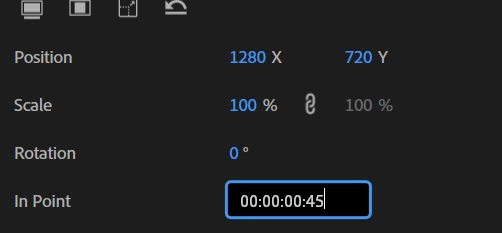
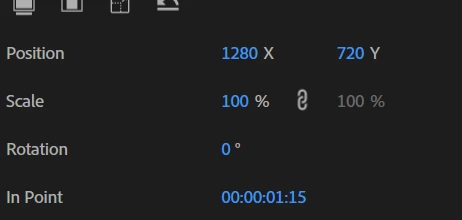
1.) Load up a 60fps MOGRT with replaceable footage
2.) Replace the footage in the properties pannel
3.) Change the in point either by mouse dragging or typing in a value and it will act as 30fps
Should display as 60fps like everything else or like it does on occasion
Worked as 30fps in point would
No plugins
Gpu: Nvidia Geforce RTX 4070ti, Cpu: 13th Gen Intel Core i5-13500, Ram 64gb
Premiere Pro 25.5, Windows 11 Pro 24H2


 AdChoices