

Motion Tween effect won't work as expected in Pr 26
Looks like since the acquisition of Film Impact something broke…
Motion tween is a (now) native Premiere Pro effect which adds automatic animation between scenes and works as a transition.
The expected behavior - when you cut a clip in two halves and change, say, the position property a bit - is this:
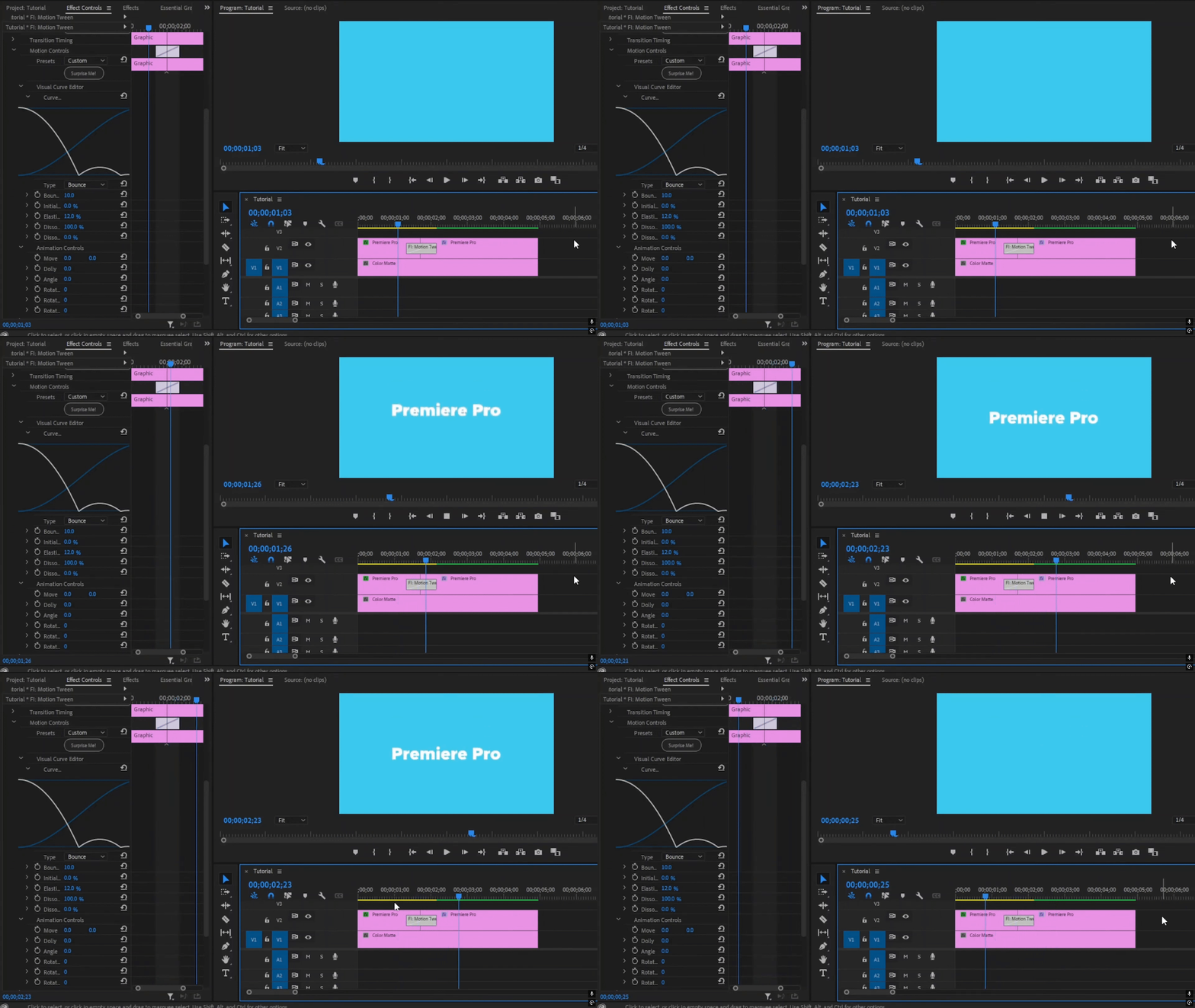
from video here:
The effect dedicated page: https://www.filmimpact.com/premiere-pro-transitions/smart-tools/motion-tween
So the effect should include the initial position of the clip which was moved upwards and out of the screen and give you the corresponding animation of the clip falling down.
This is how it works in Pr 26.2:
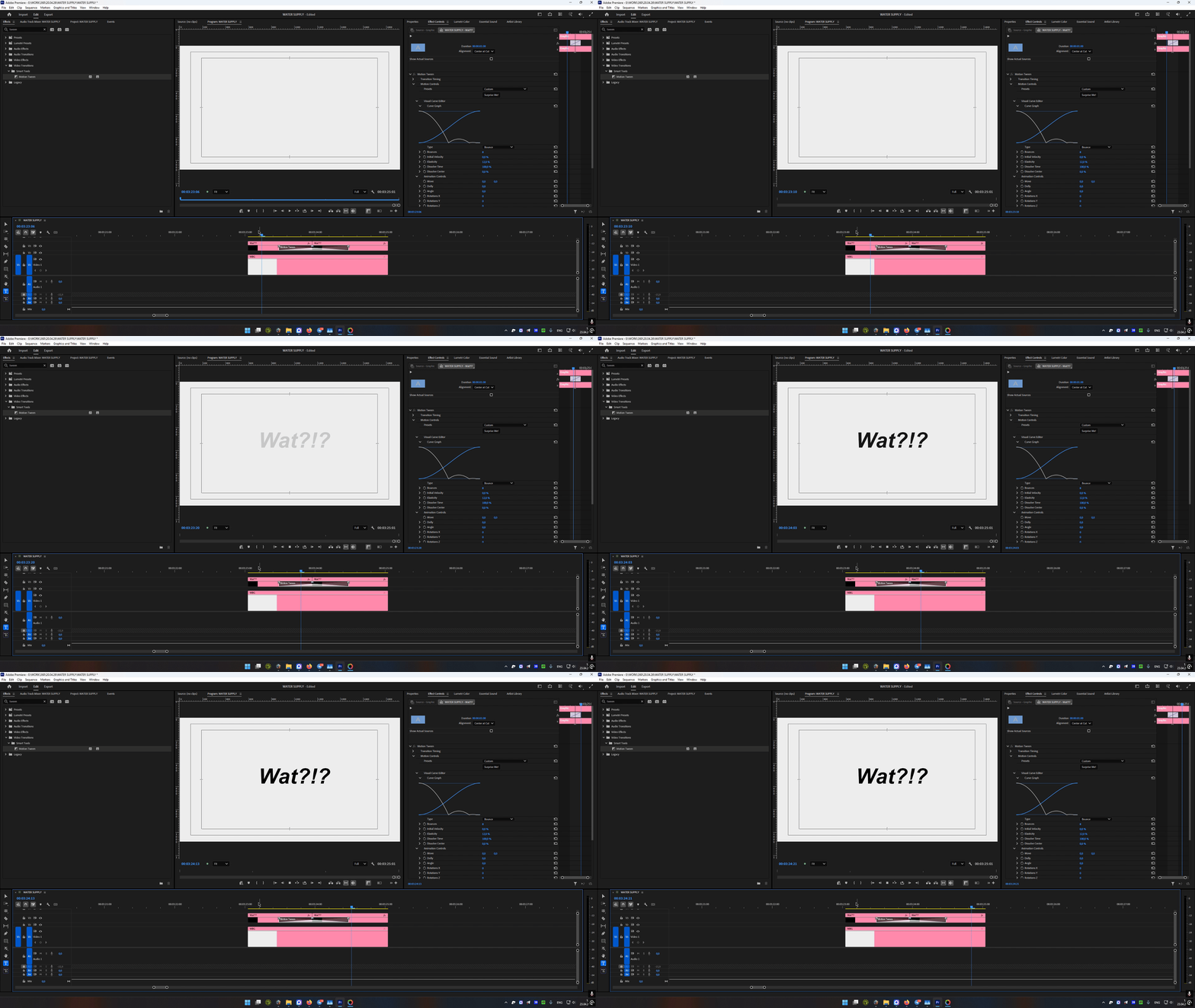
No matter what changes you make it will act as a dissolve transition. A couple of presets work but they do not include the initial position (the first part of the clip).
Guys, you broke something… I don’t think a full bugreport is necessary here since it’s easily reproducible. Premiere 26.2, Win11 25h2, RTX 4080, all drivers up to date, same issue in an old\new project and after resetting Premiere.


 AdChoices