

Multicam stops switching angles in Pr 25.6.3
At a certain moment when working with a multicam sequence in the current version of Premiere Pro, multicam switching just stops reacting to mouse clicking in the multicam window:
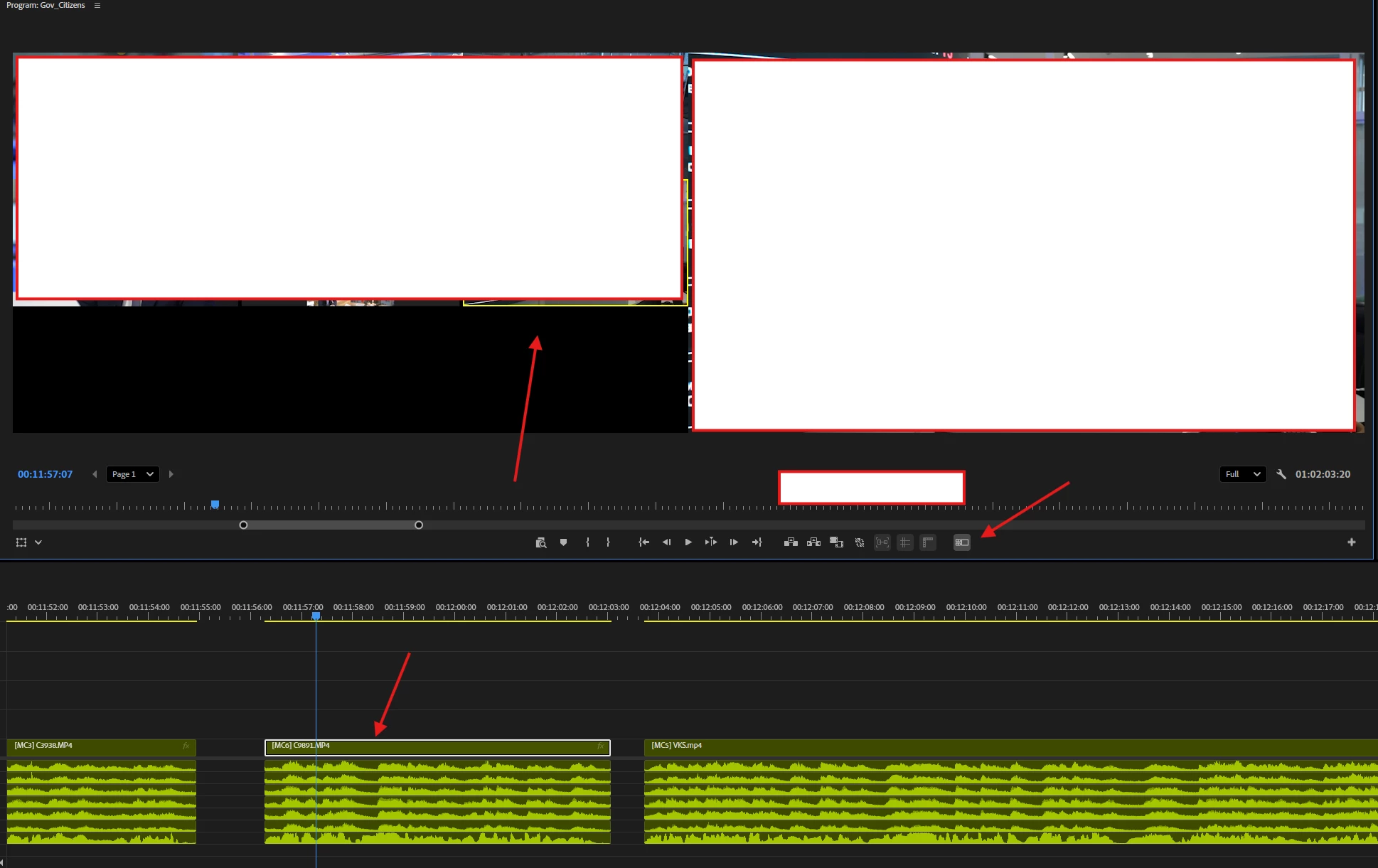
- the multicam mode is toggled on.
- the track is selected
- clicking inside the multicam window changes mothing. At the same time the nunber keys of the keyboard do change the angles.
- resetting the current workspace does not help
- changing the program monitor window size does not help.
- clearing cache sith resetting preferences via SHIFT on load helps until the next time it happens.
Windows 11 24h2, all drivers up to date, RTX 4080, 14700K, 64 Gb of ram.
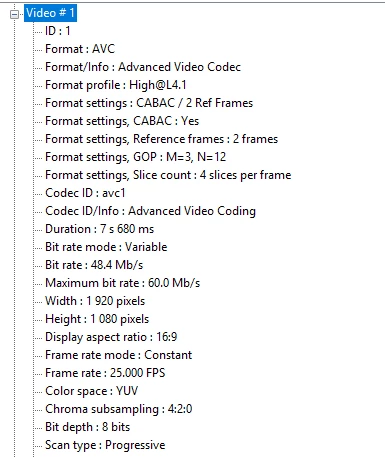
Media used:


 AdChoices