


Open for Voting
Multicam View Not Showing the Full Picture
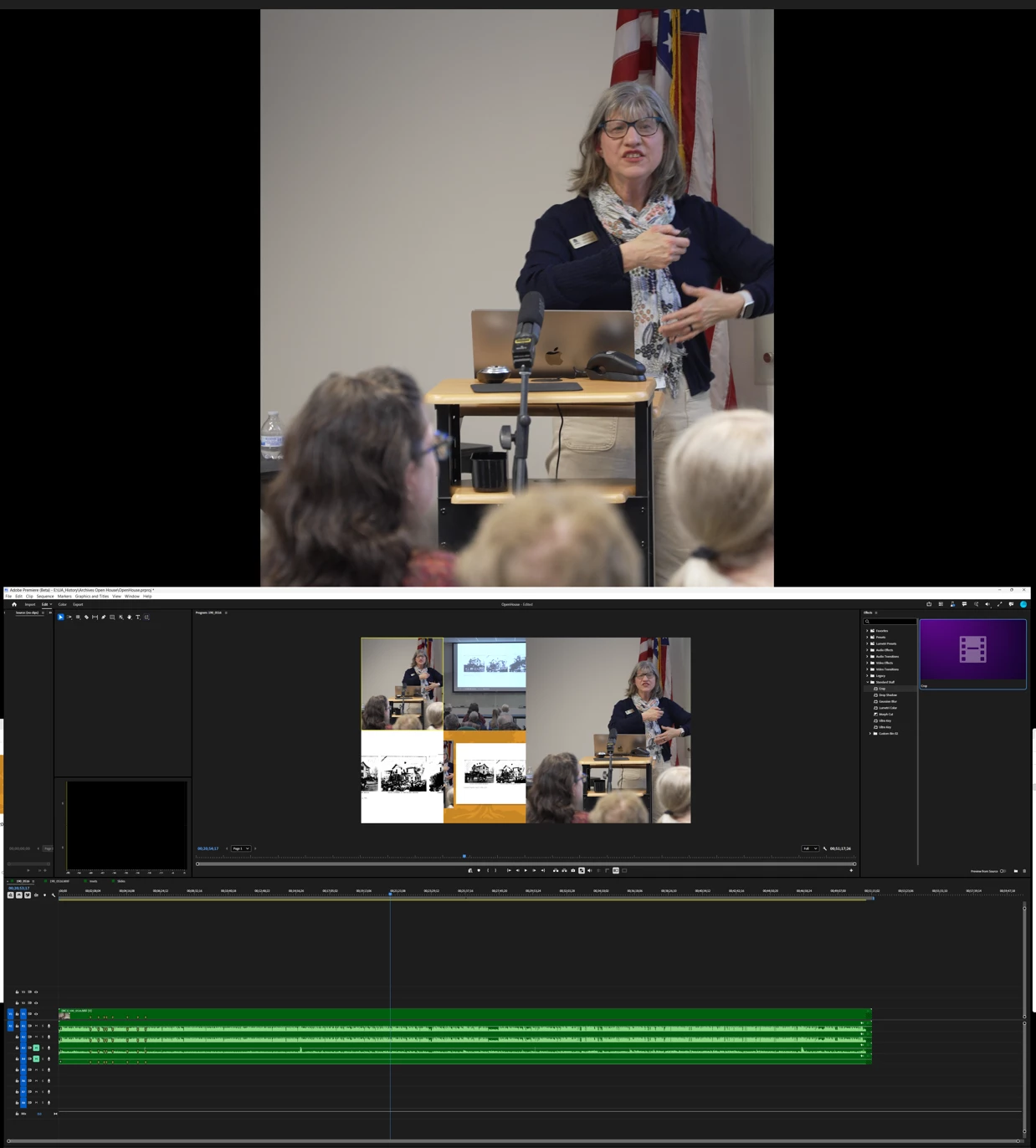
I thought it might have something to do with the fact that in the 4th source, I have a cropped image. I changed from native crop to legacy crop and it made no difference.
So I opened another random project (without a multicam setup) and engaged the multicam viewer. It showed the same anomaly:
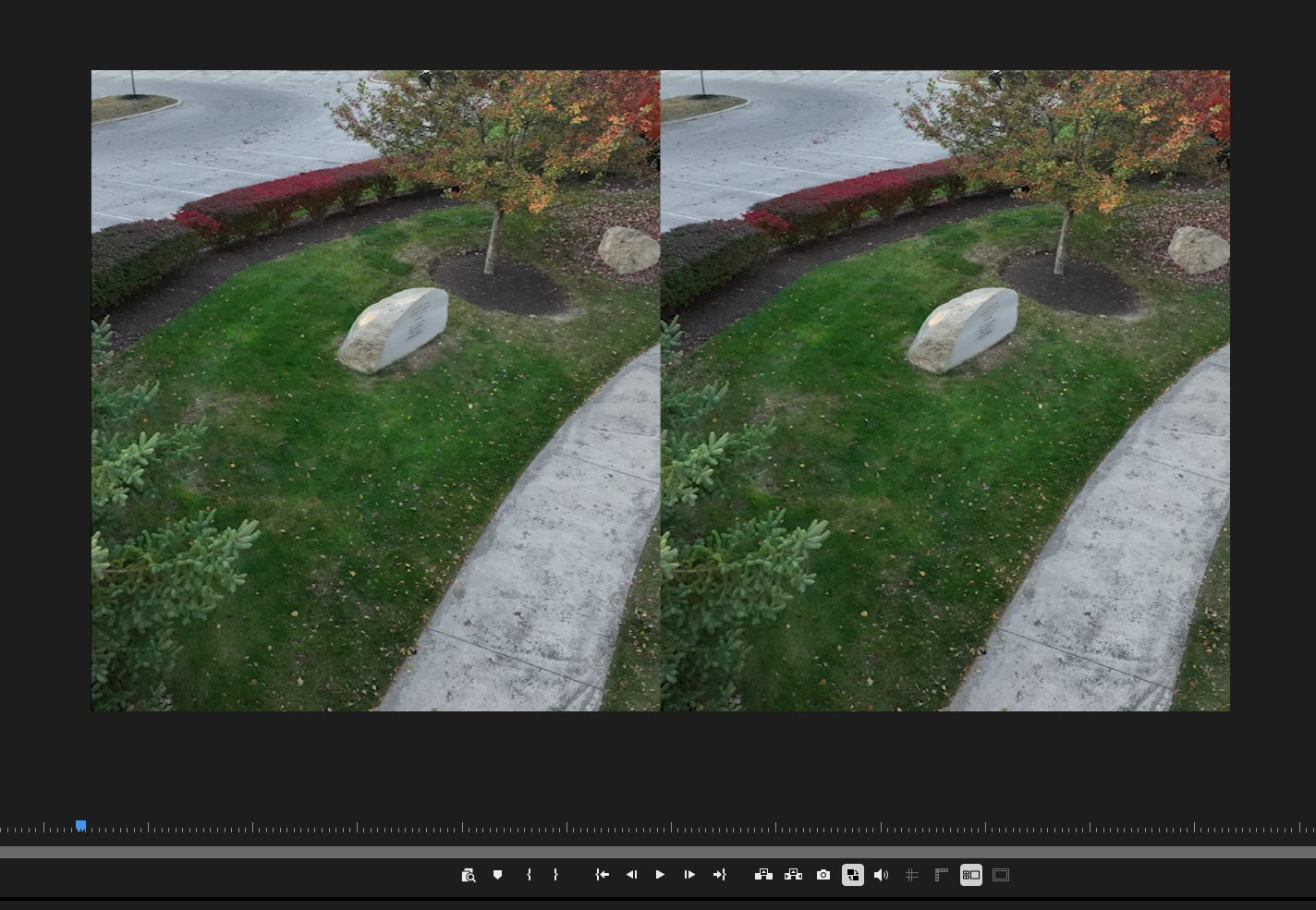
Something in multicam land is now broken...
System info
Application: Premiere Pro (Beta) v27.1.0.39
OS: Windows v10.0.26300, RAM: 63.79 GB, CPUs (logical): 16
 AdChoices