
Participating Frequently
March 30, 2026

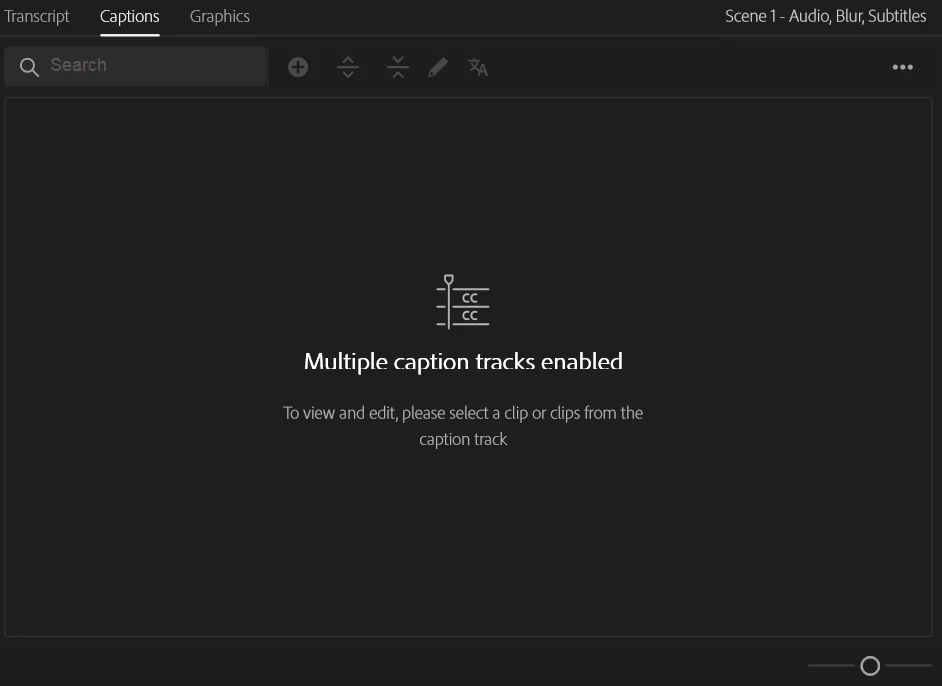
"Multiple Caption Tracks enabled". So what? Show me all the captions in those captions tracks
  • March 30, 2026
  • 2 replies
  • 34 views


I’ve started working with separate subtitle tracks for my speakers, but unless I’ve “Toggled active caption tracks” using the eye button on the track, this message above shows in the Captions pane.

I feel like this shouldn’t be a problem for the program to handle. Just show me all the captions in the active tracks. Add a column to indicate which track each caption is in. 

Is there really something configured on the back end that makes combining workflow and editing of captions impossible?
(and doesn’t take up much more screen space, such as a whole pane per track).

What is the unbridgeable disconnect between the user experience and the data architecture that I’m not seeing here? 🤔

    2 replies

    Community Manager
    March 30, 2026

    Hi ​@MakingAToZ,

    Thanks for the feedback. I can understand the frustration here.

    The current behavior is by design, not a bug. The Captions pane is limited to one active track at a time to avoid accidentally burning in multiple tracks on export, and to make sure Premiere knows which track to use when exporting to single-stream formats like SRT. You can make multiple tracks visible in the Program Monitor using the eye icon, and clicking a caption in the timeline will pull that track into the Captions pane, which may help a little in the meantime.

    I have moved this over to feature requests.

    Stan Jones
    Community Expert
    Community Expert
    March 30, 2026

    @MakingAToZ,

    I would upvote this as a feature request. The feature of showing multiple caption tracks was added in PR 25.2.0 with the addition of caption translations. There is continuing work on improving transcription and captions. Here’s one of the newest:

    As I suspect you’ve discovered, the current workaround is to see all the tracks in the program monitor, and get one track in the text panel by clicking on one of its captions in the timeline. I position each track a little differently (e.g. select all captions on a track, click the middle instead of bottom zone). I can then, also, click on the caption track I want in the program monitor and see it in the text panel.

    Stan