

AndrewTheGreat
Known Participant
January 28, 2026

Object mask issues, Pr 26.0

  • January 28, 2026
  • 2 replies
  • 0 views

The following Object mask issues make its use rather complicated:

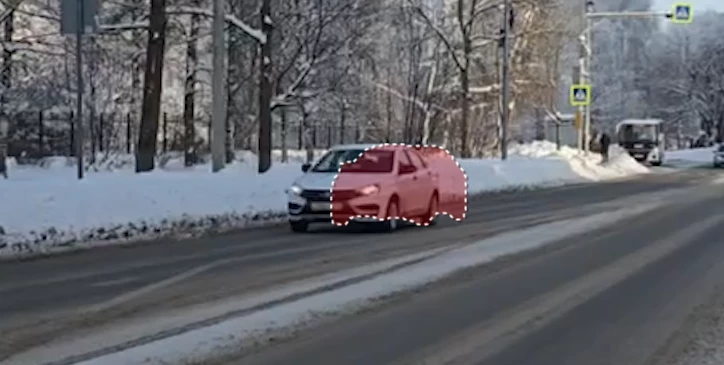
  • Object Mask + timeremapping: when used together without nesting, the mask is tracked at a normal speed, lagging behind or going further from the tracked object:
Applying the object mask and THEN timeremapping brings a visual glitch during the remapped part:
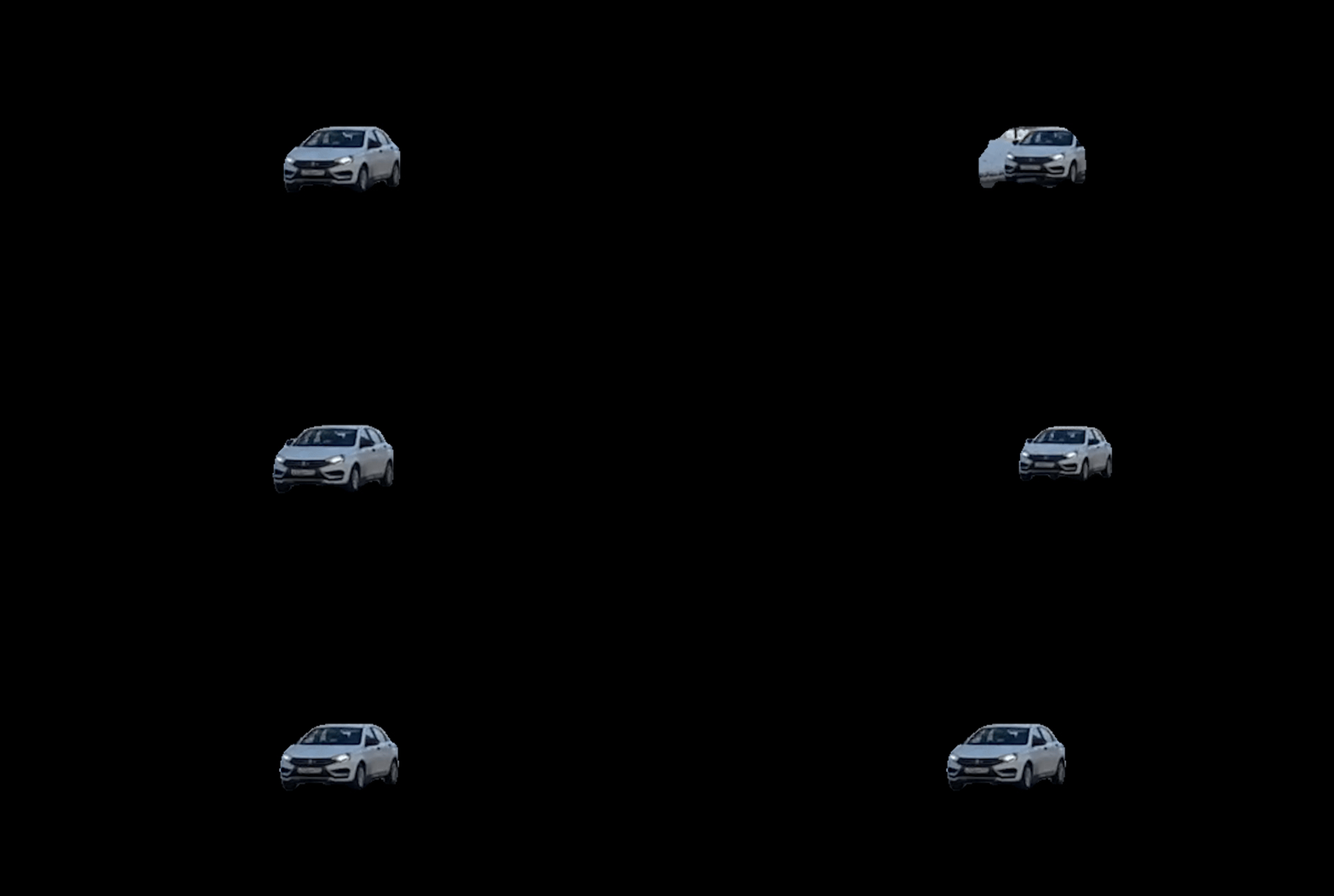
 

This visual glitch remains even if after the timeremapping you nest it and then track and apply the mask.


  • RateStretch + render and replace - object moves inside the cutout, though without rendering the mask is perfect:

 

  • Reversed time and object mask freezes the mask when rendered and replaced:
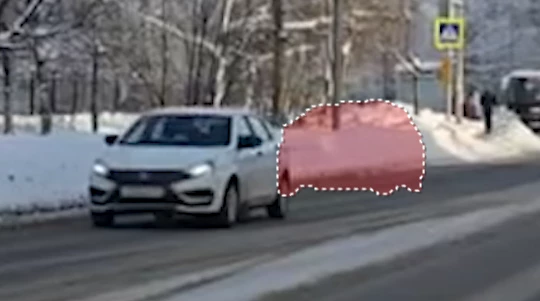
 

  • Transform + Object mask - object moves inside the cutout (I don’t need to mention that motion blur is available only in the Transform effect). Only nesting helps but in some cases to apply certain effects you have to nest the nest inside the nest which totally ruins the workflow:
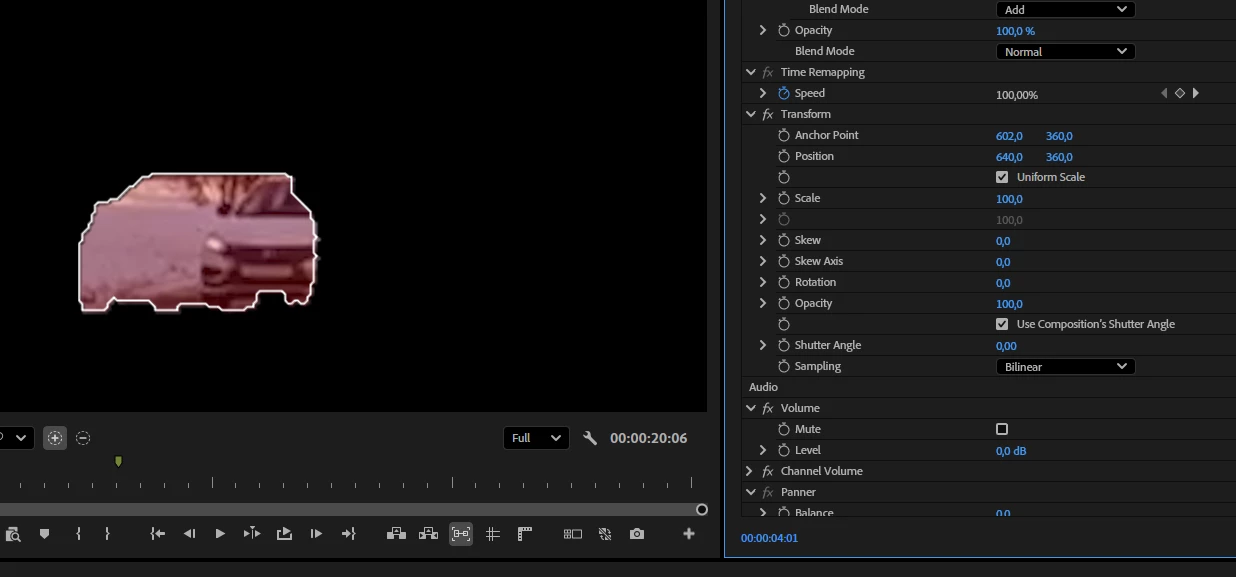
 

The same happens with any other transform effect. But at the same time transitions work alright, affecting both the clip and the mask.

  • Alpha glow does not affect the object that was object-masked (or masked at all) - nest is the only way to make it work. At the same time render and replace with an alpha channel does not help either even if you “include effects”. Since you cannot render a nest, this brings a lot of performance issues when you need to use a masked object with heavy effects:


2 replies

AndrewTheGreat
Known Participant
January 30, 2026

And another one - looks like no one tested it. The normal masks (rectangular, rounded and the pen) cannot be animated manually


Keyframes are not created when you move the mask puzzling a user why on Earth is there animatable Path property at all. And if you create a keyframe the mask still retains the position you change last.

AndrewTheGreat
Known Participant
January 31, 2026

I figured out what MY problem was with this particular case of the mask not being tracked manually, so let’s ignore this message and focus on the rest. The only thing I’d like to point out is that it’s not obvious one has to switch to Frame to make it work. So it would be better if Adobe made it switch to Frame automatically once you press the stopwatch icon.

AndrewTheGreat
Known Participant
January 29, 2026

Why can’t I edit the header? This new community design is killing me…

Just wanted to update this topic. I’ve encountered dozens of cases when the object mask refuses to delete the selected area with the “mask-minus” tool (or alt+dragging). I think the delete selection should always work, not just at times when it wants to.


Peru Bob
Community Expert
Community Expert
January 31, 2026


Why can’t I edit the header? 

There are many issues with the new forum that are hopefully being addressed.