
On Render, click Send to Media Encoder and bug layout preset
- Issue: On Render, click Send to Media Encoder and bug layout preset.
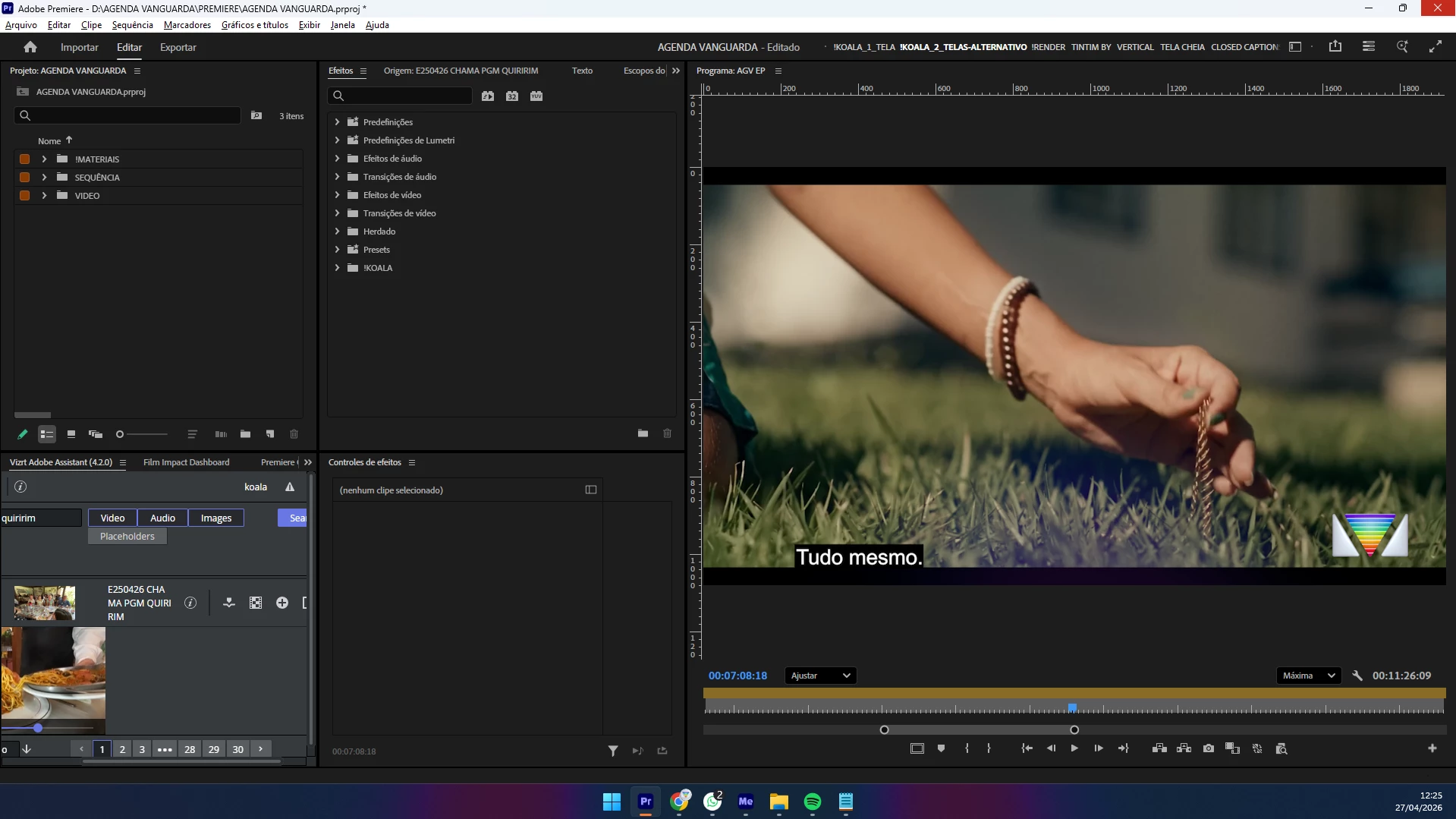
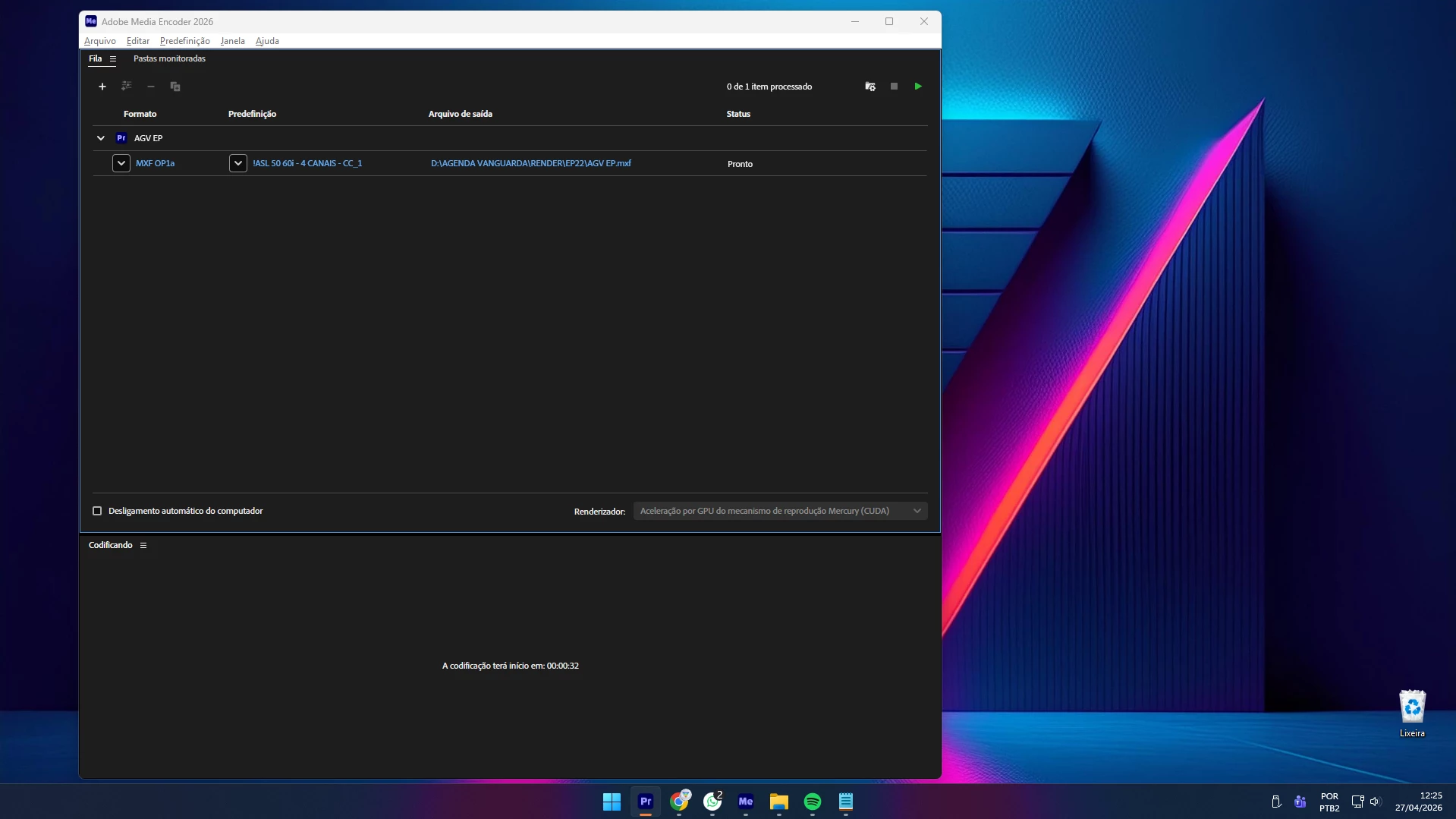
- Steps to Reproduce: I have an preset layout configured in 2 screen visualization, where i see project, effects and pgm on left screen and the sequence, lumetri and proprieties on right screen. I Export by Crtl+M the sequence that contain CC, videos and audios, clickin on Export to Media Encoder… Later this when I go back to the Premiere, I don’t have the right screen configuration, not anymore, but still on my preset layout selected. I need to click on another preset, and later go back again to preset to “reset” the configs again.
- Expected Result: Everything like the same way that was after render.
- Actual Result: bug preset and continue select, but without the right screen.
- Screen Recording:
- Premiere Version: 26.0.2
- Operating System: Win11.
- GPU Driver (Windows only): Intel(R) Xeon(R) w5-2455X (3.19 GHz).
NVIDIA RTX 4000 Ada Generation (20 GB). - Video Format: XDCAMHD 50 NTSC (422) Full HD (1920 x 1080) 29,97.


 AdChoices