Participant
August 8, 2024

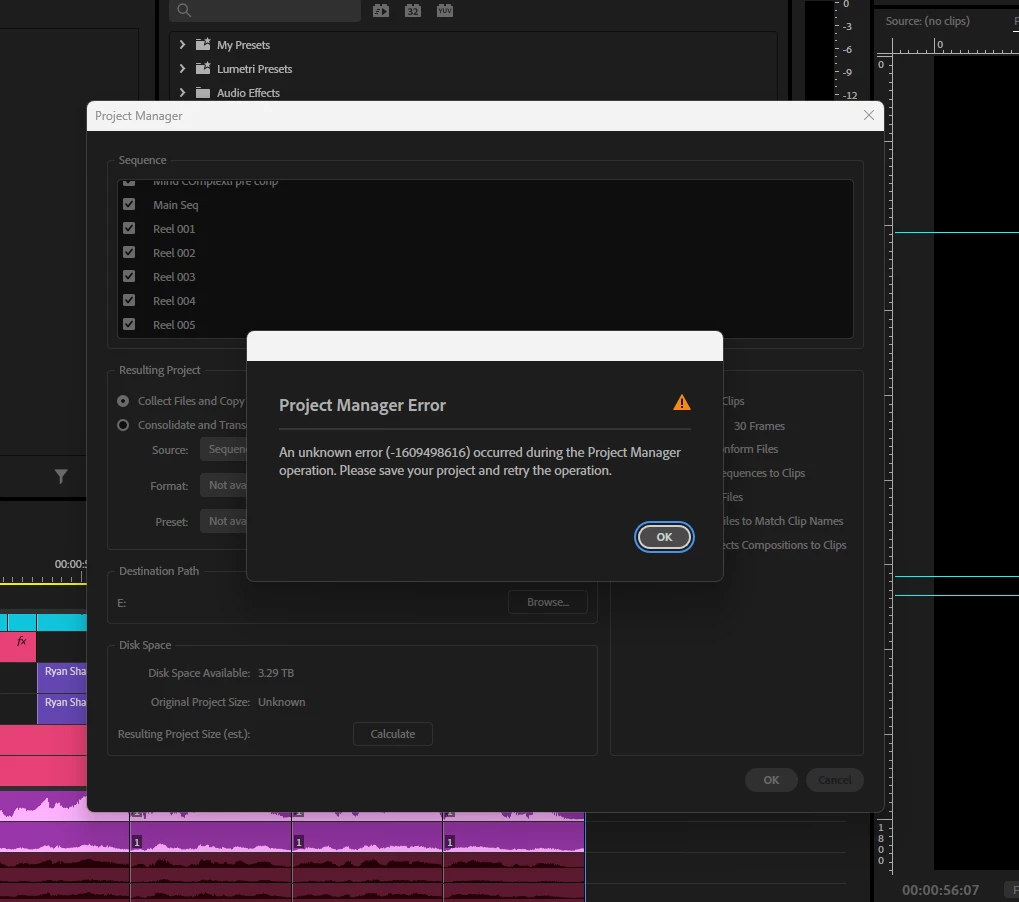
P: Project Manager Error 1609498616

  • August 8, 2024
  • 24 replies
  • 5749 views

I’m experiencing an error in Premiere Pro that I can’t seem to resolve, despite trying all the recommended solutions I found on Google and YouTube. I believe it might be related to the new Premiere Pro 2025 update.

The issue occurs when I try to create a project from the Project Manager to share with my team. I even tried rolling back to the 2024 version, but the same error persists. I also tested this project on a different device, but the error still comes up.


I've attached screenshots below from both versions.
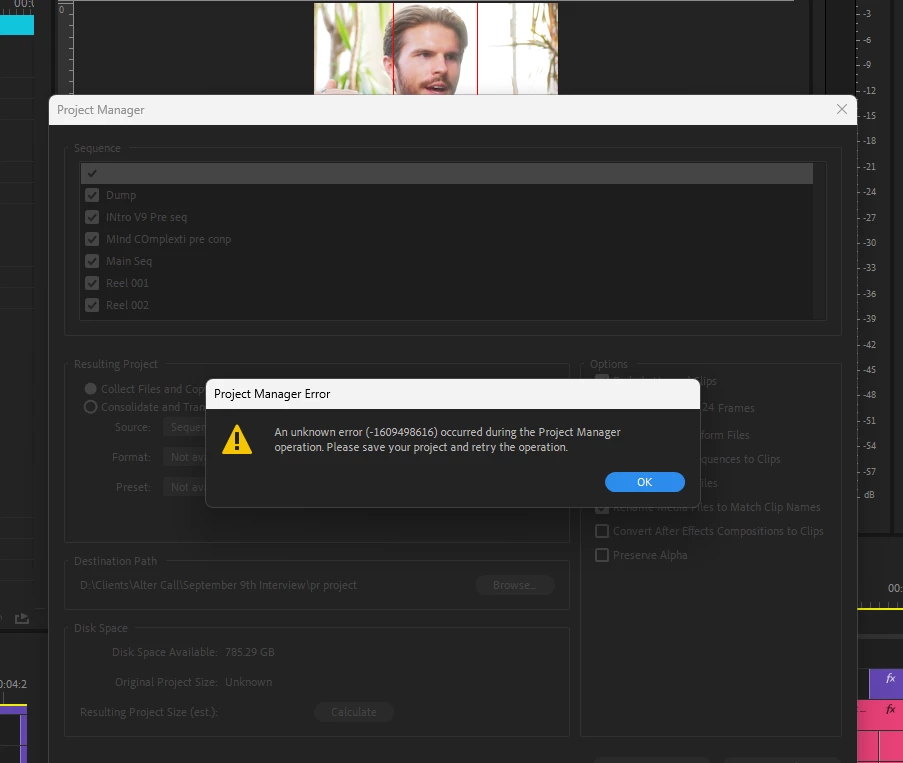


P.S. I’ve already tried clearing the media cache, but the error keeps appearing.

24 replies

Participant
November 2, 2025

Solution??????

Participating Frequently
November 2, 2025
Nothing solid 😞
Participant
August 20, 2025

@Adobe any news concerning this issue?!?

Participating Frequently
August 19, 2025

Nope. The mosta nnoying thing. In older Premiere Versions it copied the files anyway although you had errors. Now nothing is copied. 
I'm still on Premiere 25.1 due to this and the can't access audio error. Can't belive Adobe can't fix this. Or doesn't wanna fix it. 

Participating Frequently
August 8, 2025

Has anyone figured this out yet?

Joshuabg
Participant
June 27, 2025

Deleting the caption presets from the project fixed it for me. No idea why. But that worked for me.

Participant
May 24, 2025

Hello there,

it seems that i have a similar issue as all of you as well...


Participating Frequently
March 18, 2025

Hi,
maybe someone could help me?

I never had problems transcoding a sequence with the Project Manager. Now I tried to do it several times with Premiere 2025. During to copying/transcoding process I can see the new folder in the Windwos Explorer and the transcoded files. But as soon as the process is through. The folder with all the files disappear.

It's the same whenn I copy the files.

Participant
March 1, 2025

Hi, I just used this thirparty plugin - Download PlumePack Installer for Windows
"PlumePack"
It doesnt work like the project manager (Exporting file to different place)
what it does is, it will ask you to save a copy of premiere project i.e prproj file.
Then it will delete all the unused file from the project. They even show the Sequence tree too to verify it again.
Hope this helps you.
After cleaning, you can use Project Manager, it will work.

Participant
February 25, 2025

did anyone find the solution of this error 

if yes can anyone help me 

lucasc39839853
Participant
February 16, 2025

Estive com esse problema, segui todos passos e nada... até chegar nas legendas. acredito que elas seja o problema, eu excluí a pasta "predefinições de legendas" (algo do tipo) e funcionou!