


Participating Frequently
February 1, 2024

P: Unable to select text or add new text with Type Tool

  • February 1, 2024
  • 75 replies
  • 20753 views

Unable to select or edit the existing text using the Type Tool. The selection gets instantly reverted. This also happens while adding new texts. Restarting the app is the only workaround. Here's a screen recording of the issue:
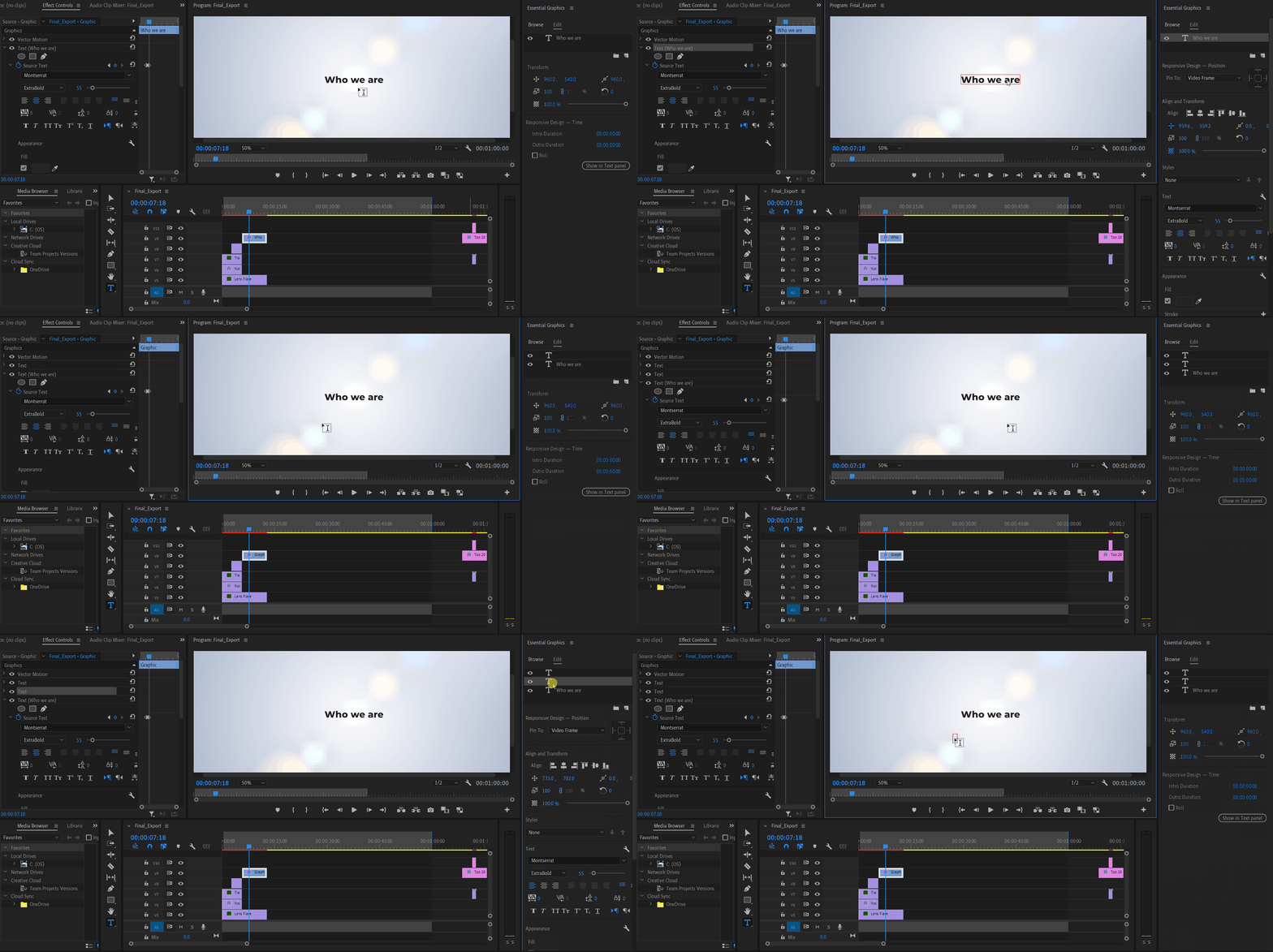


Premiere Pro Version: 24.2.1 (Build 2)

OS: Win 11 Home

Laptop: Asus Vivobook Pro 15

Processor: AMD Ryzen 5 5600H

Graphics Card: Nvidia RTX 3050

75 replies

clickerAuthor
Participating Frequently
March 11, 2024

@Kevin-Monahan 

Upon doing further testing with the Beta, found a way to easily reproduce the bug:

  1.  Add some text using the Type Tool.
  2.  Create a mask for the text (either ellipse mask or polygon mask).
  3.  Delete mask.
  4. Try selecting the text.


Here's a screen recording:


System info
    Application: Premiere Pro (Beta) v24.4.0.13
    OS: Windows v10.0.22631, RAM: 15.40 GB GB, CPUs (logical): 12

clickerAuthor
Participating Frequently
March 9, 2024

The issue is still there with beta.

Ann Bens
Community Expert
Community Expert
March 9, 2024

Known issue: revert to previous version or use the beta.

Known Participant
March 5, 2024

Hi is anyone here facing a problem with text whenever i try to type something it suddendly changes to the tool option, suppose in text if I am typing hobbies, If i press H in text panel it changes to the hand tool same for other words never had this problem before. Also Priemere needs to improve these bugs and the crashes.

Participant
March 5, 2024

Yes, just discovered this same problem on 04 MARCH @9pm PST. Typing text and it forces shortcuts to be activated. Cannot work on files, all text is affected. This needs to be resolved NOW! Adobe are you listening????

Inspiring
March 1, 2024

Hi I know the latest version of premiere pro boasted 5x faster timeline and mask handling but when I create a mask say two points and I drag the second point while holding down the mouse button to create a curve the curve lags as I move the mouse around. Like it’s not smooth. I exaggerated the dragging to see how bad the lag is and it’s pretty bad. I opened up the latest version of premiere 23 and it’s so smooth. I can hold and drag all over and the curve is updating in realtime with no lag . Is there a setting or something I’m missing like I thought version 24 was suppose to be even better. I don't have version 24.2.1 because there was a bug with the free draw bezier where I couldn't even hold and drag the point I was creating to create the curve I had to first make the point then click on the blue square and drag from there then make second point to continue . 

Kevin J. Monahan Jr.
Community Manager
Community Manager
March 2, 2024

Hi there, @Thakur31724625loe3,

I read about your issue with masks, It sounds like version 24 has problems along those lines. You may want to stick with version 23 until the team can fix a few of these issues. i will advocate for the return to better mask behavior. I am sorry for the frustration.


Thanks,
Kevin

Kevin Monahan - Sr. Community and Engagement Strategist – Adobe Pro Video and Audio
Matt Young14394008
Legend
March 18, 2024

Any further update on this?  I'm not able to get bezier handles at all when drawing a mask.  I click and drag like I used to in order to create a point with bezier handles, but it now just creates a regular non-bezier handle.