

Pr 26.2.2 BUG - can't change marker length if in and out points set
Say there’s a marker on the timeline where a portion of it is limited by the in and out points like this:
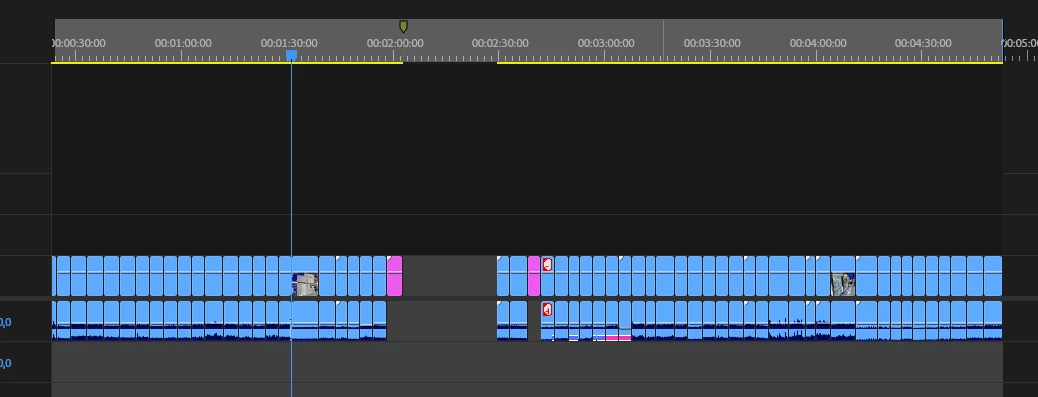
If you try to change the marker length by alt+dragging it like you would normally do, Premiere won’t let you, it will move the In and out point to where you move the marker, like this:
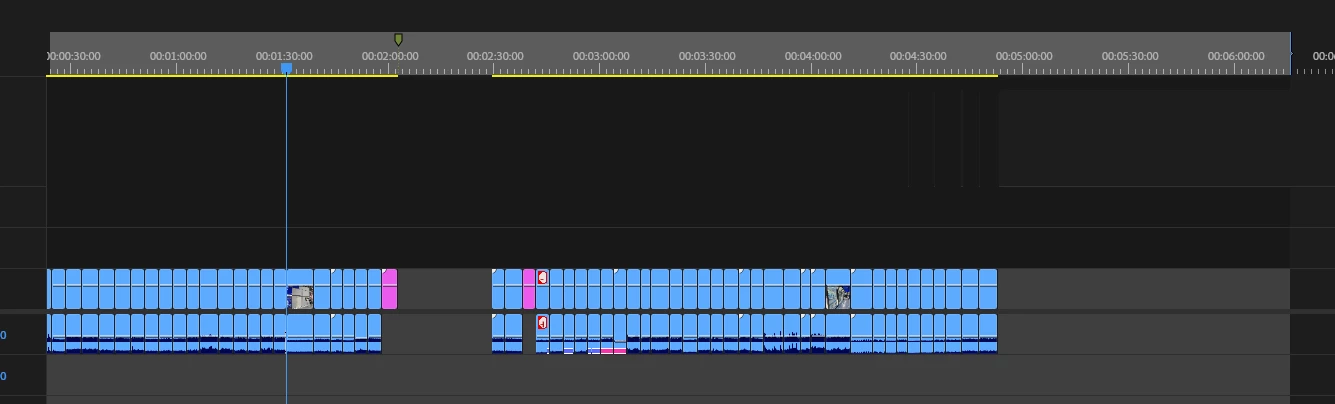
So unless you clear the in and out points you won’t be able to change the length of the marker with alt.
It’s a small bug and I suppose it’s easy to fix. I suppose alt”dragging is a default command for moving the in and out zone so it should just be changed to like ctrl+drag because this command is not used


 AdChoices