

Pr 26.2.2 keyframe handles bug
Pr 26.2.2, Win 11 26h1, 14700K, 4080, a couple of colleagues have confirmed the issue.
- Start a new project, make a sequence, place some video on the timeline
- Create 2 keyframes for the position property, smooth them out and in
- Try to move the left keyframe handle to the edge to make them smoother.
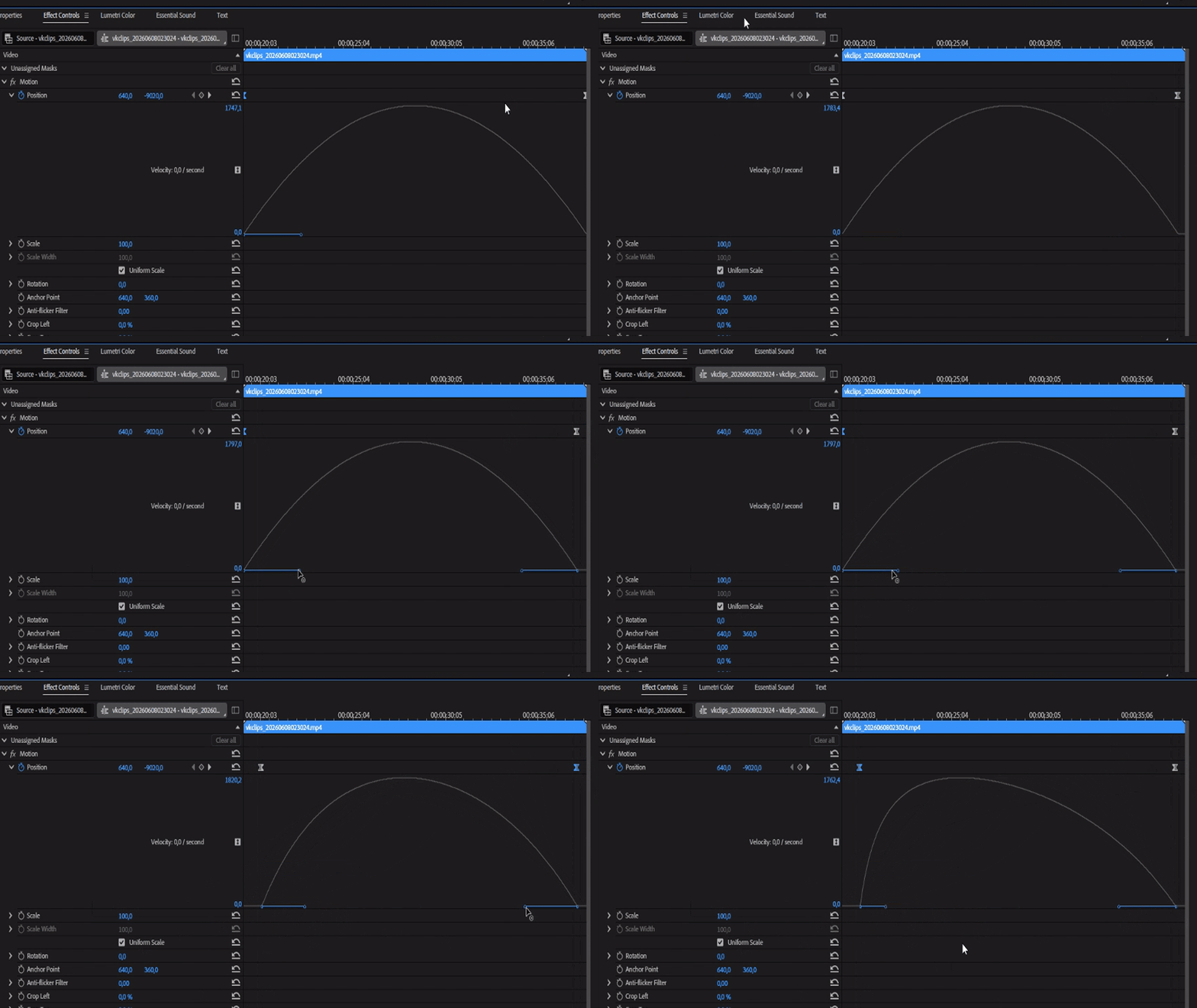
The handle won’t go to the left or will but partly. Even if you move the keyframe further away from the edge.
Plus the right keyframe handle disappears when the keyframe reaches the edge of the window. No matter if it’s pinned to clip or not.


 AdChoices