

Pr 26.2.2 timeremapped nest bug
Pr 26.2.2, 10 images put into a nest, inside the nest all the images are duplicated multiple times. The task is to make a gradually speeding-up sequence of images.
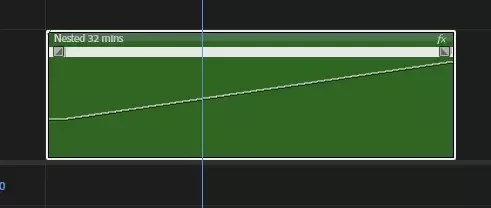
So I switched on the time-remapping graph and made this curve and it turns out in this scenario Premiere shows only half of the images:
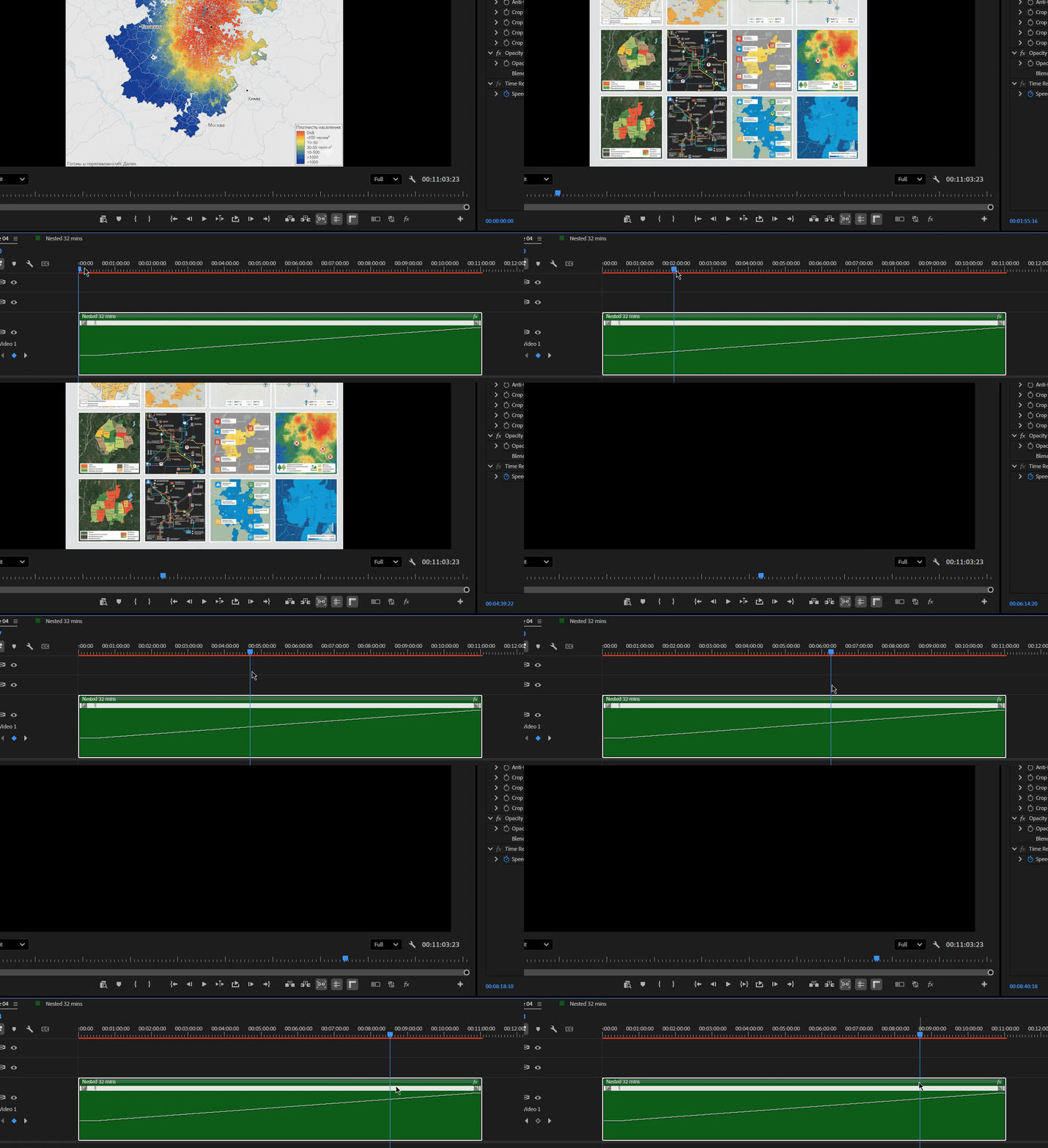
Your normal reaction would be - ok, it sped up so much (it’s only a 500% speed curve) that the images just ended before the sequence ended, right? Well, first of all, when you pull up this speed up curve the sequence gets shorter accordingly. Second - I went inside the nest and tripled the amount of pictures there afterwards (the purple ones are the original quantity):
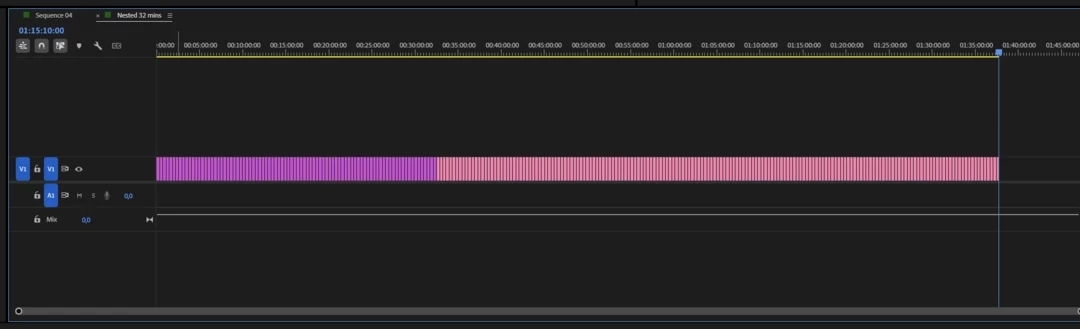
… and guess what, nothing changed - the images just go black at this timestamp:
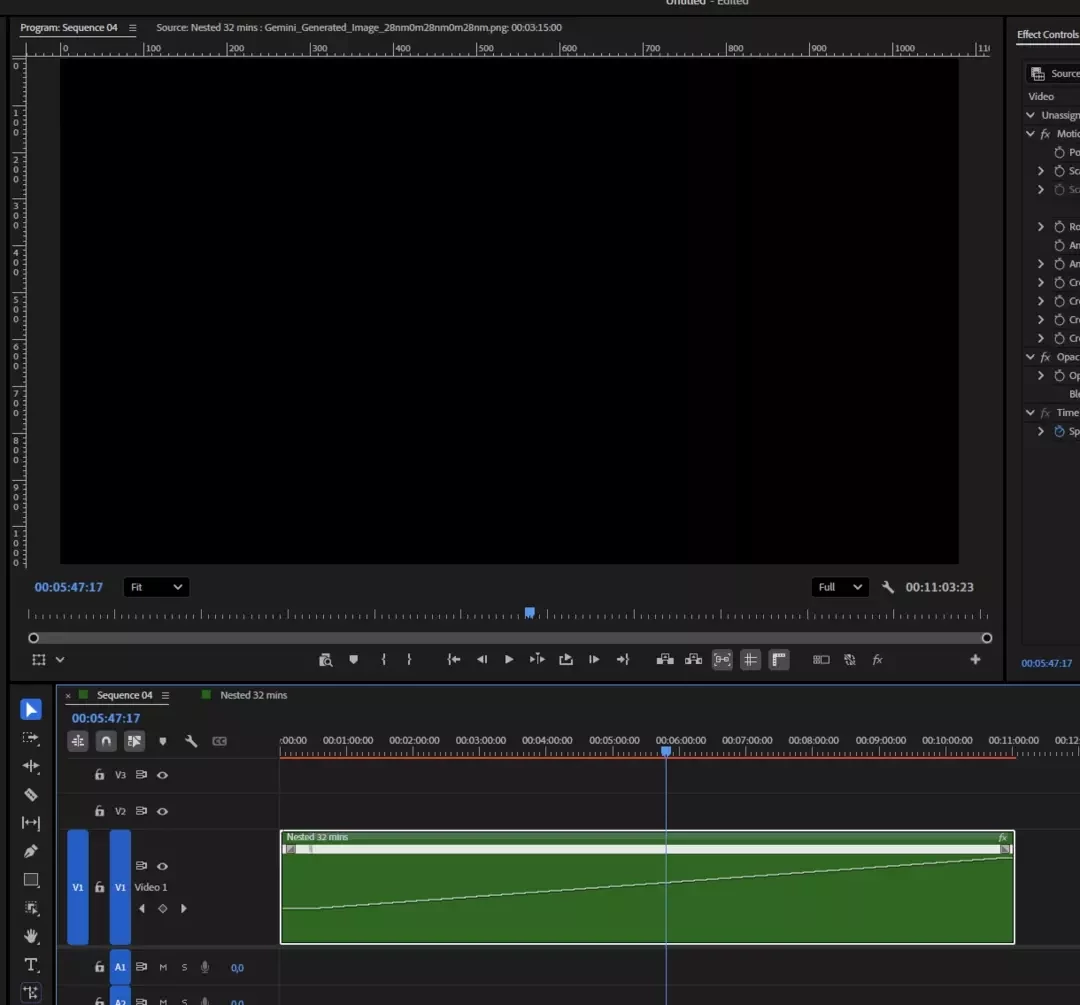
Steps to reproduce:
- Create a sequence, put the needed amount of images in it
- Select all the images and nest them
- Open the Time-remapping curve, place the keyframe somewhere at the beginning of the nest and drag the curve up to make it speed up. See the result.
Pr 26.2.2, 14700K, 4080, Win11 26h1, all drivers up to date. 1080p sequence in a newly created project.


 AdChoices