

Pr 26 bug - won't pass the initialization process on start
I wasn’t gonna post this because I thought it was my system specific issue, but here’s another guy with the same problem and the same symptoms: https://www.reddit.com/r/premiere/comments/1si1vsv/premiere_pro_2026_hangs_on_initialization_when/
The issue: at a certain moment Premiere freezes entirely or just the program monitor - it’s won’t play back at all. You normally restart Premiere to go on working but this is when the problem happens - Premiere won’t pass the welcoming screen having stuck on the initialization process:
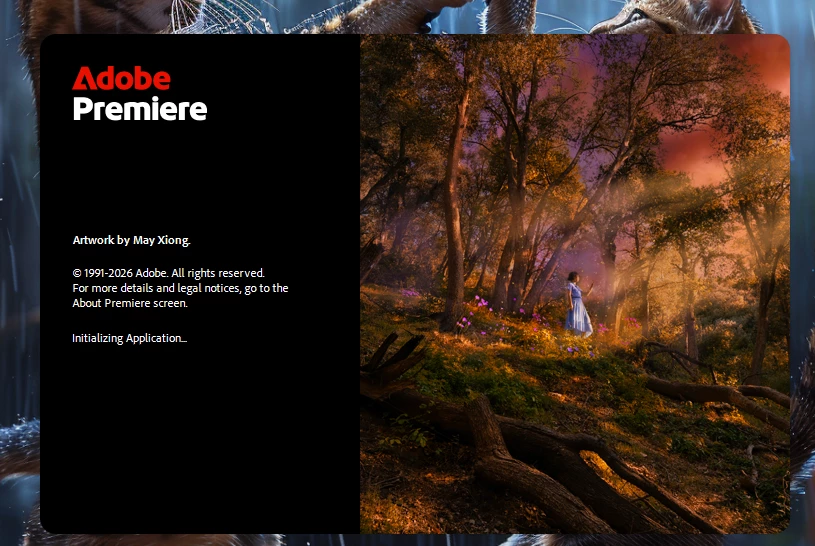
So you close it, launch it again and it won’t let you pass this window. The process also becomes strange, hanging there like this:
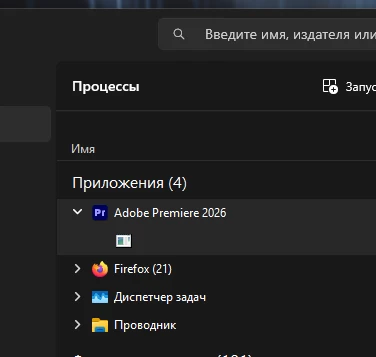
Steps to fix it I tried and none helped:
- reset the preferences
- cleaned the cache
- I closed all Adobe processes in the process manager in Win11
- reinstalled the whole suite of Adobe Apps having sweeped everything with CC cleaner too
- Uninstalled every third-party plugin for AE and PR one by one and tried to launch Pr after.
THE ONLY solution - when it happens (and it happens) is restarting your PC. Later it may happen again.
Possible connection - to BorisFX ML (AI) plugins that load your videocard, CPU and then something breaks.
How exactly it happened (several times):
I use BCC plugins in Premiere, and in that particular project I used mostly the AI ones (Jumpcut fixer, Depth wipe) that use neural engines which are obviously loaded into the videocard's memory. I have 16 Gb in RTX4080 so the memory is half empty and when you apply this plugin Premiere starts freezing, the timeline is unplayable until you wait it to end lagging (and still there will be freezes unless you pre-render) and the CPU starts roaring like crazy and the videocard as well. If your project is complex and you don't wait for it to calm down, I guess, something breaks between Premiere and your videocard\CPU, the driver maybe, so the program monitor freezes but the entire Premiere UI is still responsive - you just cannot play back. You, logically, restart Premiere and see this initialization window. End of story.
The guy on Reddit I mentioned above had all the same symptoms but it’s yet to be confirmed if he had also used BCC plugins.
Important - NOTHING had changed since the day after yesterday in my system, and still yesterday it started to happen.
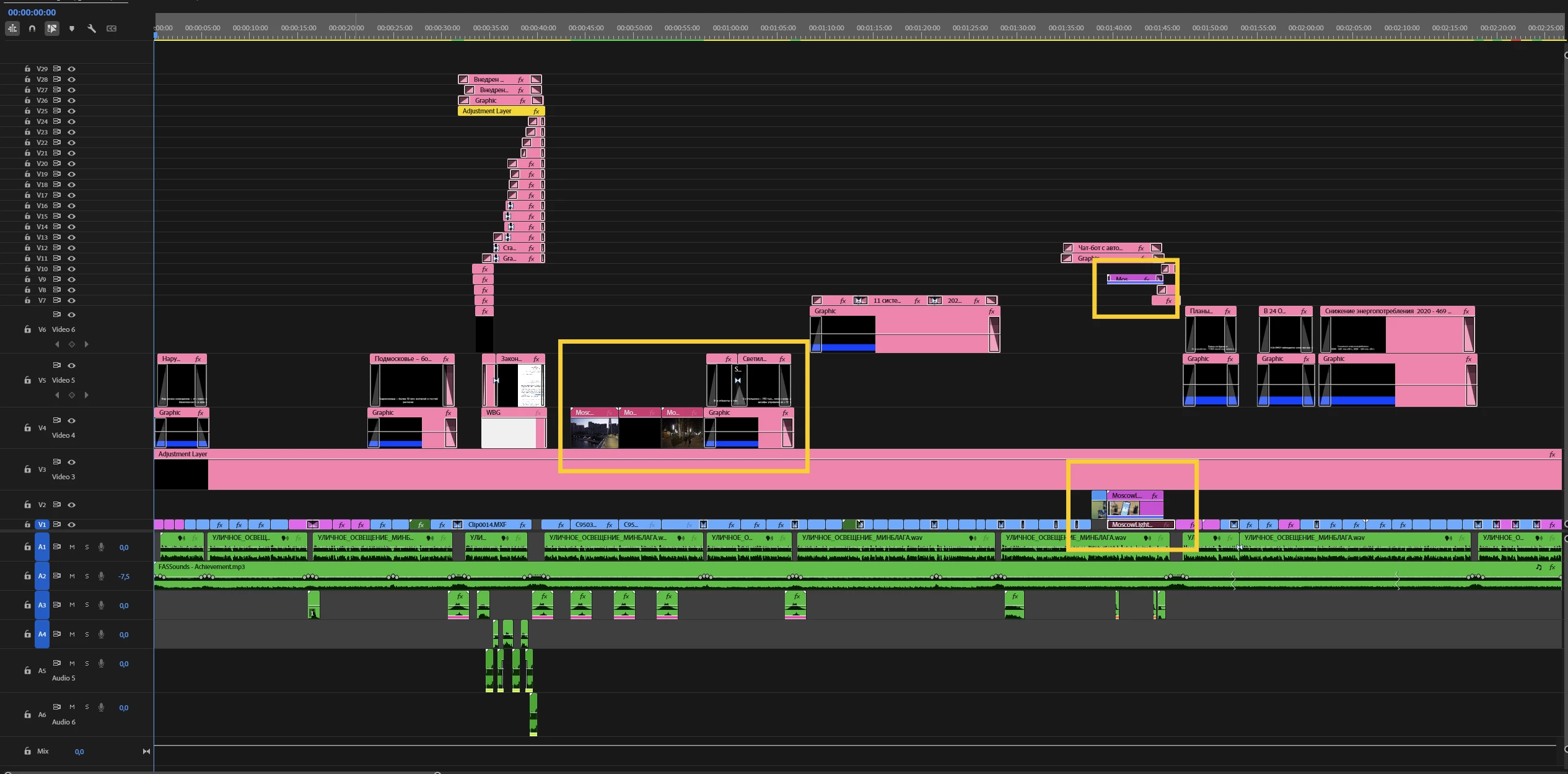
I should also mention another very important detail: After Effects won’t start - it won’t even react to double-clicking its icon when this initialization bug happens in Premiere. Photoshop starts alright, Me too, AS - no. And I have seven AE comps in that Premiere project (via dynamic link):
Once again - when it happens THE ONLY solution is to restart your PC, nothing else helps.
At least two people are affected by this issue.


 AdChoices