Participant
July 26, 2024

Premier Pro playback glitch and Proxy clips not working

  • July 26, 2024
  • 4 replies
  • 451 views
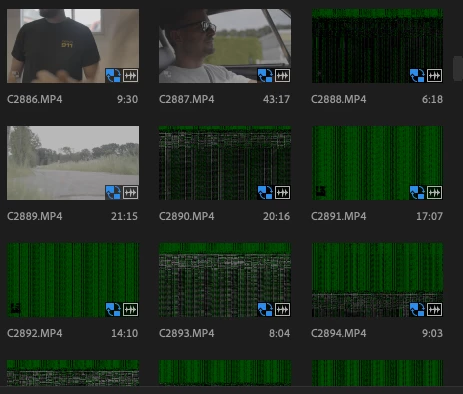
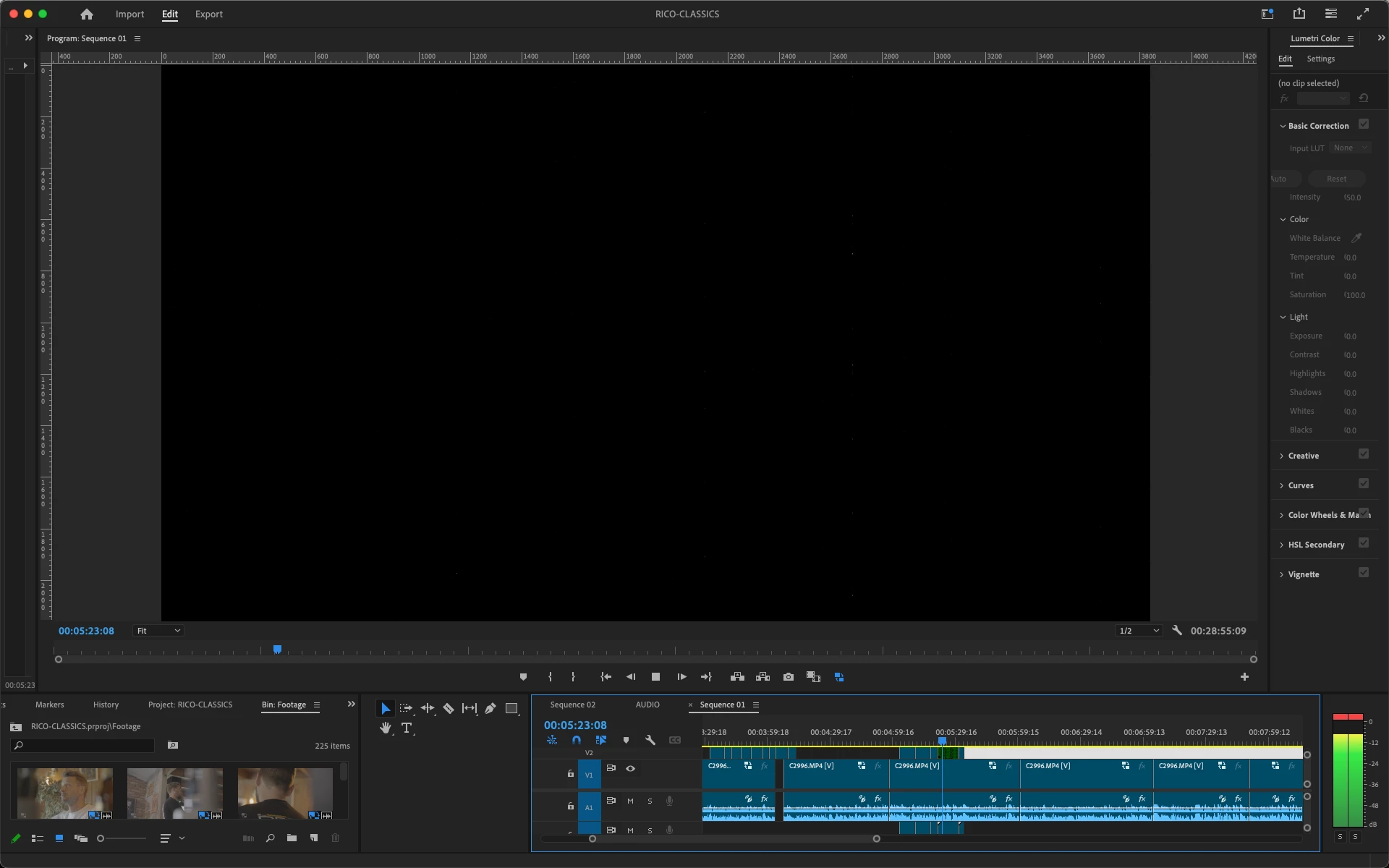
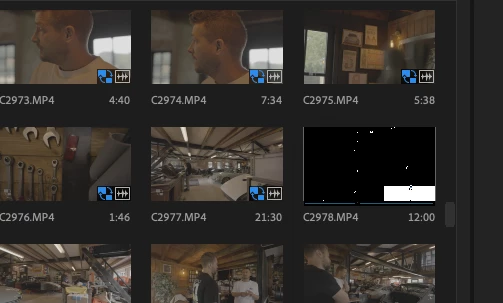
When editing, the screen turns black and glitchy. Additionally, when creating proxies, they sometimes display as a green glitch. This makes editing impossible! Has anyone experienced a similar issue? Any solutions would be greatly appreciated.
 

This topic has been closed for replies.

4 replies

Participant
August 1, 2024

Hi,


Does it with all formats sadly. I have tried disabling hardware accelerated decoding and yes drivers are all up to date.

Participant
July 26, 2024

Hi, Premier Pro version is 24.5 and mac specs are AMD Radeon Pro 5500M 8 GB, Intel UHD Graphics 630 1536 MB, Memory 32 GB 2667 MHz DDR4 and the processor is 2.4 GHz 8-Core Intel Core i9. It happens with all files.

Community Manager
July 29, 2024

Hi tomharperward,


Thanks for the details. For testing purposes, could you please try disabling hardware accelerated decoding (Edit > Preferences > Media) to check if it's working properly? Also, are your GPU drivers up to date?


-Sumeet

Community Manager
July 26, 2024

Status updated to Needs more info.

Community Manager
July 26, 2024

Hi tomharperward,


We're sorry about the poor experience. Let us know the version of Premiere Pro that you are using & the system specs (OS, CPU, GPU & RAM). Is this happening specifically with mp4 media or with other formats as well?


Thanks,

Sumeet