

Premiere 2026 export not respecting multiple layers of time interpolation like 2025 did
EDIT: I was mistaken. This is actually just an issue with the preview on the export screen. The actual export looks like it’s working correctly, both in Premiere and Media Encoder.
I had a peculiar workflow I designed for converting 60fps footage to 24fps with simulated 180 degree shutter motion blur. It went as such:
- Import the 60fps footage into a 960 fps timeline. Apply optical flow.
- Import the 960fps timeline into a 48fps timeline. Apply frame blending. This creates 20 samples of motion blur by combining 20 frames of optical flow.
- Import the 48fps footage into a 24fps timeline, using frame sample to drop every other frame
The result is a 1/48th second shutter simulated by multiple samples of optical flow being blended together. It worked very well in Premiere 2025. In 2026, the preview window displays these multiple layers just fine, but as soon as I export, it ignores them, seeming to try to optimize things by applying frame sample directly to the original clip, instead of going through the multiple layers of sequences I created, completely destroying my effect.
Unfortunately, I just went through a massive process of making cuts around every camera change to switch to frame sampling because optical flow causes artifacts around camera cuts.
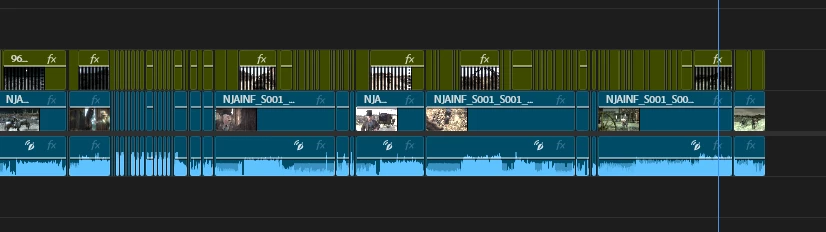
I did this in a 2026 project, so now I’m screwed. This is hours of work I now can’t export because Premiere’s export doesn’t match the preview window, and I can’t use this project in 2025.
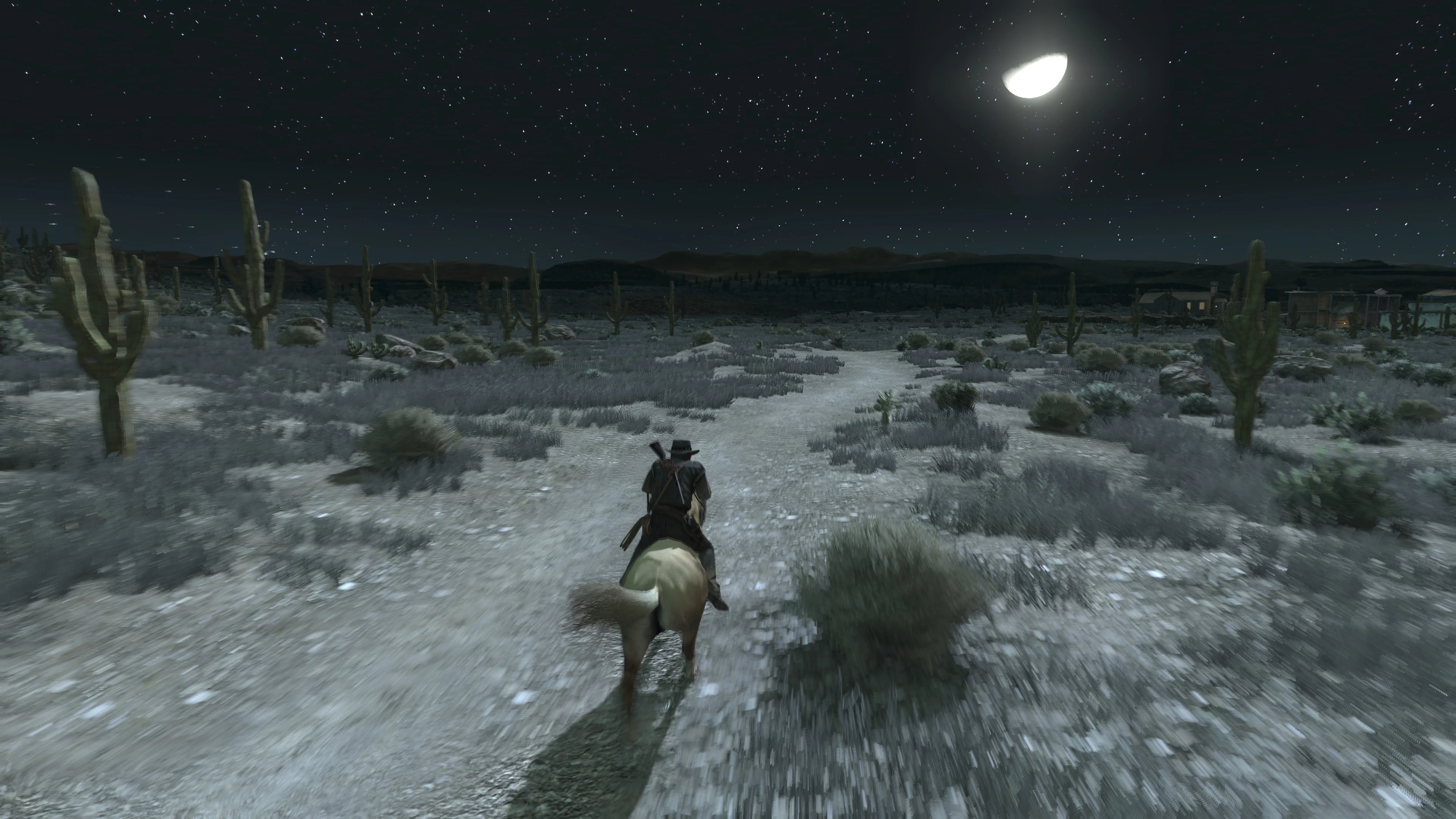
Here’s what one frame looks like in the Premiere preview window: Notice the motion blur.
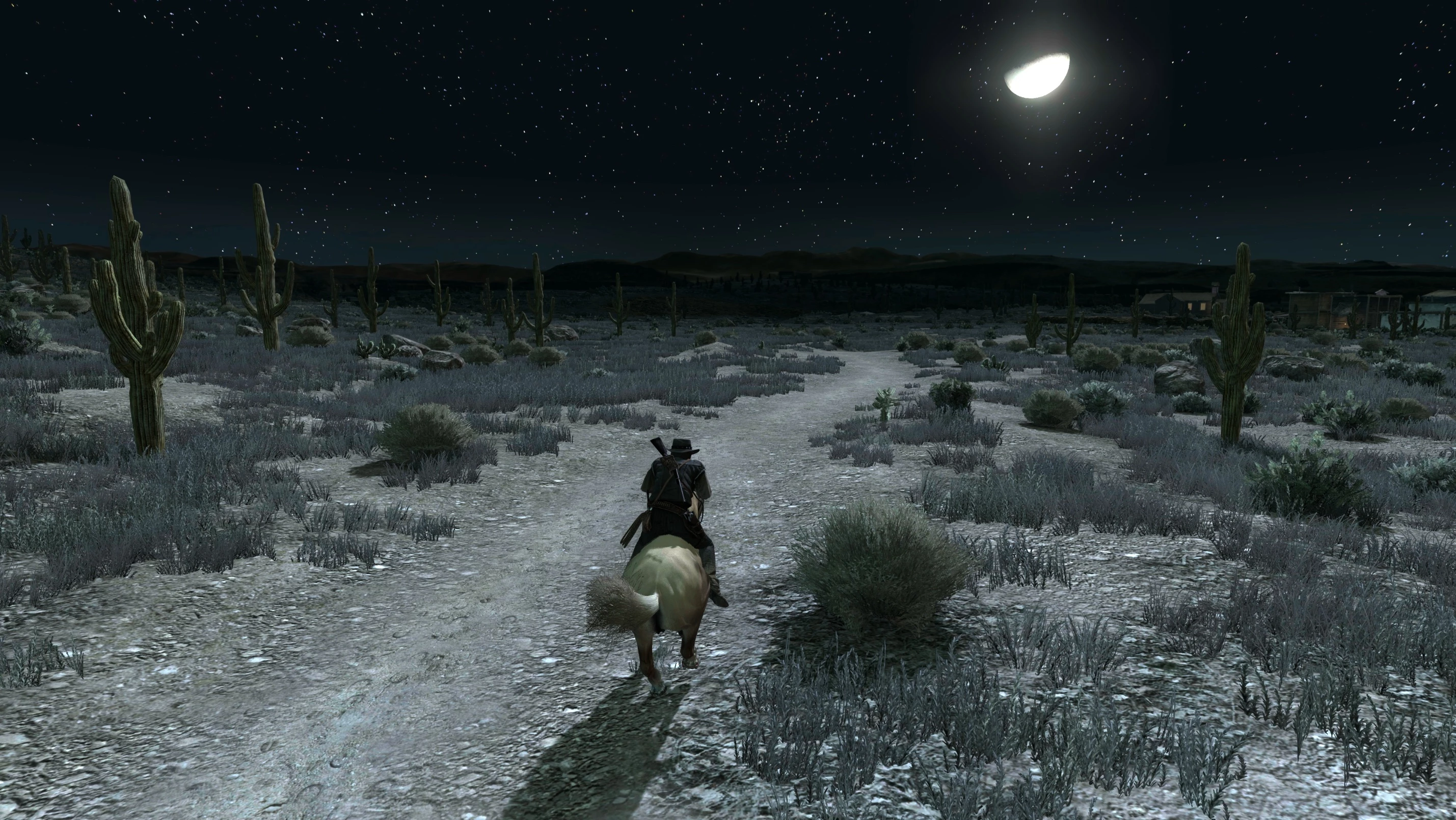
Here’s what the same frame looks like on export
 AdChoices