

Premiere 26.3.2 has many bugs. Timeline freezes, media stays 'pending' on selected clips, text graphics disappear entirely, audio plays while timeline is frozen
Immediately after updating to Premiere Pro v26.3.2, a large project now exhibits intermittent playback freezing and "Media Pending" states on specific clips during timeline playback. I reproduced the same issue in a test project, ruling out file corruption, cache, disk space, and missing assets as causes. Here are the issues:
- During timeline playback, playback freezes partway through the sequence. Audio continues playing while video freezes and the playhead stops advancing.
- Scrubbing through the timeline after a freeze shows no video image.
- Affected clips intermittently display a "Media Pending" placeholder instead of video. The "Media Pending" state is not consistent per clip. Two separate clips from the same source media display differently. One works fine, the other says "Media Pending".
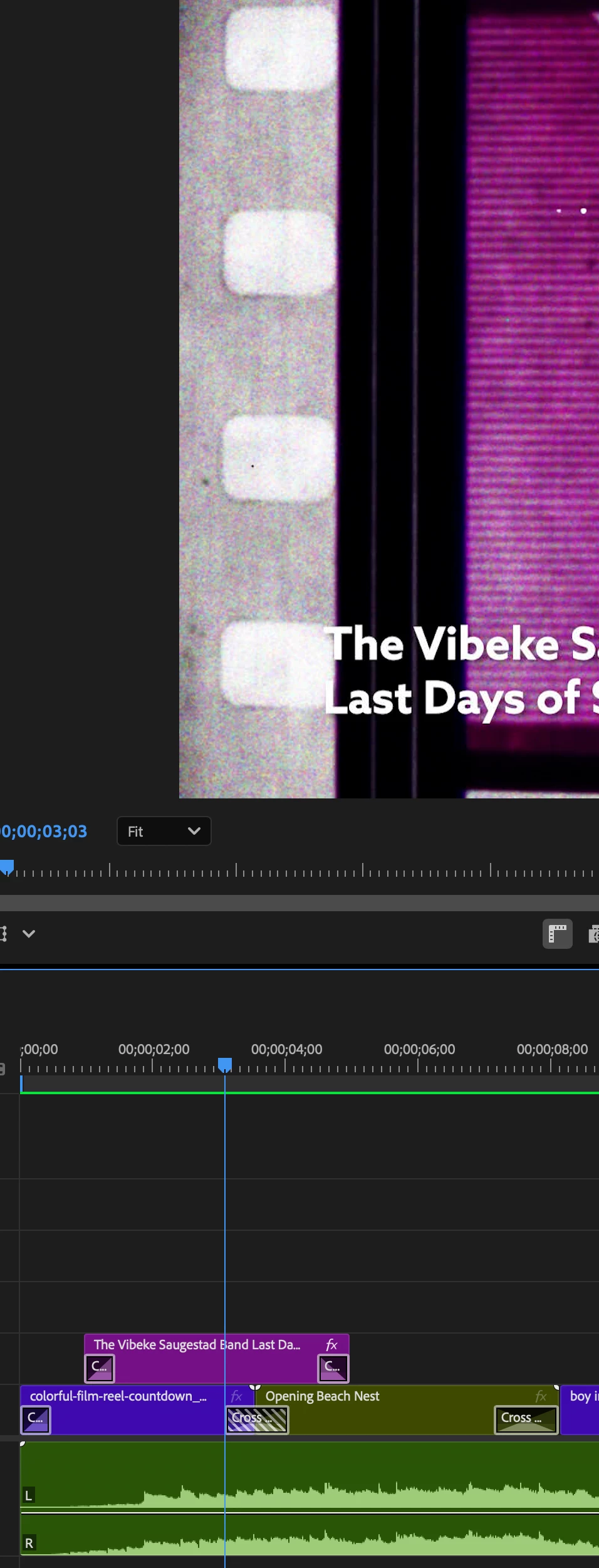
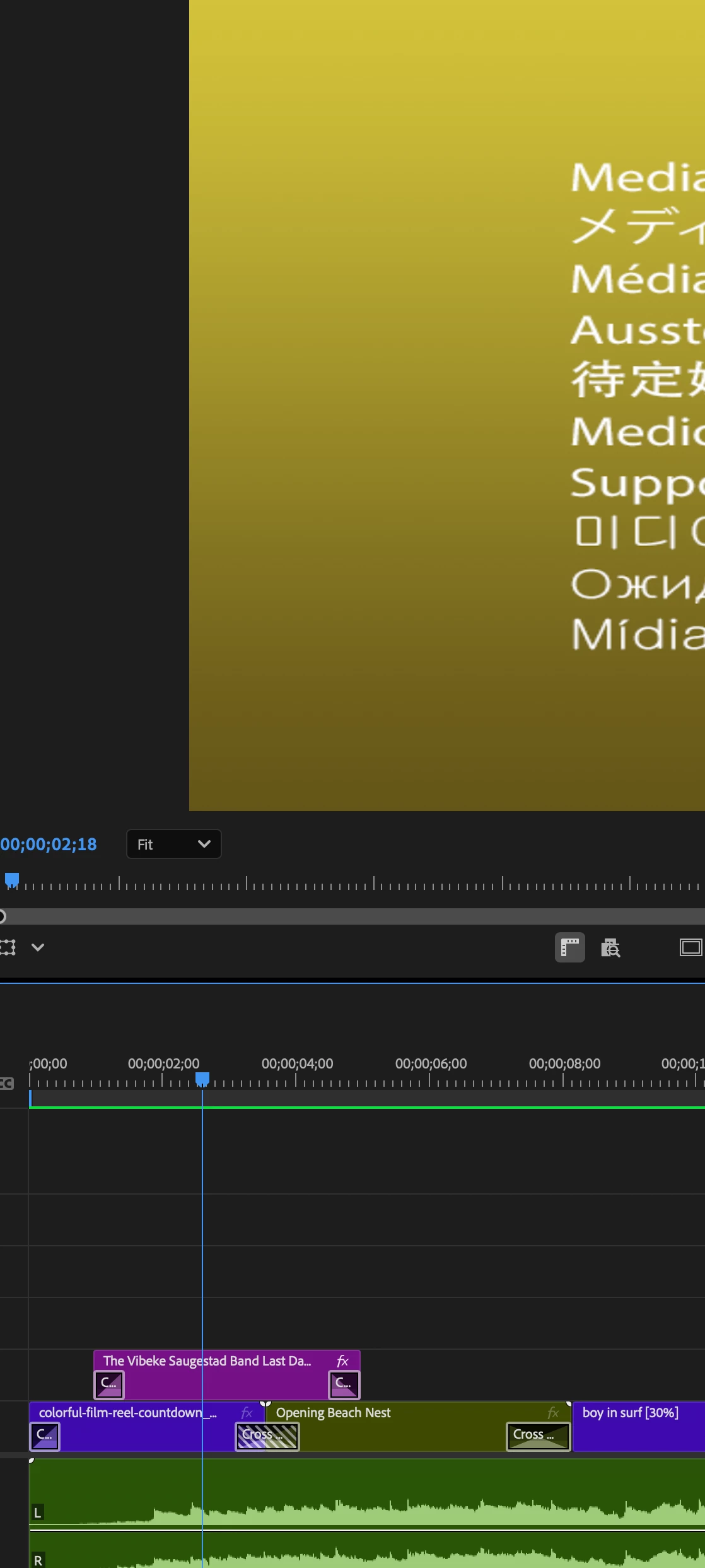
- Text layers and video clips that displayed correctly at one playhead position disappeared (reverting to Media Pending) when the playhead was moved back by a single frame. See attached screenshots.
I did the following in an attempt to troubleshoot:
- Cleared cache
- Shut down and fully restarted entire system, restarted Premiere
- Played source files outside of Premiere to check for corruption. All played fine.
- Confirmed plenty of space on external and internal drives
- Checked system resource usage for spike during a freeze event. It didn't.


 AdChoices