
AndrewTheGreat
Known Participant
Nov 11, 2026 11:35 AM UTC
Released

Premiere 26.5.2 scaling broken on export

A bug I came across today puzzled me since I thought such bugs don’t exist anymore.

Here’s my timeline with 6 images on it and Shrink effect at 2%:
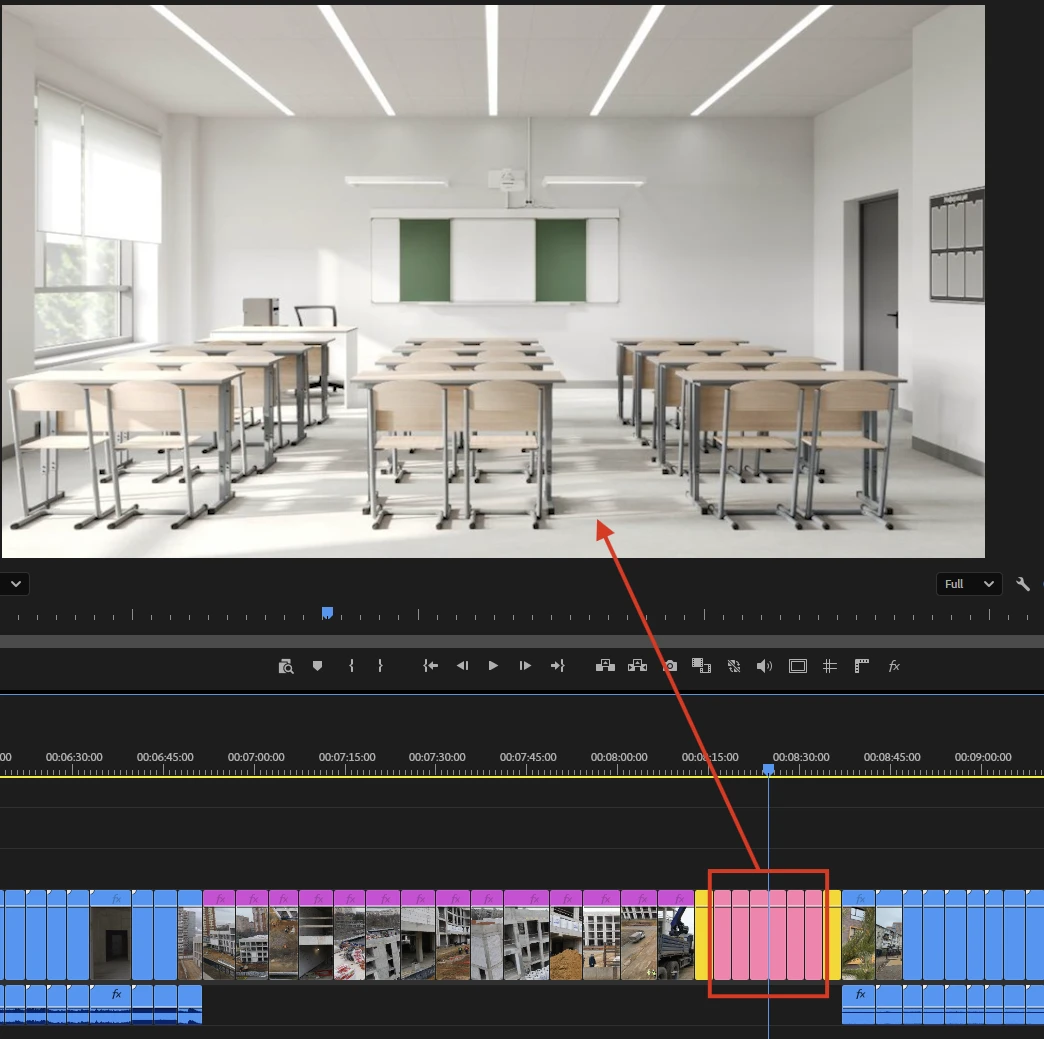
 

As you can see the image is previewed alright.

Now I export it and it becomes like this:
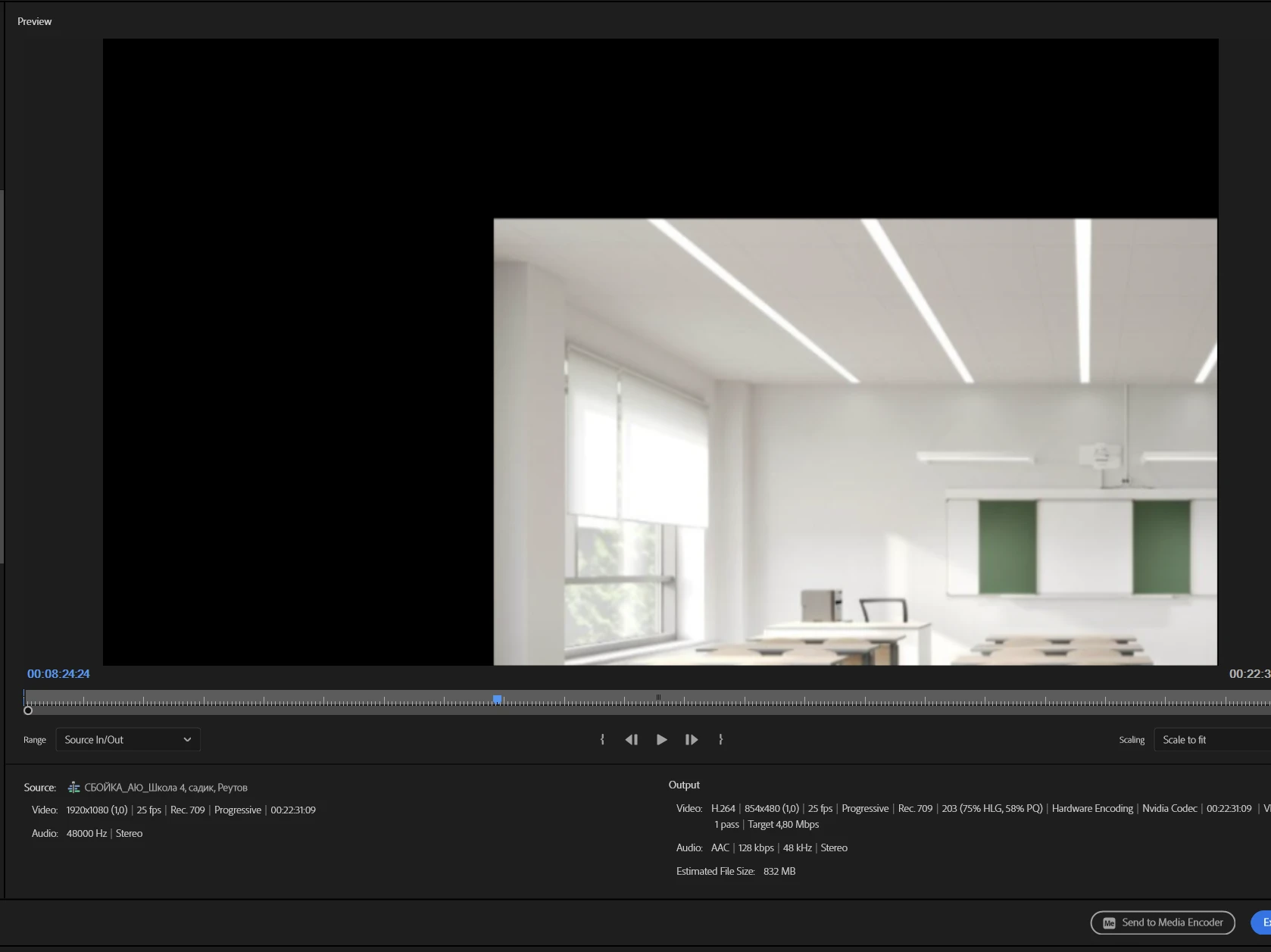
It took me some time to figure out why this happened. The problem manifests itself every time you change the export resolution either manually or with he available reso presets:
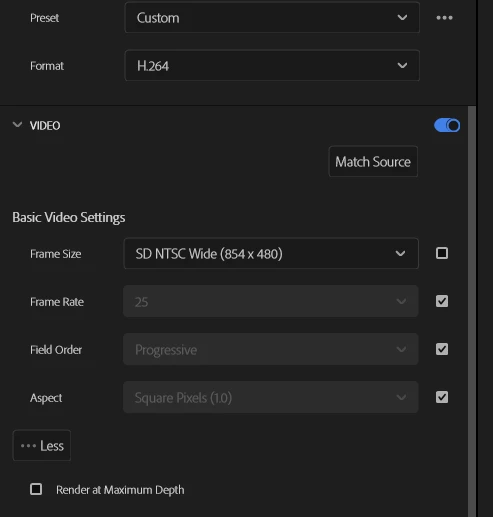
Anything else does not matter. Any project settings, any media, just anything.

    5 replies

    Amy the Stuv
    Community Manager
    Community Manager
    Nov 11, 2026 3:35 PM UTC

    Hi ​@AndrewTheGreat 

    Welcome back to the Premiere Forums. Are you still on a Windows 11 PC? Would you mind updating the below information?

    • GPU and Driver (Windows only): Please let us know your video card and driver version. We recommend updating to the most recent version; for NVIDIA users, we strongly recommend the Studio version of the driver.

    I was able to replicate this issue only when the Motion Effects of the Source Clip were Scaled to over 100% in addition to the Shrink Effect. Fit to Frame may the culprit here. If you reset the Motion effects and use the Transform effect for the desired scaling, I didn’t see this issue reproduce, but let me know if it doesn’t work for you. 


    Thank you for bringing this to our attention!

    Amy

    Translate
    AndrewTheGreat
    Known Participant
    Nov 11, 2026 4:45 PM UTC

    Hi, Amy

    Win11 26h2, Nvidia Studio 621.14, RTX 4080

    My colleague could reproduce it on 5080 with the previous NV driver and on Win 26h1

    Translate
    Stop trying to edit and EDIT!