
daniels33345895
Participating Frequently
December 13, 2025

Premiere Graphics Templates SEARCH DOESN'T WORK EVER
  • December 13, 2025
  • 3 replies
  • 285 views

Screenshot 2025-12-13 at 11.16.18 PM MORGT ADOBE SEARCH .png

Screenshot 2025-12-13 at 11.15.10 PM MORGT ADOBE SEARCH .png

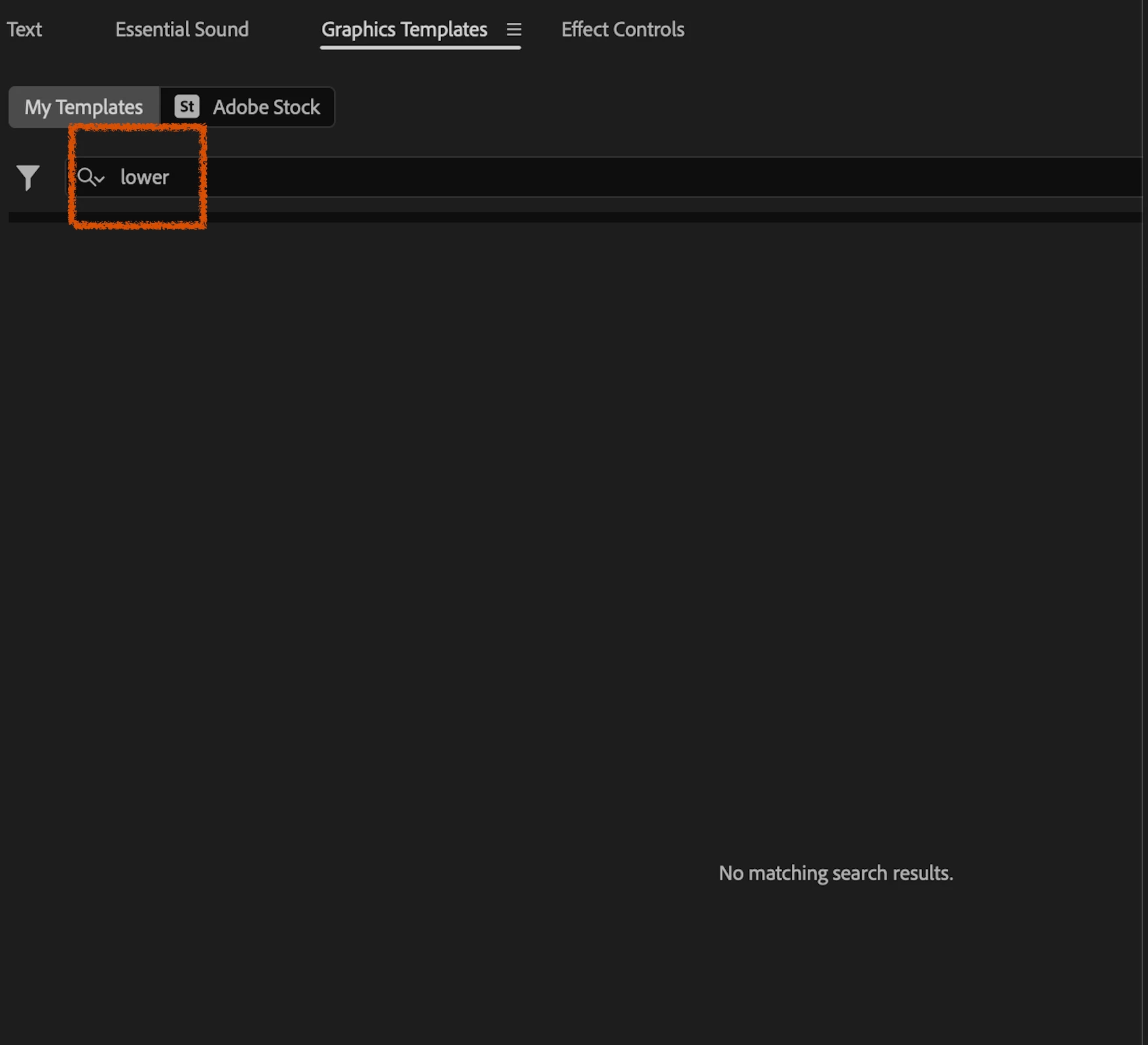
I’m experiencing a persistent issue in Premiere Pro where the  Graphics Templates → Browse search returns “No matching search results”, even when the search term clearly exists in the filenames of visible MOGRTs.


Concrete example (with screenshots available):


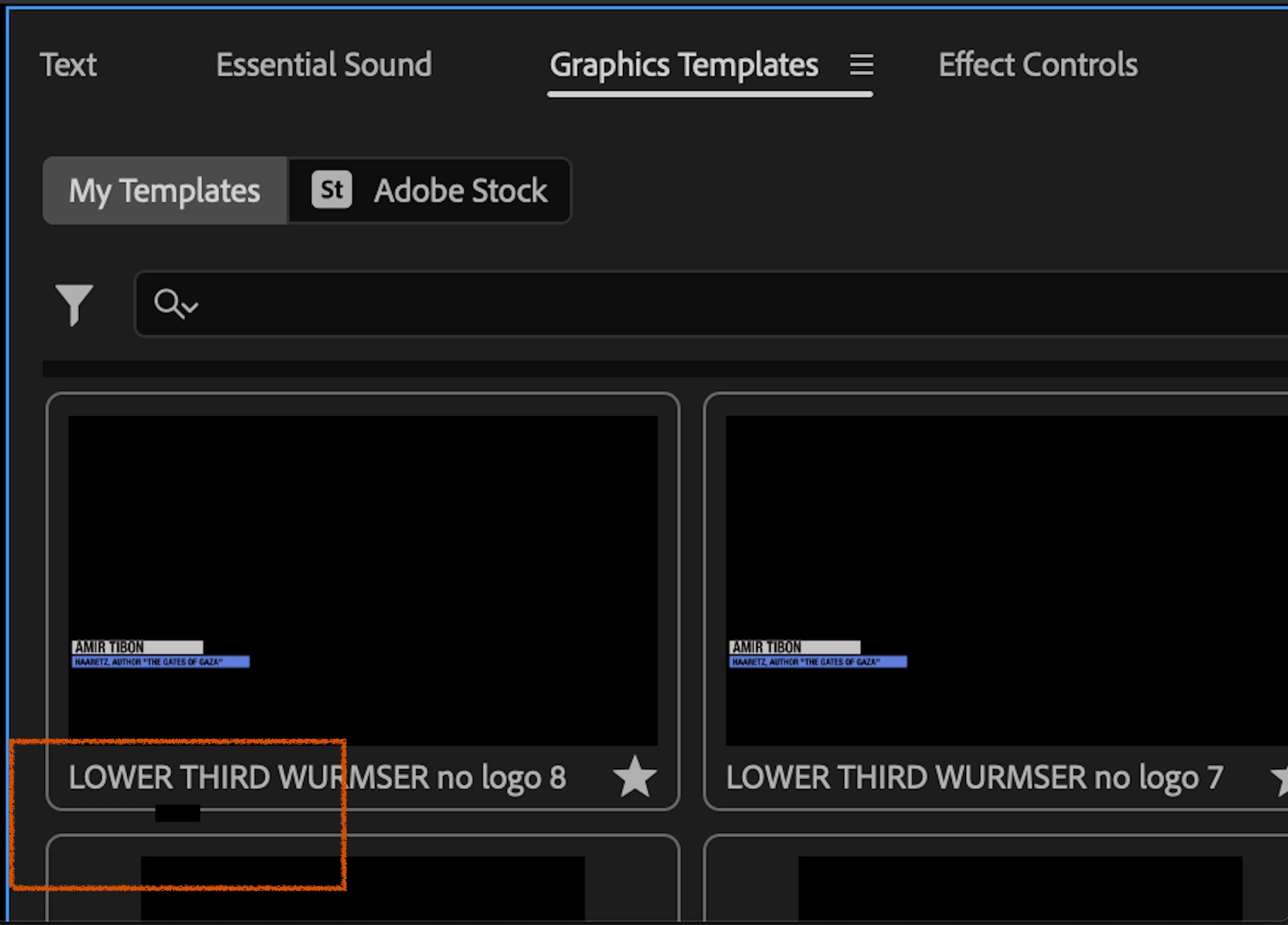
  • I have multiple MOGRTs installed with “LOWER” or “Lower Third” in the filename.


  • When I type LOWER into the Graphics Templates search bar, Premiere returns “No matching search results.”

  • This happens regardless of which location filters are enabled (Local, Libraries, etc.).

Important context:


  • This is not a recent regression.

  • The (Essential) Graphics Templates search has never worked for me, across 5+ years of use and multiple Premiere Pro versions.

  • Templates appear and function normally when browsing folders; only search is affected.

I've included a screenshot of the local MORGT folder with the file path (in case thats the issue)


-USE MAC STUDIO apple silicon but this issue has always been there for me on previous imac pros for years. please help.


CAVEAT: I DO GET SEARCH RESULTS WHEN I SEARCH STUFF IN ADOBE STOCK "FREE" SEARCH AREA IN THE GRAPHICS Templates  PANEL. BUT NO SEARCH RESULTS ON THE "MY TEMPLATES" SIDE. I WILL INCLUDE SCREENSHOT SHOWING THIS.


[Title and text edited by mod: Ess. Graphics is now Properties Panel and Graphics Templates.]

3 replies

Theresa Rostek
Community Manager
Community Manager
December 16, 2025

@daniels33345895 

If you navigate to the following folder

Documents > Adobe > Premiere Pro > (version) > Profile-username


and delete metadatacache.prmdc2, metadatacache.prmdc2-shm, and metadatacache.prmdc2-wal

then relaunch that version of Premiere Pro, does the issue resolve?

Theresa

Motion Graphics, Premiere Pro
Theresa Rostek
Community Manager
Community Manager
December 15, 2025

Hi @daniels33345895 ,


Sorry that search has never seemed to work for you! It's incredibly strange. Could you share more information so we can figure out what's going on:

  1. What version of Mac are you using now?
  2. What version of Premiere Pro are you using now?
  3. Do you use a username for your computer that uses any unicode characters?
  4. Do you run your computer in a language other than English?
  5.  Have you ever tried Adobe CC Cleaner to remove Premiere Pro and reinstall it before? (You do not have to do this yet)

Cheers,

Theresa

Motion Graphics, Premiere Pro
R Neil Haugen
Legend
December 13, 2025

I'd recommend simply drag/drop of images into the text reply area ... that way they simply appear in the post and we don't have to click on six different things to see the image.


Makes it a lot easier and faster to look at things and come up with suggestions.


My first suggestion is to click in the Search bar and hit Delete several times, making sure not even any blank spaces are there already. That has tripped up a ton of users. Weird as it is, to me at least.

Everyone's mileage always varies ...