
Premiere not tracking subject selected with Object Mask Tool
Hello,
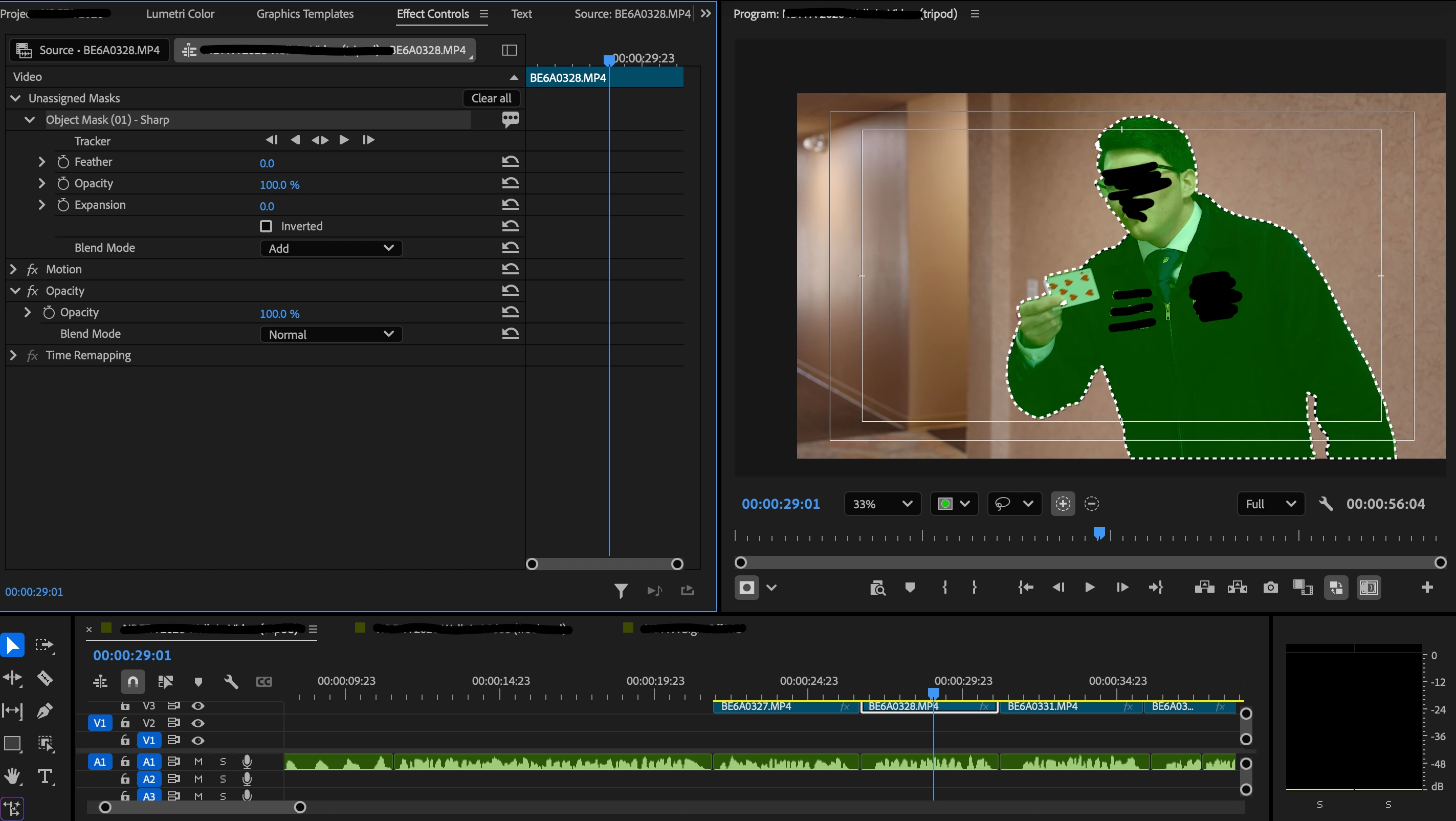
I’m using Premiere v 26.2. I am attempting to use the Object Mask Tool to track a moving subject and alter the background behind them. The tool itself works correctly, selecting the subject cleanly and creating a single frame mask that works as expected. However, when I select any of the tracking options, it moves through frame by frame and creates keyframes, but the subject is no longer outlined in the dotted line or the green color (in this instance). After the fact, the mask appears to encompass the entire frame, not just the subject. For example, selecting “change to opacity mask” or moving the mask to the Opacity setting in Effect Controls turns the entire screen black. Adjusting opacity adjusts the visibility of the entire screen. Using the same selection when just one frame is masked, however, works as intended with the subject on a black background. Inverting the single frame version works as it should, but not when tracking has been used.


 AdChoices