
Known Participant
April 30, 2025

Premiere Pro 2025 v 25.2.3 continually freezing up periodically while working.

  • April 30, 2025
  • 14 replies
  • 3323 views

Hi I'm running into an issue where Premiere will start running slow and lagging the responsiveness will come and go and the only way to regain control is to restart the computer,. I'm still able to perform tasks , but the response is very slow even tasks outside of premiere.

any other programs while Premiere is closed like  After Effects, Illustrator, or even Photoshop will work normally without any hiccup.
 
I recently updated from Windows 10 to 11, Installed additional RAM to get it to 128GB
I use Suite studio  within my work flow, but i've also experience the problem working locally. 

Basically i will be working on an edit as simple as this
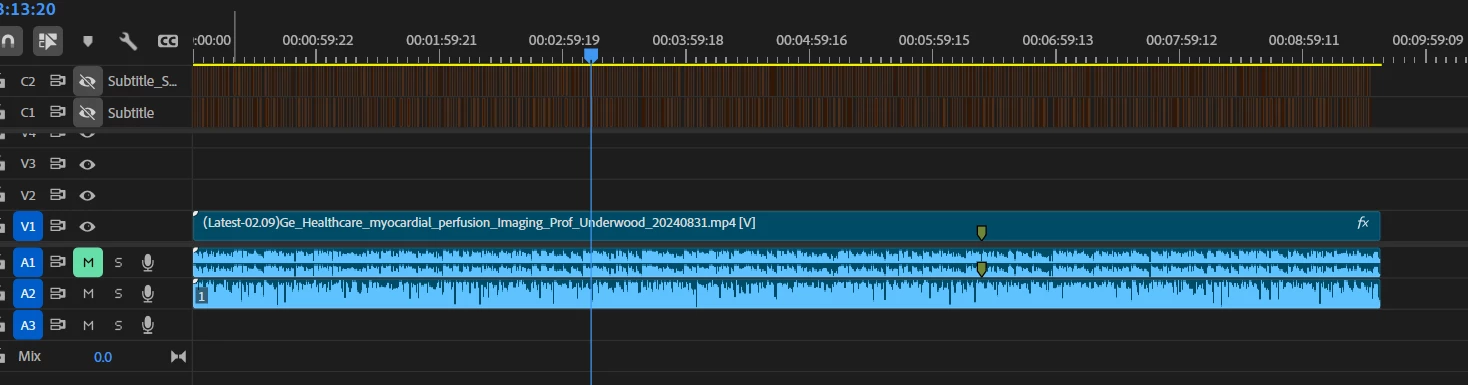
and still have the program and computer freezing up. when ever i'm not running Premiere the computer runs fine i've ran some test on it and there were no hang ups from testing the system out.

Here is an example of what's happening. 
https://vimeo.com/1079549757
Screenshot Examples:
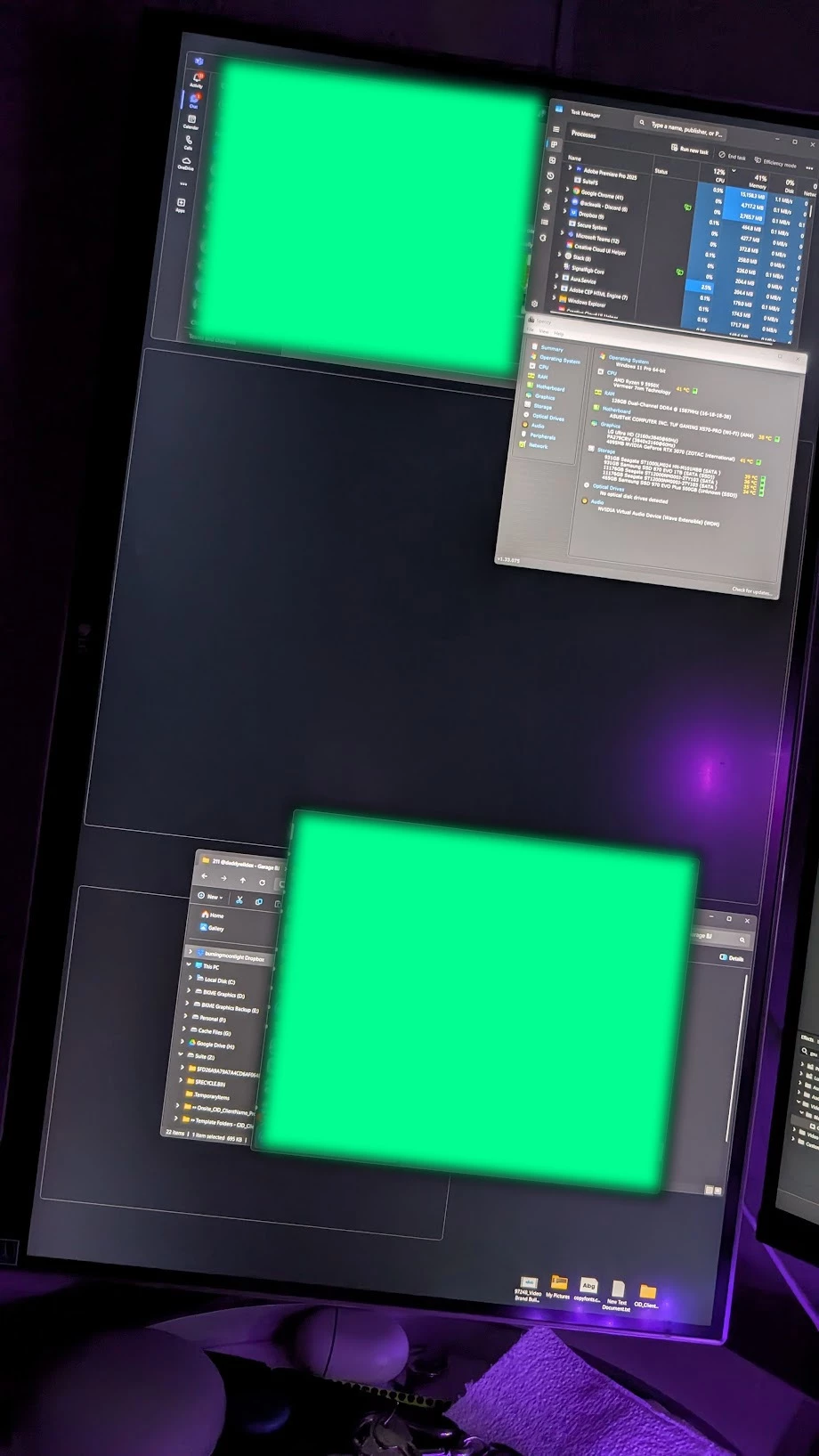


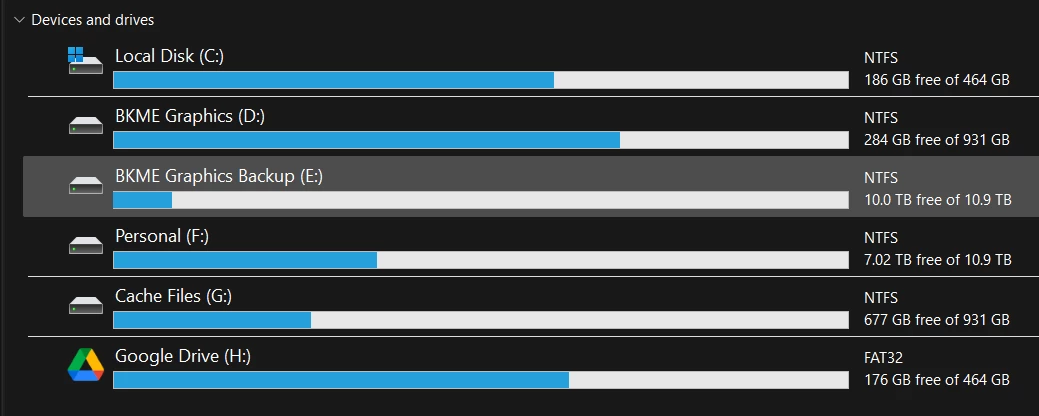
Syetem Setup:
Operating System
Windows 11 Pro 64-bit
CPU
AMD Ryzen 9 5950X 48 °C
Vermeer 7nm Technology
RAM
128GB Dual-Channel DDR4 @ 1588MHz (16-18-18-38)
Motherboard
ASUSTeK COMPUTER INC. TUF GAMING X570-PRO (WI-FI) (AM4) 37 °C
Graphics
LG Ultra HD (2160x3840@60Hz)
PA279CRV (3840x2160@60Hz)
4095MB NVIDIA GeForce RTX 3070 (ZOTAC International) 42 °C
Storage
931GB Seagate ST1000LM024 HN-M101MBB (SATA ) 36 °C
931GB Samsung SSD 870 EVO 1TB (SATA (SSD)) 33 °C
11176GB Seagate ST12000NM000J-2TY103 (SATA ) 34 °C
11176GB Seagate ST12000NM000J-2TY103 (SATA ) 32 °C
465GB Samsung SSD 970 EVO Plus 500GB (Unknown (SSD))
Optical Drives
No optical disk drives detected
Audio
NVIDIA Virtual Audio Device (Wave Extensible) (WDM)


14 replies

BebanksAuthor
Known Participant
April 30, 2025

Yes, studio is an online storage that I use for some of my works, but I also work locally on other projects and I get the same issue. That's all I was trying to say. Or didn't say... Haha sorry.

Ryzen 9 9950X | Geforce RTX 5080 | RAM 96.0 GB | Win 11 Pro 24H2 [26100.7627]
BebanksAuthor
Known Participant
April 30, 2025

I will give these a try right now and let you know if any of these fixes the issue. Yes I typically install the studio drivers... When installing the studio drivers do you normally do custom and only install the drivers?

Ryzen 9 9950X | Geforce RTX 5080 | RAM 96.0 GB | Win 11 Pro 24H2 [26100.7627]
R Neil Haugen
Legend
April 30, 2025

So Suite Studio is an online media ... something?


How are you using that? You list local storage, so I'm confused.

Everyone's mileage always varies ...
BebanksAuthor
Known Participant
January 28, 2026

I work from both the Suite and the Local Drive on various Proects. since this time i’v eactually got a Newer Build, which has been giving me issue’s running Premiere. I will post about it in a newer Thread with what i’ve been experiencing 

Ryzen 9 9950X | Geforce RTX 5080 | RAM 96.0 GB | Win 11 Pro 24H2 [26100.7627]
Peru Bob
Community Expert
Community Expert
April 30, 2025

Delete the Media Cache and Media Cache files:
https://community.adobe.com/t5/premiere-pro/faq-how-to-clear-your-media-cache-in-30-seconds-in-premiere-pro-2020/m-p/11017257/thread-id/260446?page=1

If that doesn't work, try Preferences > Audio Hardware and set Input to None.

If that doesn’t work, try updating or rolling back your graphics driver directly from the video card manufacturer’s site. Do a clean installation of the latest Studio Driver (NOT the Game Driver).

BebanksAuthor
Known Participant
January 28, 2026

Thanks for your reply, I clean the media cache at least once a day because i’m constantly working on vidfeo’s throughout the day.

I have Not tried: If that doesn't work, try Preferences > Audio Hardware and set Input to None.

I’ve always Used teh Studio Driver.

I’ve updated my computer since this issue and was still experiencing the same issue.. I was having the same issue until recetly on the newer PC. i will create a new thread to discribe the issue i have been having.


Ryzen 9 9950X | Geforce RTX 5080 | RAM 96.0 GB | Win 11 Pro 24H2 [26100.7627]