


ClintMayers
Participant
Nov 21, 2025 5:52 AM UTC
Released

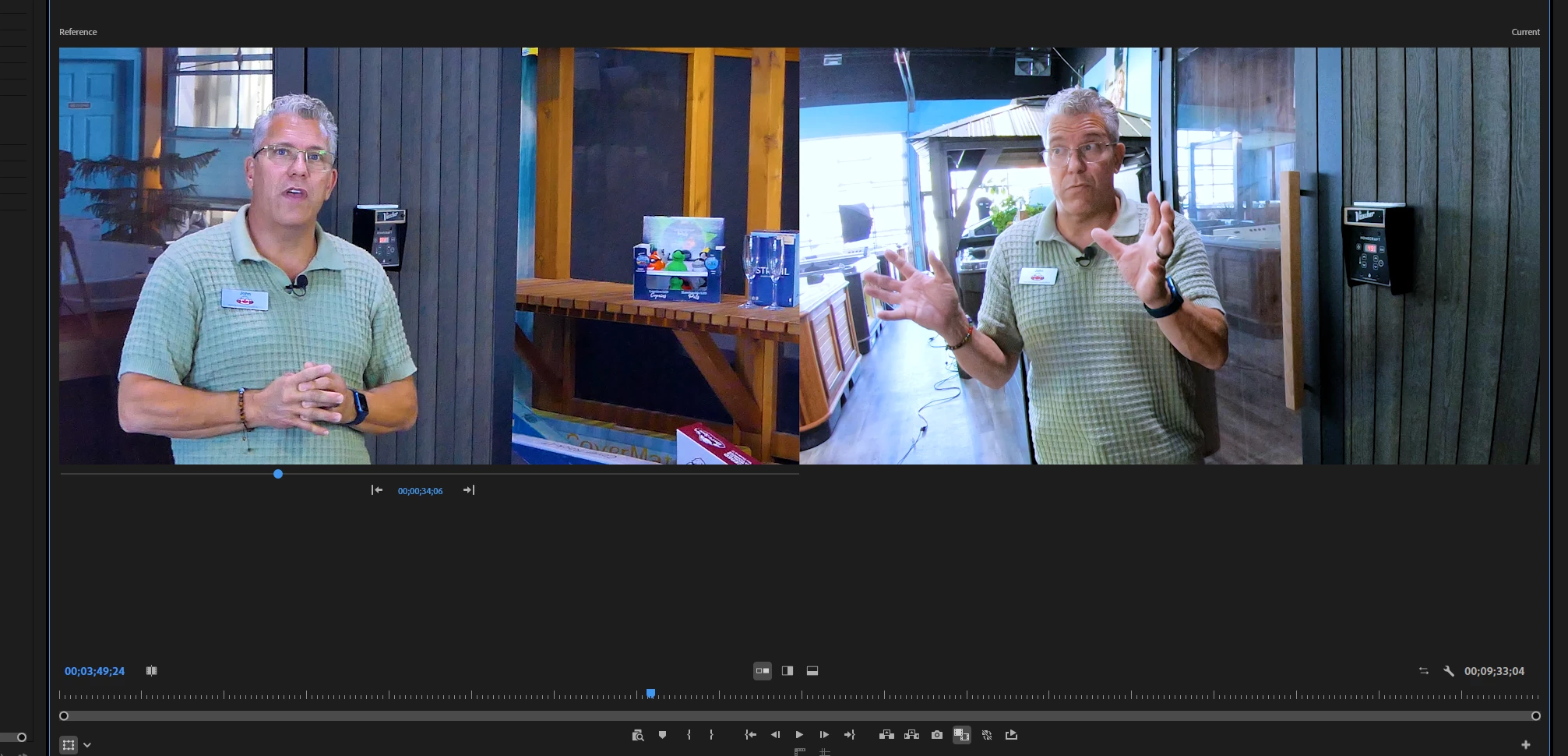
Premiere Pro 25.6.2 bug noticed in slider of Comparison Viewer

Comparison View Slider on left panel is not working inlatest download 25.6.2 on Windows 11 Pro.  You can select Next and Previous buttons to go to the head of each edit, but that's it.  It worked in prior versions.
4 replies

jamieclarke
Community Manager
Community Manager
Apr 15, 2026 11:52 AM UTC

Updating Status to Fixed in Premiere version 26.2

Translate
Daniel Lange
Known Participant
Mar 11, 2026 11:54 AM UTC

same issue, can scroll if I drag on “timecode” itself, but blue playhead dot is not shuffling

26.0.1 - Windows 11

Translate
Participant
Mar 6, 2026 10:50 AM UTC

I use the split screen reference/current window comparison view in Lumetri color wheels & match all the time. In the last few days I can use the blue dot to scroll but it remains mostly black and the sequence is not visible. Occasionally I can see one frame or two (of a 30 clip sequence) but cannot move/scroll/playback, etc. It’s as if the reference window has seized up or isn’t recognising the sequence. Intensely frustrating. 

M3 Max Macbook Pro Tahoe 26.3 Premiere Pro 26.0.1 (3) 

Translate
Participant
Mar 6, 2026 10:44 AM UTC

Same issue… cannot scroll in the reference window for color matching/comparison view. 

Translate