

Premiere Pro 25.x Immediately hides custom on-screen UI upon processing event
When a 3rd party plugin based on the AE SDK advertises custom UI in the Layer and Comp windows, Premiere Pro will hide custom UI immediately after handling a parameter value change on behalf of the plugin.
One of the more obvious goals of custom on-screen controls is to allow users to tweak parameter values through a more approachable UI. Premiere Pro makes it impossible to do so for transitions, as the custom on-screen controls are hidden immediately after a change occurs.
Steps to reproduce:
- Install FxFactory 9: https://fxfactory.com/download/
- Download and install the Block Party transition via FxFactory
- Launch Premiere and add the Block Party transition in between two clips: 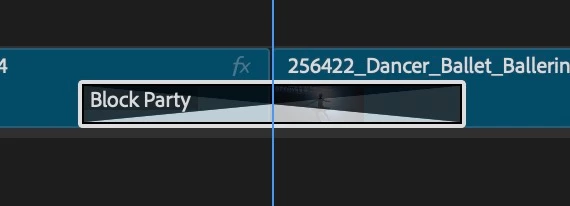
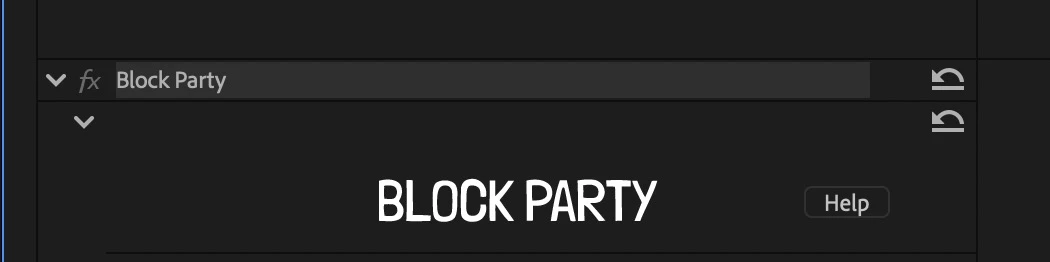
- Select the effect name in the inspector to display its custom on-screen UI:
- When the on-screen controls appear, click one of the two controls that allow you to switch grid style or shape of each block:
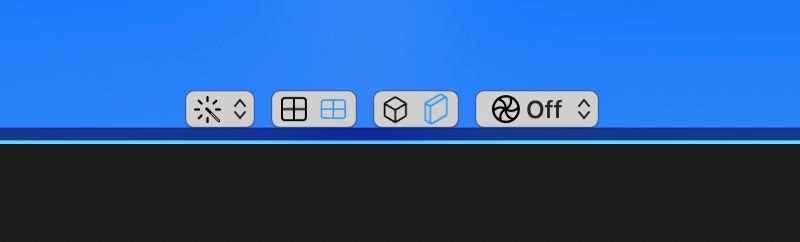 - Notice that immediately after clicking the control, Premiere Pro hides all on-screen UI for that plugin. The effect header in the inspector is no longer selected. Internally the plugin is simply changing a parameter’s value, and this seems to trigger the problem.


 AdChoices