

Premiere Pro 26 wrong waveform bug
So…
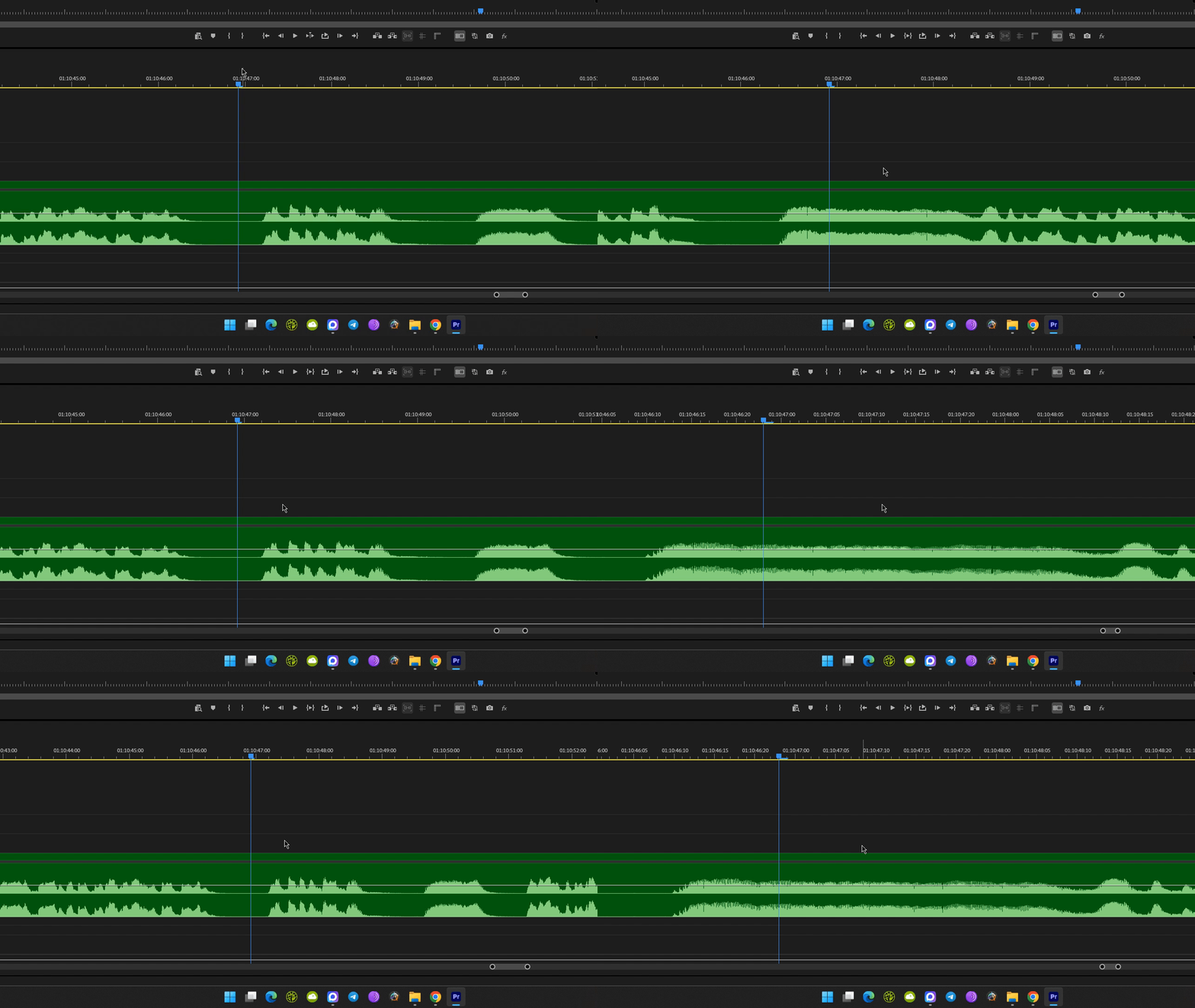
This wasn’t fixed in 24, neither in 25, now it’s in 26. Please tell me, Adobe, that the team at least discussed this issue.
- It happens randomly, with random media. I wad a 2-tracks multicam sequence of mxf files in a 1080p sequence:
-
Cleaning cache did not help. Restart did not help, resetting workspace\Pr preferences did not help.
-
Reddit is full if such cases.
-
This forum has complaints about the same issue.


 AdChoices