
Premiere Pro can't read the other audio tracks with .wav and pcm_32 when using .mov
I have recorded in OBS in the format of fragmented mov and mov, and the encoder is set to pcm_32 and pcm_24. I have played between these settings using mov and pcm, yet whenever I try to import the media file into Premiere Pro, it won't read the other two audio tracks from the three audio tracks that I have.
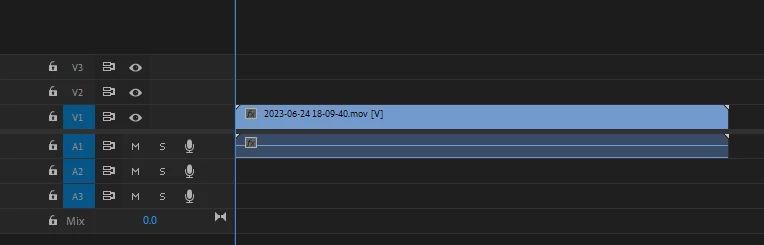
I have tried switching the audio tracks in VLC to see if it's there and they are there. Then I tried to use DaVinci Resolve to see if it can detect the mov file, and luckily it does. Although I had to remux it in order to hear the wav audio file (I also tried importing the remux file on Premiere yet the status quo still remained).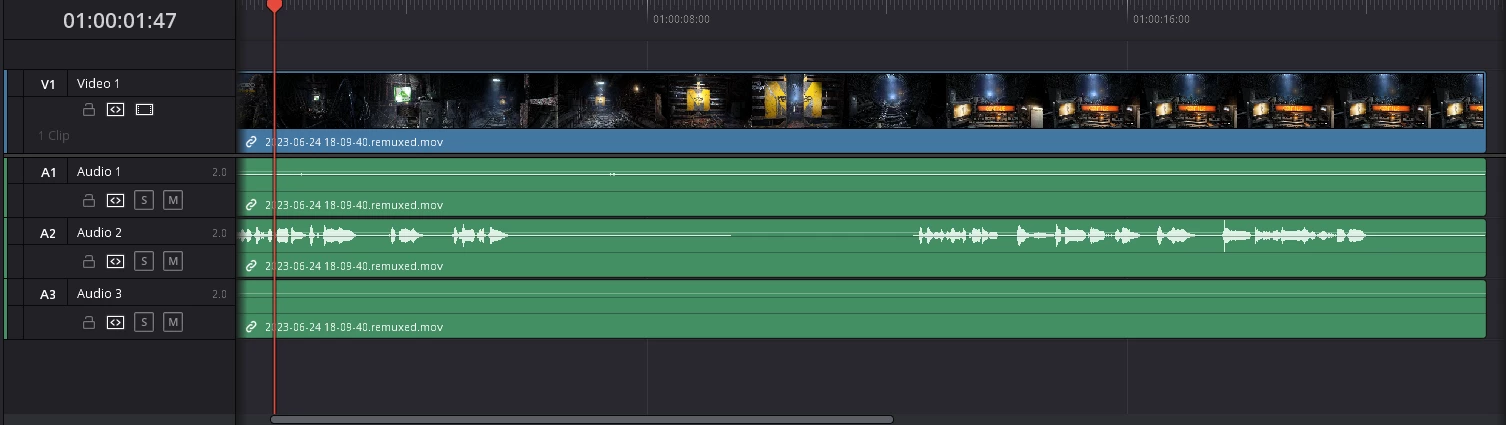
I have also checked the existence of the audio tracks in Handbrake.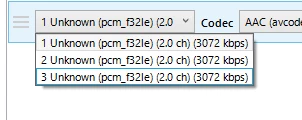
If you have any knowledge on what to do, please let me know.
Extra Information: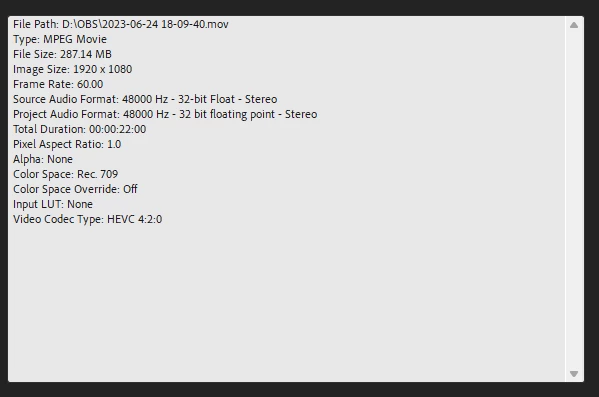


 AdChoices