



AndrewTheGreat
Known Participant
February 11, 2026

Premiere Pro doesn't see my VST plugins folder

  • February 11, 2026
  • 2 replies
  • 10 views

First of all, to clear this out, here’s the screenshot:
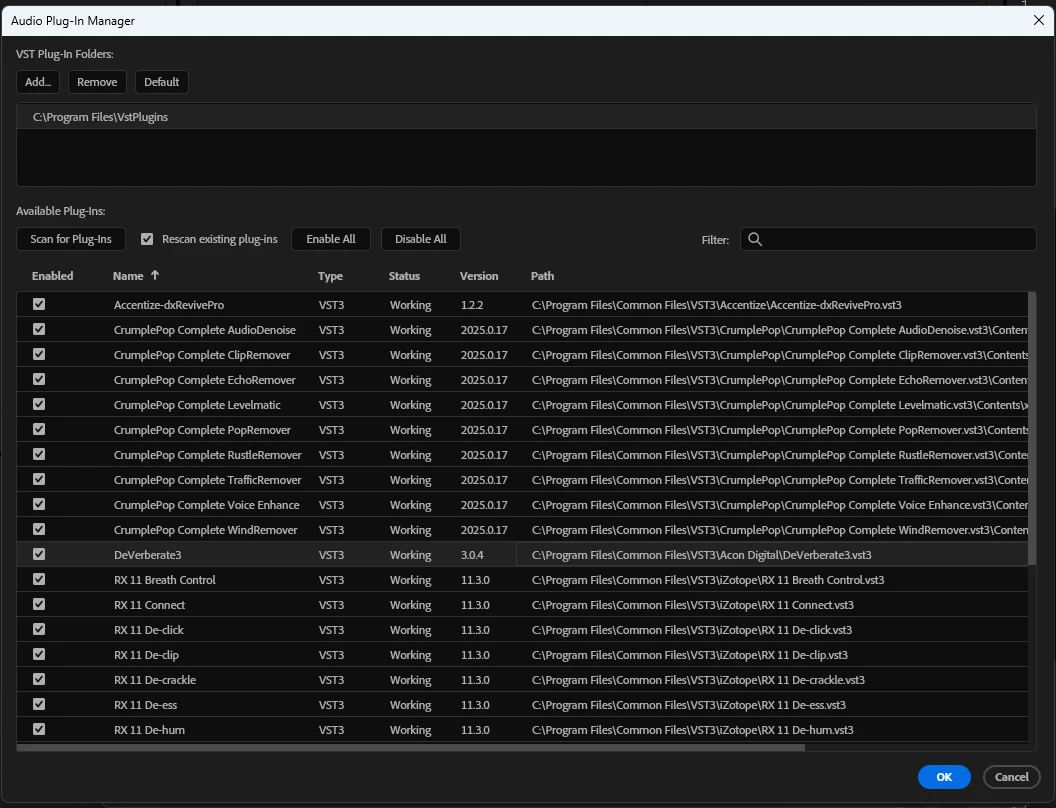
So you can see the program files VST plugins folder is included in the search. But Premiere Pro find nothing there, and shows only the VSTs found in the COMMON folder. I certainly can copy the plugin files there, but I don’t want to.

Here are the contents of my VST folder:
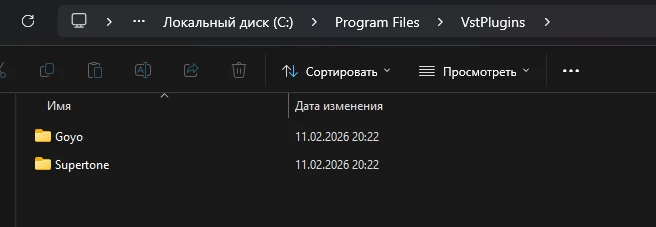
… with the corresponding VST modules inside.


And here’s the plugin not seen by Premiere Pro inside Davinci Resolve (Supertone is there too):
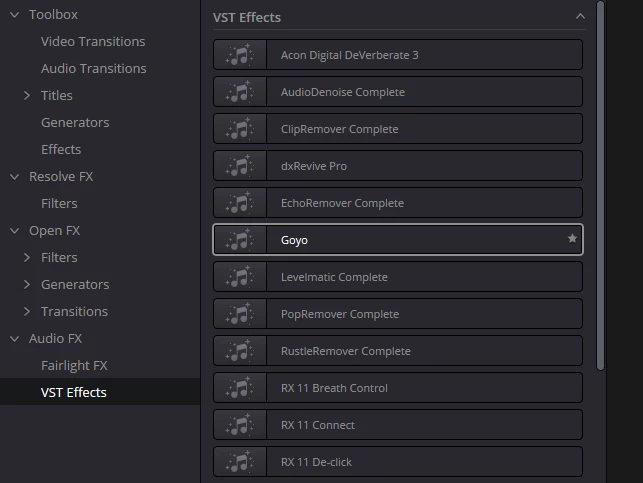
 

And I hit Rescan several times, checked and unchecked the force rescan and so on. A bug that is.

    2 replies

    AndrewTheGreat
    Known Participant
    February 12, 2026

    @Rach McIntire 

    Hi, Rach, good for you, but

    At the same time I moved the two plugins into Program files > Common files > VST and Premiere Pro found them. It sees them there, but it’s blind when the plugins are in the Program files > vstplugins. I’m the only one user on this PC, I have the admin privileges, so it’s not the permissions either.

    Community Manager
    February 12, 2026

    Hi ​@AndrewTheGreat

    I haven’t been able to recreate this issue.  I was able to install and see Supertone > Goyo. 


    Can you include a screenshot of the Effects > Audio Effects > VST/ VST3 folders showing them missing?