
Premiere Pro Freezes When Bookmarking Fonts
Issue
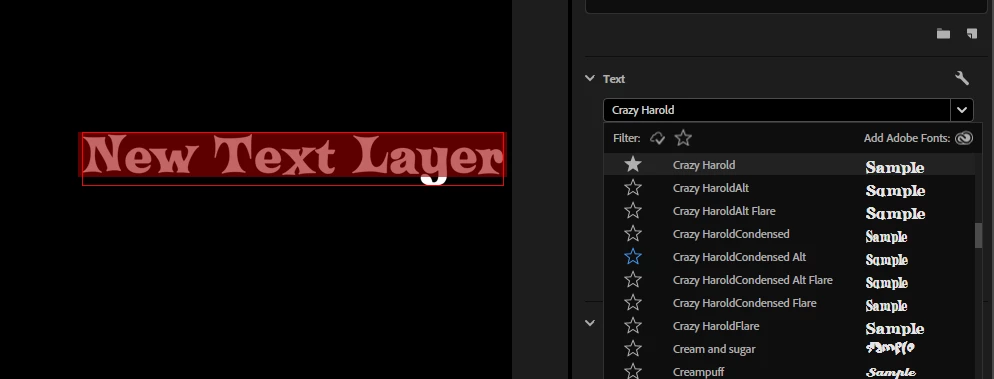
Adobe Premiere Pro freezes temporarily while bookmarking fonts from the font selection dropdown menu.
Steps to Reproduce
1. Open Adobe Premiere Pro and create a new project.
2. Select a text layer or create a new one.
3. Click on the font selection dropdown menu.
4. Start typing to search for a font or scroll through the font list.
5. Select a font to bookmark.
Expected Result
Premiere Pro should bookmark the font without significant freezing or lag.
Actual Result
Premiere Pro freezes for a noticeable amount of time while bookmarking fonts.
System Details
- Adobe Premiere Pro Version: 25.2.3 (build 4)
- Operating System: Windows 11 (24H2)
- GPU: RTX 2060
- GPU Driver Version: Studio driver v576.02


 AdChoices