

Project/bin panels keep resetting positions
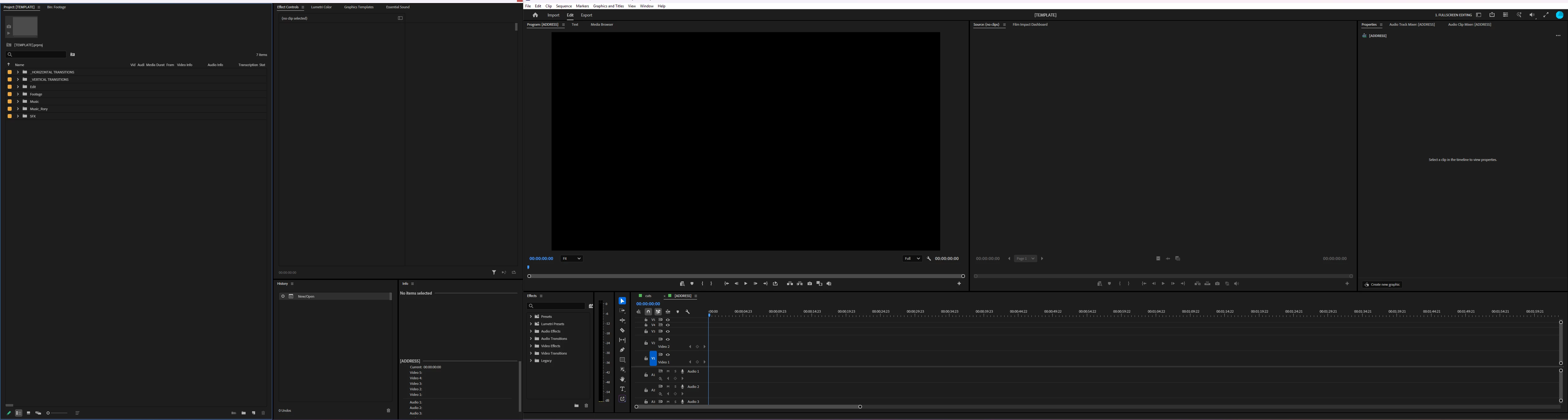
I work on an ultrawide monitor, and have my project/bins panels grouped in a floating window to the left of the main program window, so I can ~ shortcut the footage bins to be fullscreen in the floating window while editing:
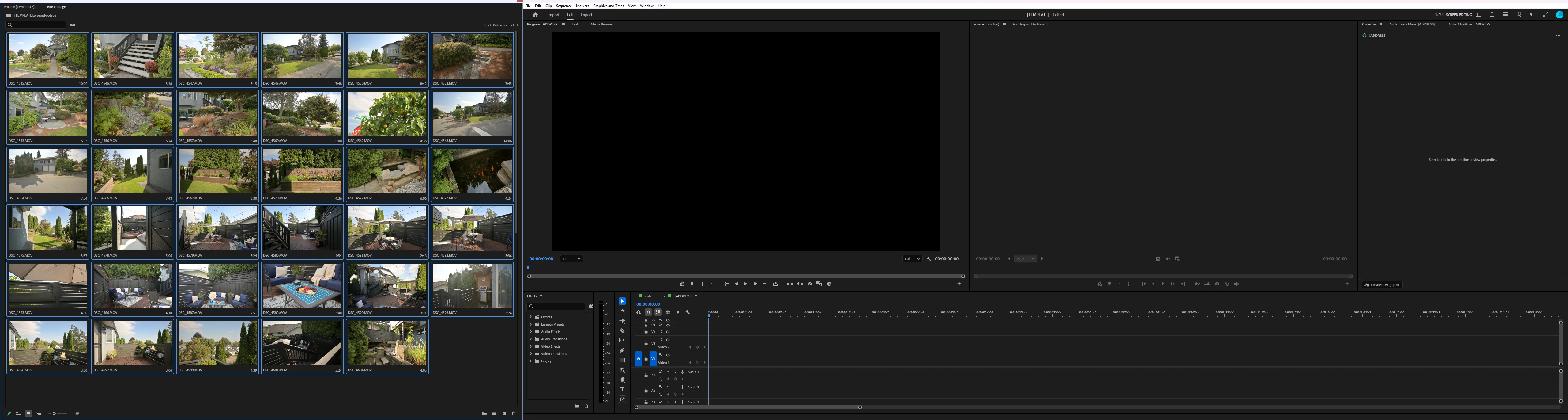
As of the last week or so, when I switch workspaces (ex. to colour mode) the project panel and any opens bins have started randomly resetting to group within the main program window:
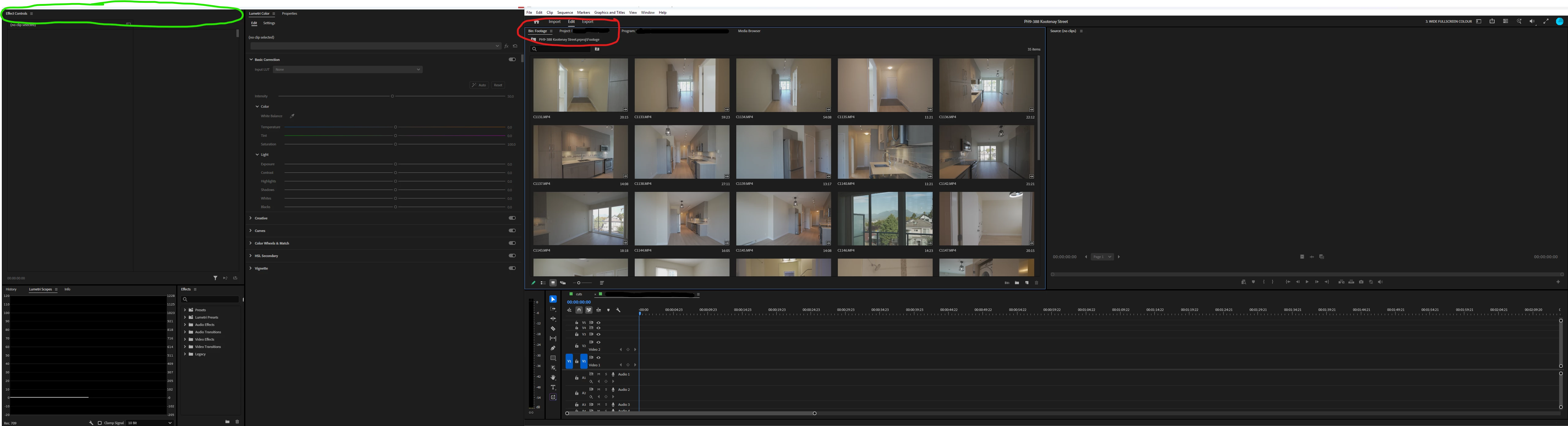
The behaviour is wildly inconsistent. In the example above, the windows have reset in the colour workspace, but when I return to editing, they move back to the floating window. Other times, the colour workspace layout is correct, but then returning to editing will move them. Or sometimes the layout will be wrong in both workspaces.
Resetting the workspace doesn’t fix it (and yes my presets are all setup to have project/bins in the left window), nor does closing and reopening the project or Premiere entirely. The only fix is to open a project that has the proper layout saved, then open the problem project, and close the other one. But if I have to switch layouts in problem project again, the problem reappears.
But other times there are no issues at all. Changing layouts works as expected and the project/bin panels remain in the floating window the entire time.
I have no idea what causes it, it seems to be completely random if, when, and what will happen. I’ve tested different types of footage, changing layouts back and forth at the start of a project, or waiting until the colouring step at the end. Sometimes a project will change back and forth no problem until suddenly it doesn’t, and now its layouts are broken every time I try to switch.
One thing that is consistent however, is if I make a new project, without fail it will reset the project/bin panels to the main window. I have to always start any project by opening my saved template project first in order to preserve the correct window layout. This issue has existed for years but I feel like the new problems are probably related.
Premiere version: 26.5.0 build 99
Windows 11 25H2; build 26200.9457; feature experience pack 1000.26100.360.0
NVIDIA driver GeForce 610.88
I just noticed driver 616.92 is ready to install. I doubt that will change anything but if it does I’ll update the post.


 AdChoices