
RickyRice
Participant
September 20, 2023

PRORES RAW footage edited in PP will not export without being super glitchy, plays fine in preview

  • September 20, 2023
  • 5 replies
  • 338 views

I'm lost.


First time editing pro res raw footage, color management is all correct for it. 

The problem comes at the final end of editing. When I play it back in PP, it plays smooth and how it should.

When I export it, it comes back extremly glitchy. Check the video below. 


I've downloaded a new GPU driver, didn't work, downloaded an old one, didn't work.

I've updated premiere pro, didn't work. I've changed renderer from hardware to software. didn't work. Changed it back to hardware. didn't work. I've exported it to an SSD, my desktop, HDD, results still are bad. 

I've exported is as h264 adn quicktime with different encodings and codecs, didn't work. The closest I've gotten to an "OKAY" video is exporting it quicktime. But still isn't how it should be. SOMEONE HELP PLS.
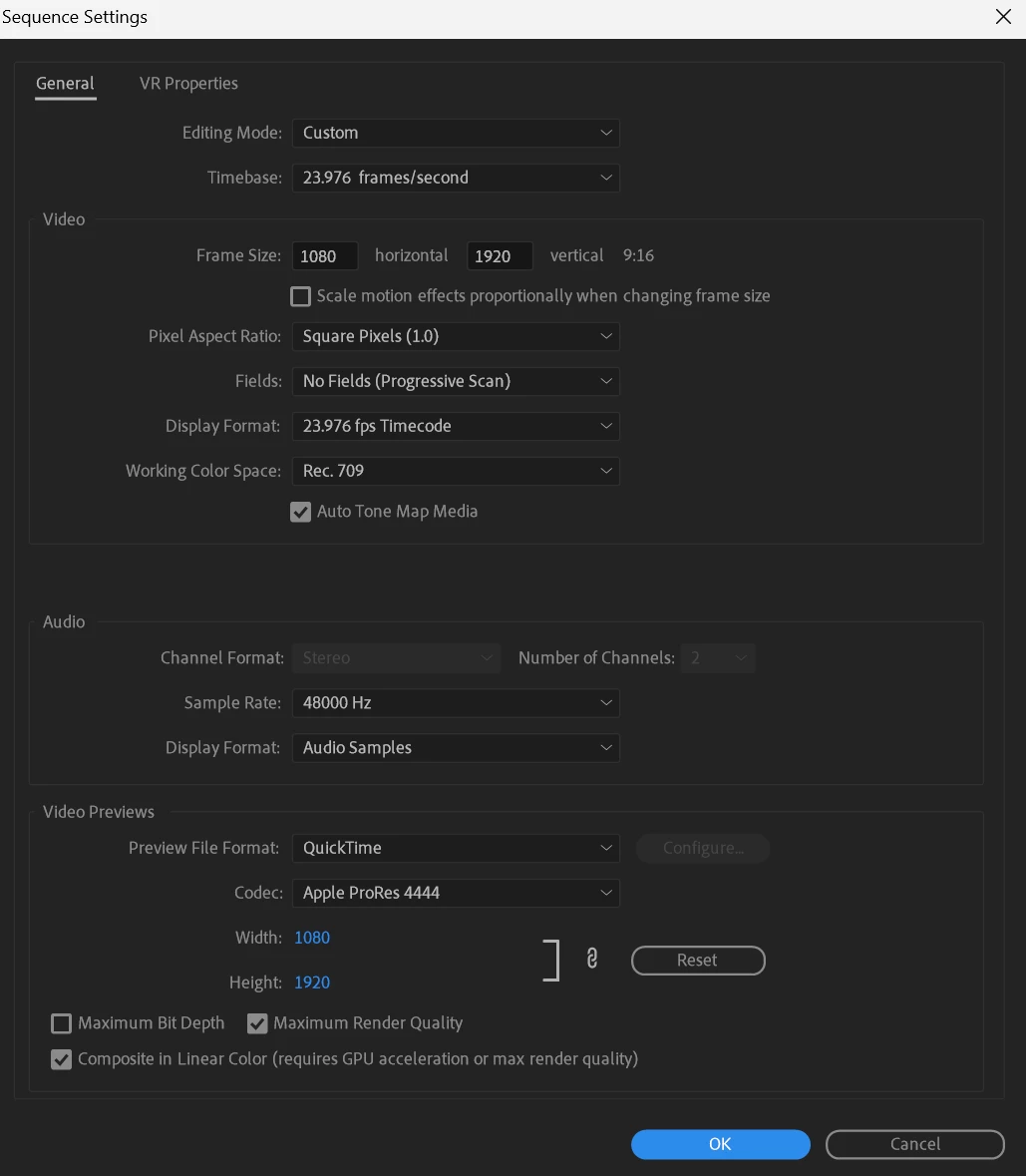
 

Link below is the video

https://drive.google.com/file/d/1pX1X2-wKwizx6YS7OznTPHBdLuvqylVR/view?usp=sharing

This topic has been closed for replies.

5 replies

Kevin J. Monahan Jr.
Community Manager
Community Manager
July 17, 2024

The status of this bug report has been updated.

Kevin Monahan - Sr. Community and Engagement Strategist – Adobe Pro Video and Audio
Kevin J. Monahan Jr.
Community Manager
Community Manager
July 17, 2024

Hello Ricky & Jason,

Thanks for filing the bug reports and providing feedback. Try deleting the media cache and updating your GPU driver. Be sure to install the studio driver, which is not the game-ready one. Please also provide any other information so the team can reproduce your issue. See, How do I write a bug report?


I hope the team can help you solve this issue. Sorry for the frustration.


Thanks,
Kevin

Kevin Monahan - Sr. Community and Engagement Strategist – Adobe Pro Video and Audio
jasondecker
Known Participant
July 2, 2024

Having the same problem almost a year later. My only solution was to render the timeline as ProRes Proxy and then export using those renders to a ProRes Proxy master and then compress that to h264. Literally no other combinations of export paths would work.

RickyRice
RickyRiceAuthor
Participant
September 26, 2023

Still looking for an answer Adobe.

RickyRice
RickyRiceAuthor
Participant
September 21, 2023

Other things Ive tried:

Going way back to a nivida studio driver I found in a forum on here that fixes things, did not work.

Removed any effects, did not work.

Every time I export it, no matter the type or size, it still glitches randmoly. Sometimes shows artifacts on the edges of effects.