
Remix tool issues when opening file again
I love the remix tool, however it often happens that whenever I open the file back up the program does not apply the same remixing properties to the chopped audio. I almost never get the mix I want immediately, so I mostly chop the pieces I need from the remix and then move them around. Problem is that when I open the PR file again they are offline or unlinked. See image below for timeline screenshot of what I mean.
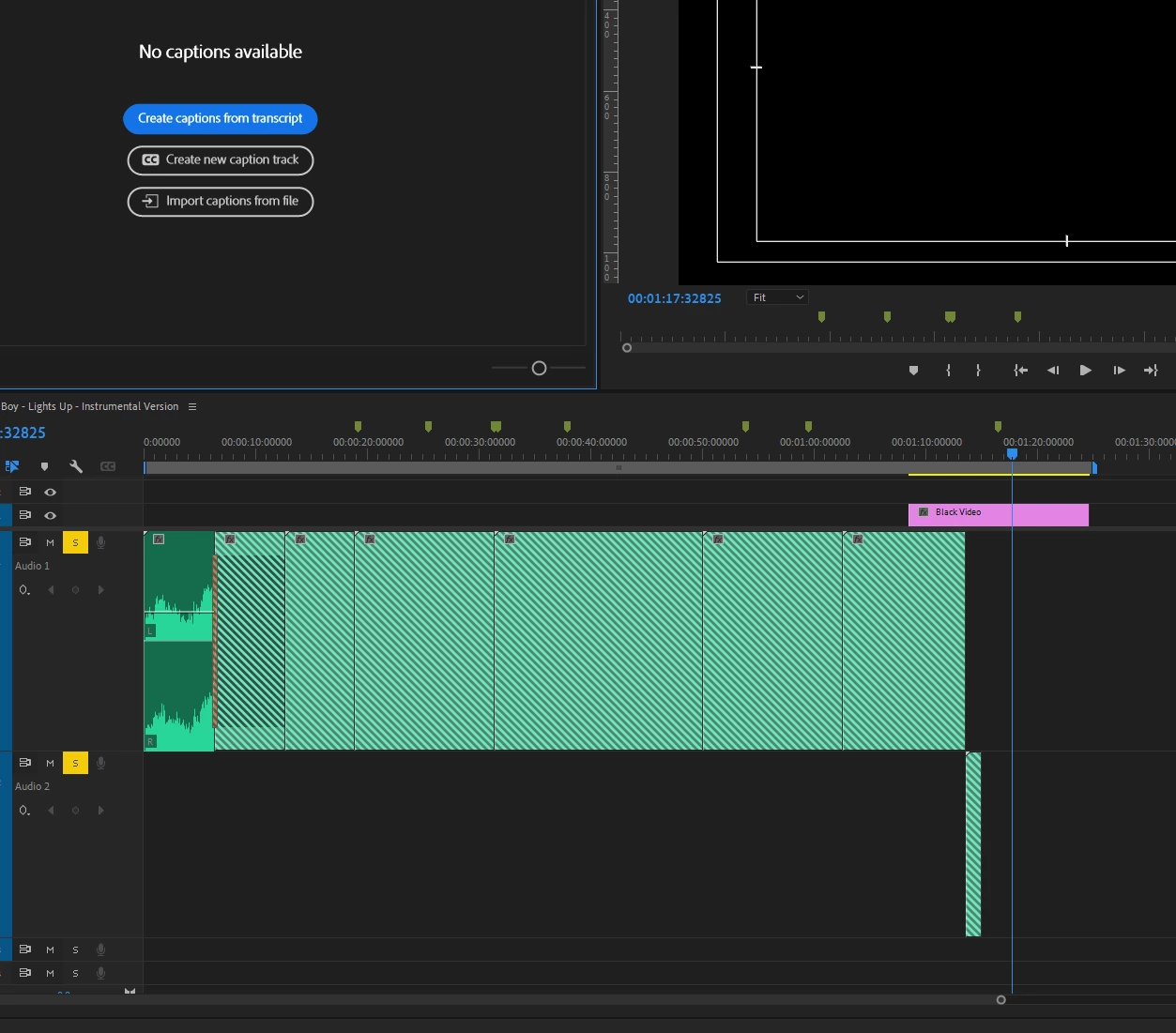
Same issue found here on reddit too: https://www.reddit.com/r/editors/comments/zk6jsi/issues_with_remix_tool_in_premiere_pro/
For now I just export it and have a hard copy, but it would be nice to modify these files instead of having to start again from scratch.
Thanks!
Alessia


 AdChoices