

Question
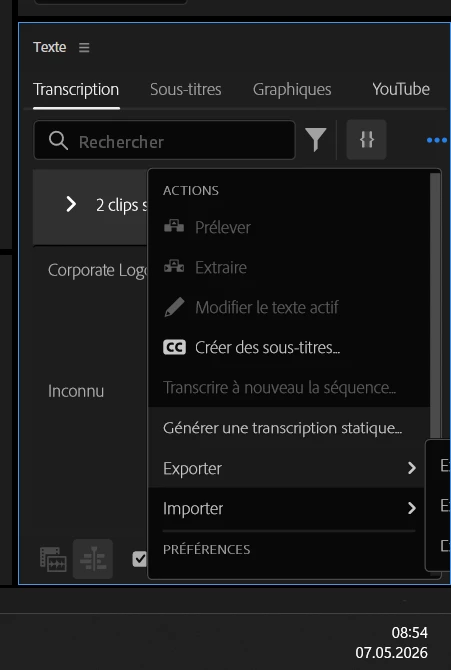
Submenu out of screen boundaries
In the transcription panel, when I click on the more menu (the 3 dots) and reach the Export submenu, the submenu is displayed out of the boundaries of the screen, making it impossible to understand what I am selecting… (see below, … > Exporter > ???)
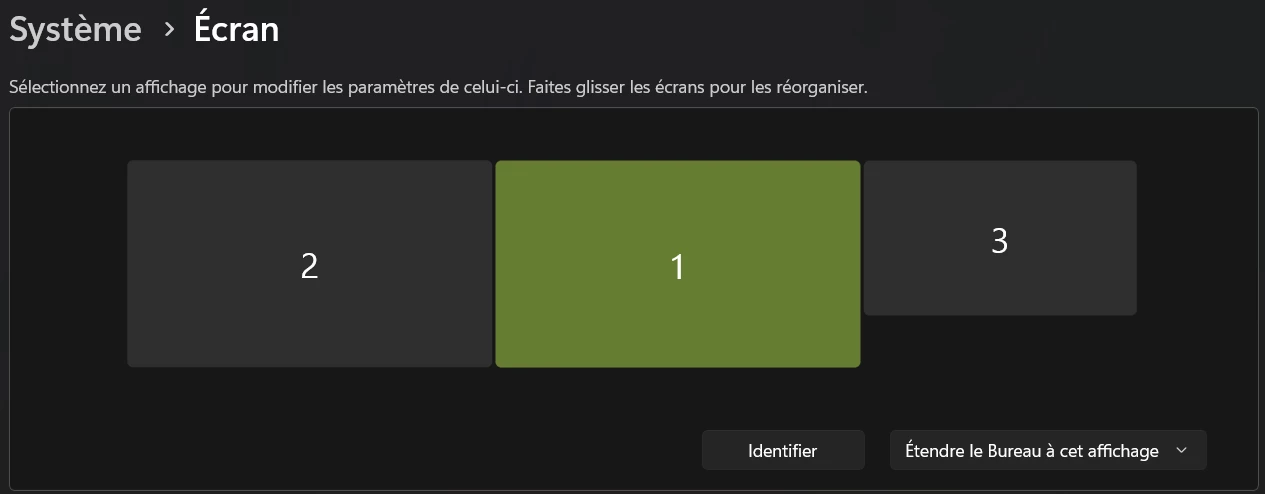
My current setup is 2 screens (1 and 2) + Wacom Intuos (3) which was shut down before I even turned the computer on... :
I am working on Windows 11
Can you fix it?


 AdChoices