
Participating Frequently
November 13, 2024

Suddenly no previews (at all), constantly generating peak files without actual files in the folder

  • November 13, 2024
  • 11 replies
  • 809 views

I was editing videos and adding simple graphics from envato to the project.

So far nothing special, the usual.

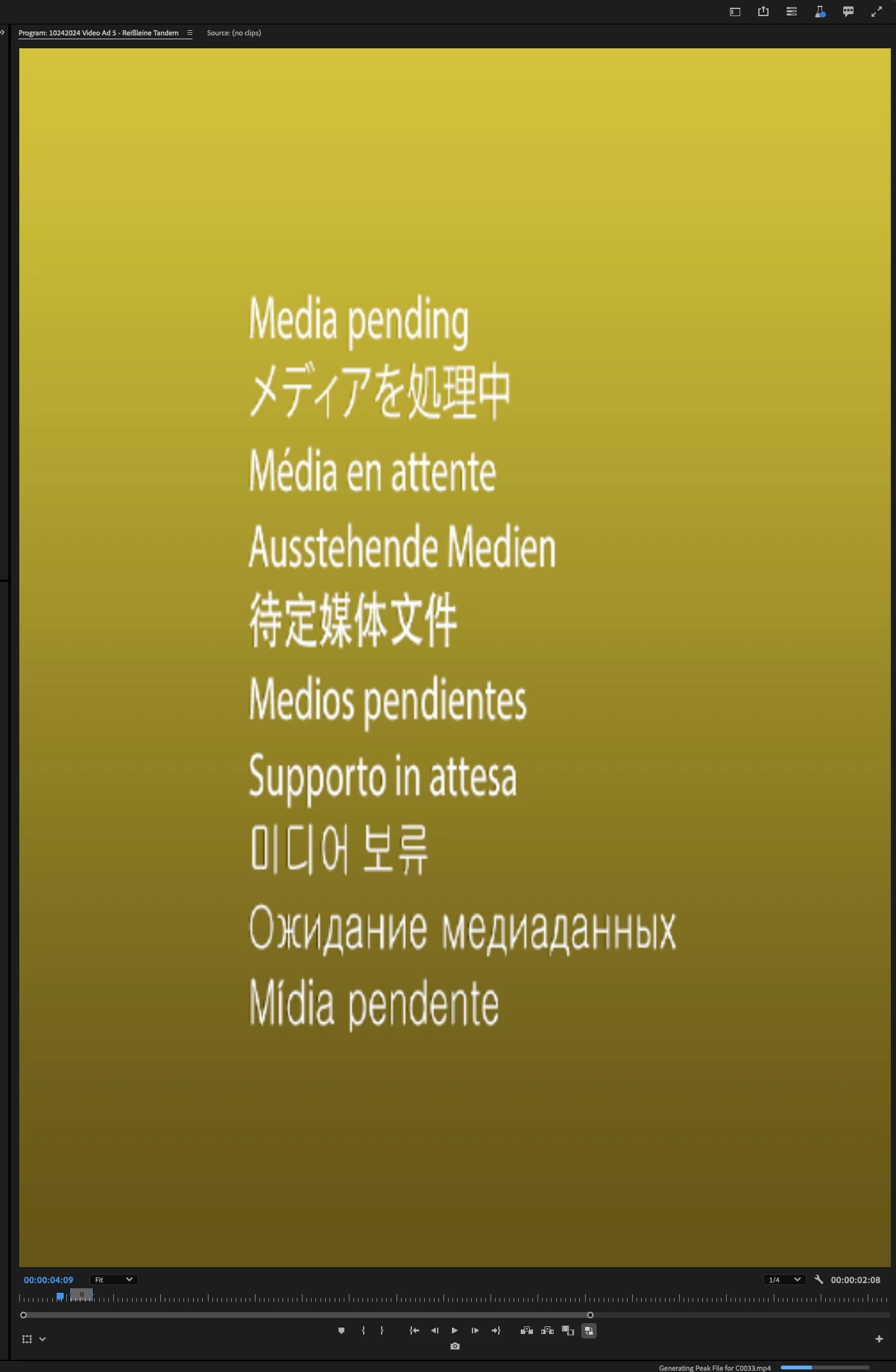
Then it suddenly stopped playing the preview in Program Window.

Waiting, restarting and updating the (Mac)OS, & even updating the app - NOTHING

changed. First time every this issue occured since several years.

It will stop the generation process when not active in Pr, but not instantly, a few moments after.

I can NOT watch any footage from bin in source monitor, no nothing to be honest - no visuals.

Did I press any shortcut to delete peak files? did I have or need peak files to begin with?


Appreciate all the help I get.


see in the lower right corner.
11 replies

jamieclarke
Community Manager
Community Manager
April 1, 2025

Updating Status to Fixed in 25.2

Participating Frequently
November 14, 2024

It works, finally! 

Appreciate your help guys.

only lost more than a day of works time haha


Participant
November 14, 2024

@jamieclarke 

I deleted all adobe programs & reinstalled them. just to be sure.

and it seems like everything is working fine again! 

there were issues with invisible effects, no preview with in and out poiints in source monitor and so on.


thanks!

jamieclarke
Community Manager
Community Manager
November 14, 2024

Hi @Martis_Photography - Can you download the beta Premiere version 25.2 build 16 or later there is a potential fix.  Let us know if that helps your issue?

jamieclarke
Community Manager
Community Manager
November 13, 2024

HI @gabrielborghi -  Adobe does not discuss dates of future releases.


gabrielborghi
Participating Frequently
November 13, 2024

When will the Premiere update be released? It's impossible to work!!!

jamieclarke
Community Manager
Community Manager
November 13, 2024

Hi @Martis_Photography - I believe you are experiencing an issue that has been fixed and will be released with 25.1.

The bug is where match frame will leave Premiere in a state where generating waveforms will stop playback.  The fix would be to generate the waveforms of your media file.

Participating Frequently
November 13, 2024

Surprise, it only worked for about 1 minute, until it imported  a 64KB image and it went on like before.

I even deleted all added media from today, nothing.

and after having another project open for some minutes sliding through the timeline, it happened there too.


NO IDEA what is happening.

Participating Frequently
November 13, 2024

Got is solved!


opened a new project and just drag and dropped alle items from the project into the other...


Explanation is still pending, if anybody has an idea I'd appreciate it.


Participating Frequently
November 13, 2024

another learning:
it is only an issue in this specific project!

beacuse of added graphics maybe?