
Time Remapping: Adjust MULTIPLE keyframes at once?
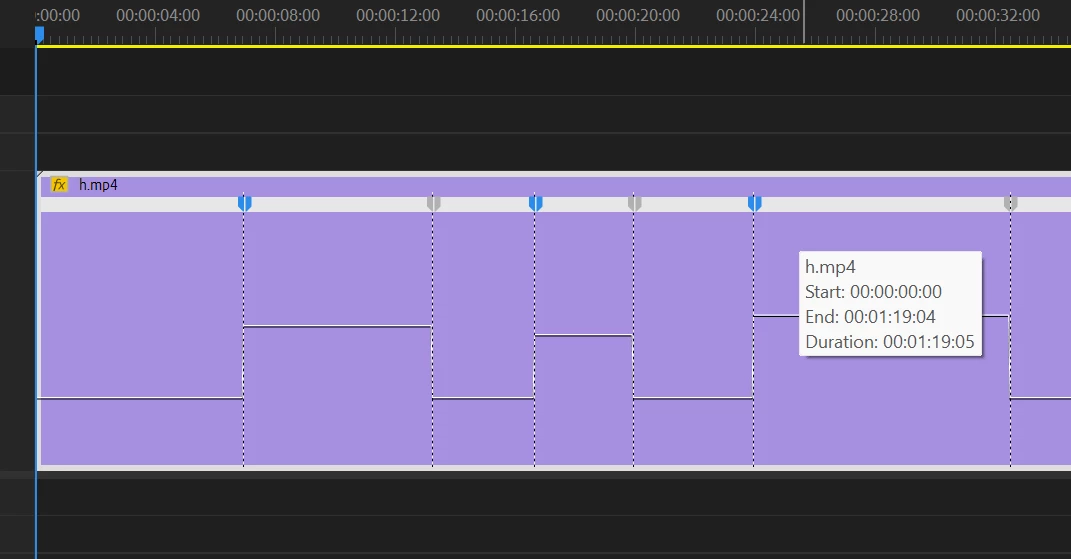
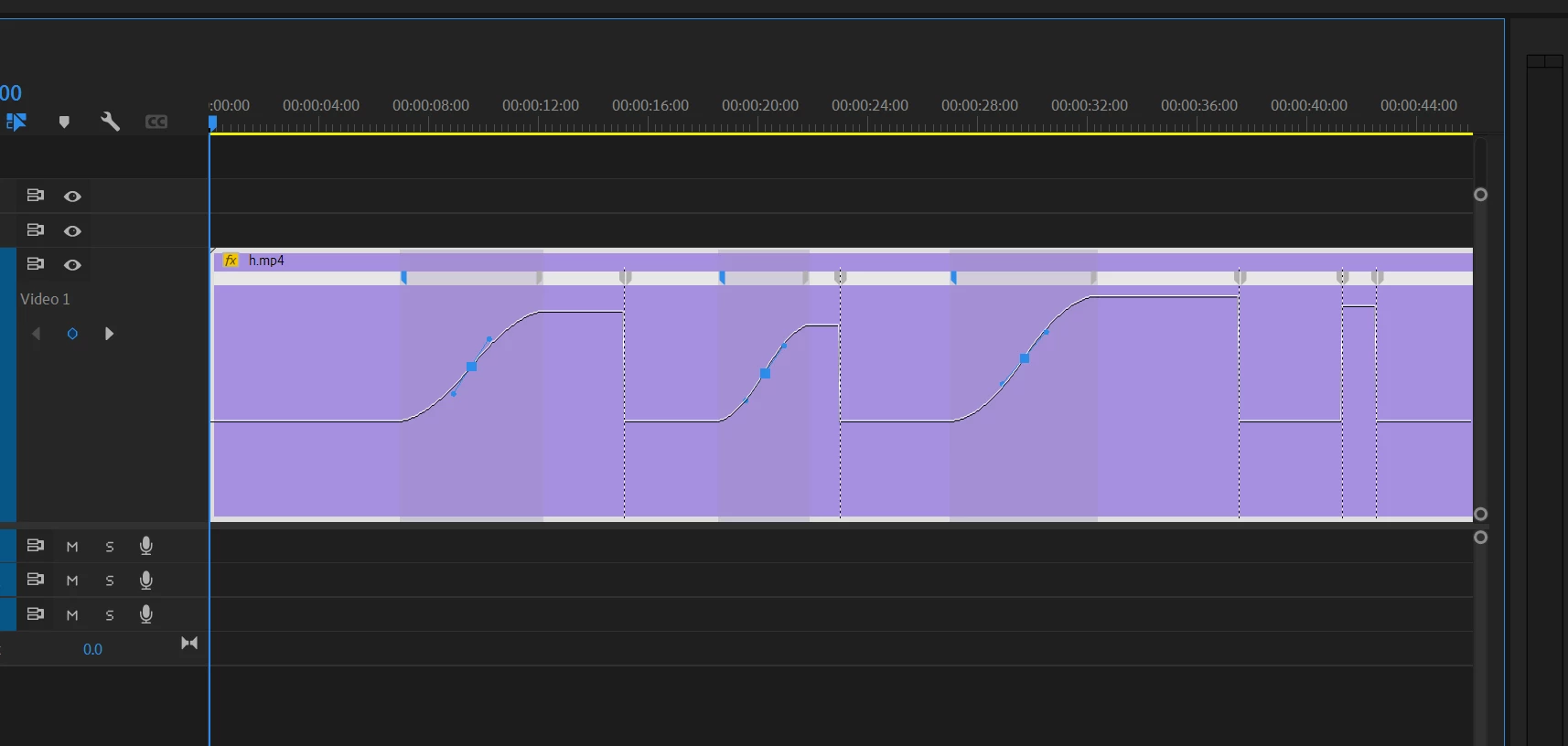
I have a clip with multiple time remapping keyframes. I want to adjust a selection of keyframes at once: Specifically, I want to select all the "first" keyframes (they are all in pairs), drag them out to make an ease, then adjust the handles so they are all eased the same. The first image shows the selection, and the second image shows what I'd like the result to be, BUT right now I have to adjust each keyframe individually, I can't manipulate all at once: I can select multiple KFs, but then when I drag to separate, it deselects all but the one KF I'm manipulating.
I understand that there are temporal issues, but what I want is to just have a transform on each keyframe, which I can then manually tweak. Right now, I have to click on a KF, drag it over, adjust handles, then repeat a LOT of times.


 AdChoices