
Transcription editing bug
- Issue – Transcript editing is very slow, edits do not always update within the Transcript window, once an edit is completed the transcript view switches to <Type your caption here> and requires the Text panel be closed and then re-opened before the transcripts will re-generate and allow for edits. Have attempted to clear media cache upon launch with no change.
- Adobe Premiere Pro version number: Version 25.1.0
- Operating system – Windows 11, version 24H2
- System Info: CPU, GPU, RAM, HD:
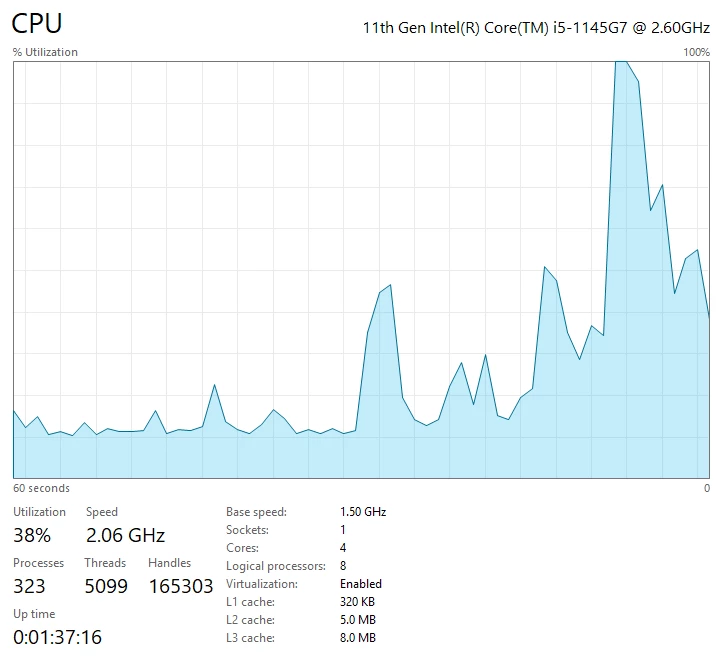
- CPU
- GPU (Intel-based Macs and PCs)
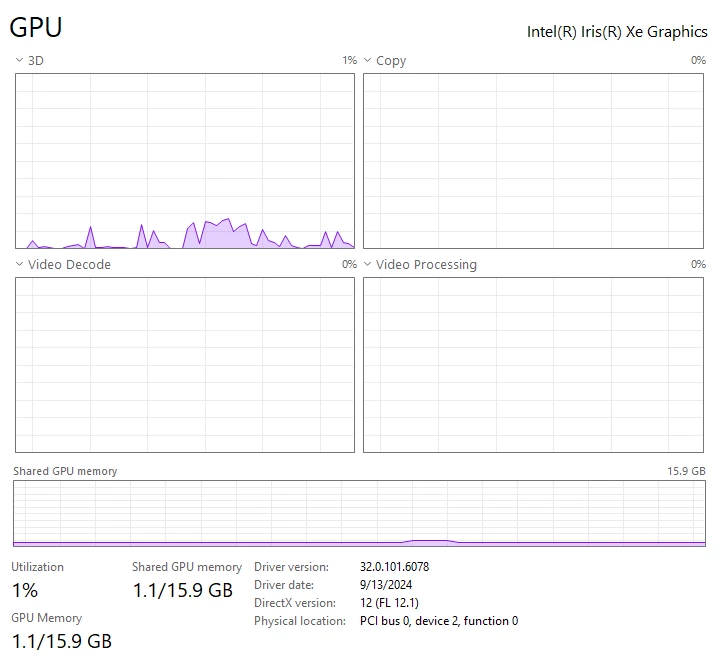
- GPU driver (PC)
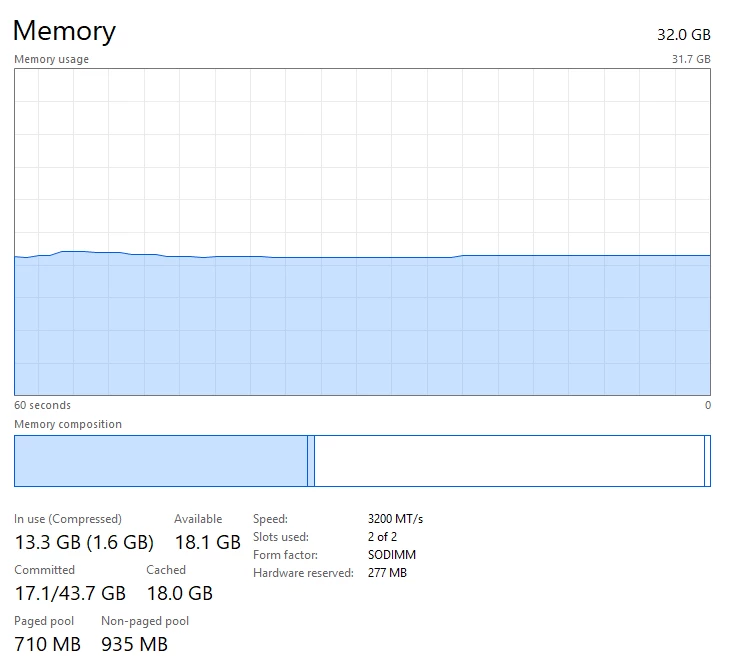
- RAM
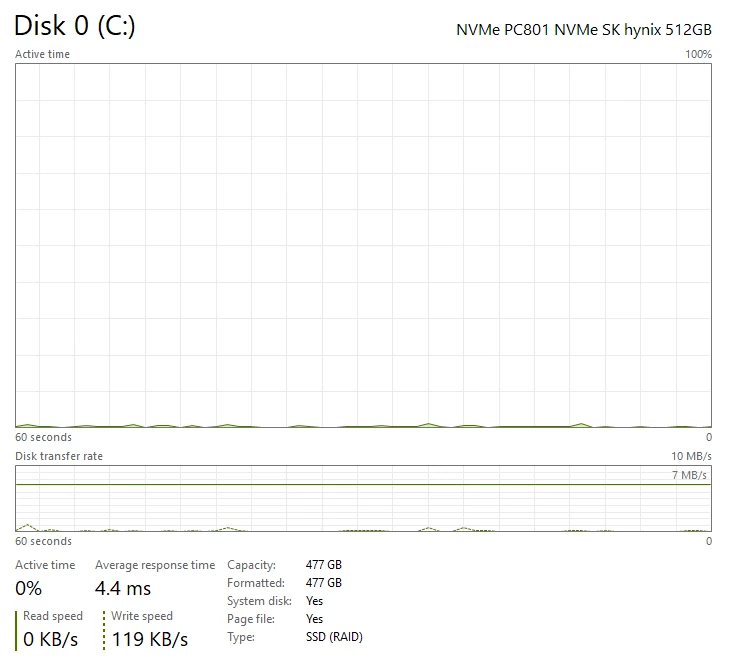
- Hard Drive (and, if external, how the drive is connected: USB 3, Thunderbolt, NAS, etc.).
- Video format: 1290x1080 mp4 file, 2.33 GB, 09:06:28 run time, 482kbps data rate, 608kbps bitrate
- Workflow details: Unsure
- Steps to reproduce - (Very important!)
- Click into transcript section within Text panel to attempt to access edit capabilities. (Working in Transcript section only, no captions have been generated at this point)
- Enter necessary edit to transcript
- Click out of transcript edit box
- Edit takes an extended period of time to update, if it updates at all, and then all captions change to <Type your caption here>
- User must close out of Text panel and re-open for transcripts to re-generate
- Expected result – Edit is updated quickly and user is able to move onto the next section of transcript text without unnecessary interruptions
- Actual result - All transcripts update to <Type your caption here> and existing transcript language cant be edited without exiting and reopening Text panel


 AdChoices