


Participating Frequently
May 19, 2023 8:12 PM UTC
Open for Voting

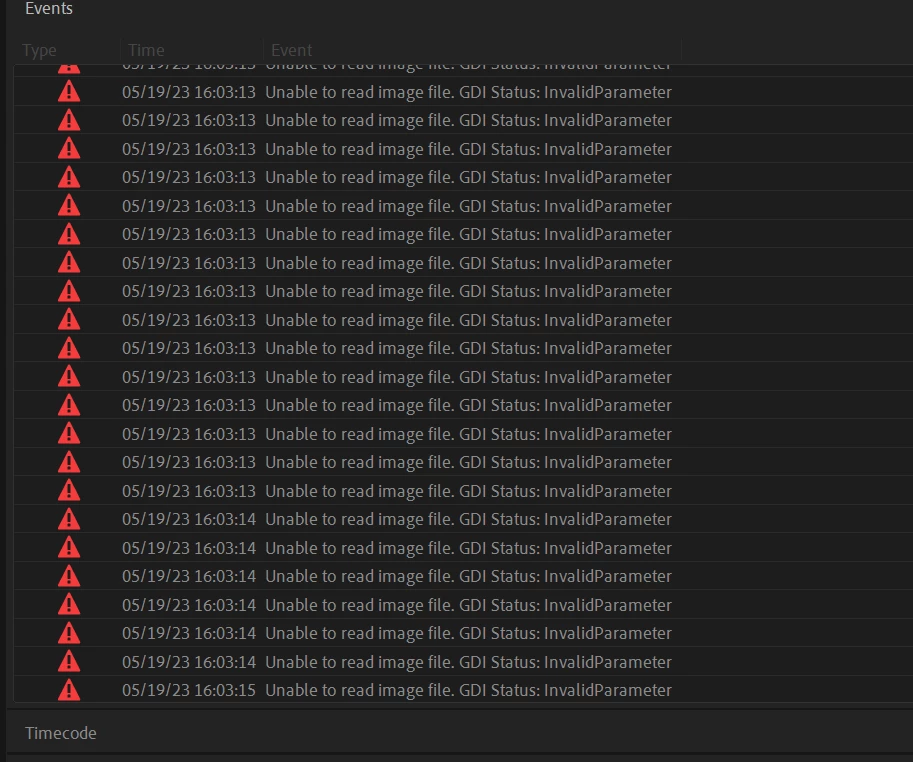
UNABLE TO READ IMAGE FILE: GDI STATUS INVALID PARAMETER

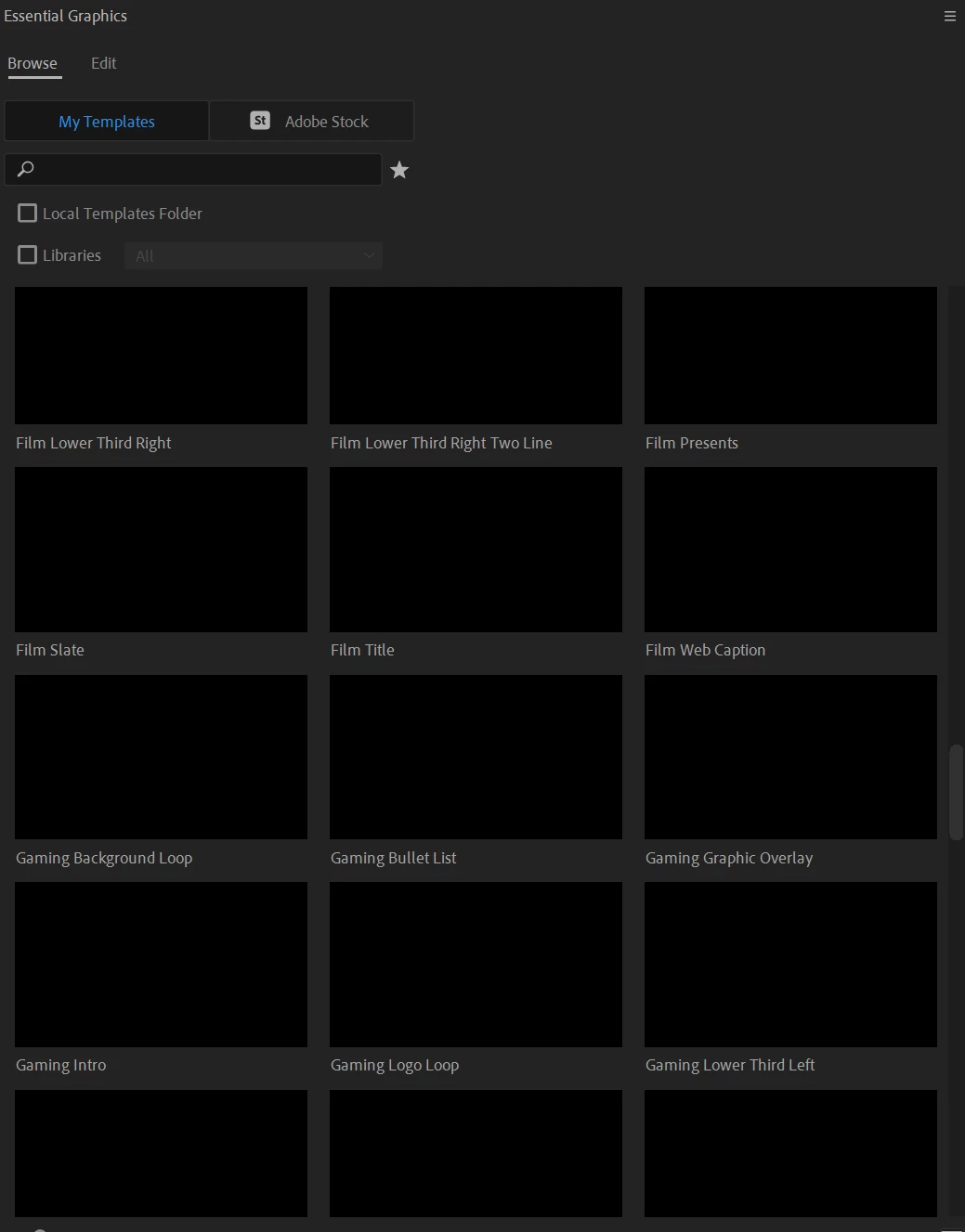
I am getting this error repeatedly on all projects from the moment i open premier. I believe it has something to do with the MOGRTS that were pre-installed because i no longer can see any preview of them. just that they are installed.  but i am unable to find any way online to solve this issue. 
 

I recently had to re-install everything on my computer including windows but all of my files were backed up on drives and re-connected when i got it back and i did not open any programs until all files were back in their original places to ensure no corrupted files. 


Can someone help?
 

This topic is closed to new replies. Start a new post to keep the conversation going.

23 replies

khanhd69698793
Participant
Dec 4, 2024 12:47 PM UTC

If that doesn't work, then I would like you to close Premiere and navigate to another folder: 

  • Win: /Users/username/AppData/Roaming/Adobe/Common/Motion Graphics Templates

This work!

Translate
Participant
Sep 17, 2024 2:06 PM UTC

Yes this helped, thank you

Translate
Kevin J. Monahan Jr.
Legend
Aug 27, 2024 10:46 PM UTC

Hello @Content Grupo Expansion,

See if this solution works for you. Let us know.


Thanks,
Kevin

Translate
Kevin Monahan - Sr. Community and Engagement Strategist – Adobe Pro Video and Audio
Participant
Aug 12, 2024 7:36 PM UTC

Hi!
Got the same problem, but no with MOGRT this happen just open Premiere V.24.50.0 with new and old projects 

Translate
Kevin J. Monahan Jr.
Legend
Jul 24, 2024 1:56 AM UTC

The status of this bug report has been updated.

Translate
Kevin Monahan - Sr. Community and Engagement Strategist – Adobe Pro Video and Audio
Participant
Jun 16, 2024 4:47 AM UTC

I got this GDI error, then Premiere started to stall my gpu with any imported video...

Did what you suggested, only worked for text based ones....

Suggestion, that kind of worked....


I have a laptop with i9 14hx and 4070,


- Got to preferences and disabled hardware acceleration h.264-h.265 code/decode in both processor and gpu

- Imported media, restarted premiere

- Enabled only gpu decode, restarted (thumbnails slowly playing)...

- Enabled gpu encode, restarted....it kind of worked...

Translate
Participant
Mar 1, 2024 6:27 PM UTC

FYI:  My problem went away after I used Creative Cloud to update Premiere Pro to the latest version v24.2.1 (Build 2).  Thanks!

Translate
Participant
Oct 21, 2023 1:06 PM UTC

Hi, I upgraded to a newer GPU 1050 ti. Now whenever I use Premiere Pro. I get the warning message : Unable to create image buffer. GDI Status: Invalid Parameter: 0x0. Please help. Thanks

Translate
Ishan Y
Inspiring
Dec 11, 2023 3:42 PM UTC

Hey,

Sorry for the poor experience. Do you still need help with this issue? If so, please let us know if you see this issue with a specific project or source file. Please also ensure that your GPU is updated to the most recent Studio drivers.


Thanks,

Ishan

Translate
Participant
Aug 13, 2023 8:31 AM UTC

Had the same problem. Just update it, will fix for sure

Translate
jstrawn
Legend
Jun 26, 2023 6:10 PM UTC

@Julia25601075gj2t Did Dacia's suggestion help you to get your thumbnails back?

Translate