
Participating Frequently
May 19, 2023

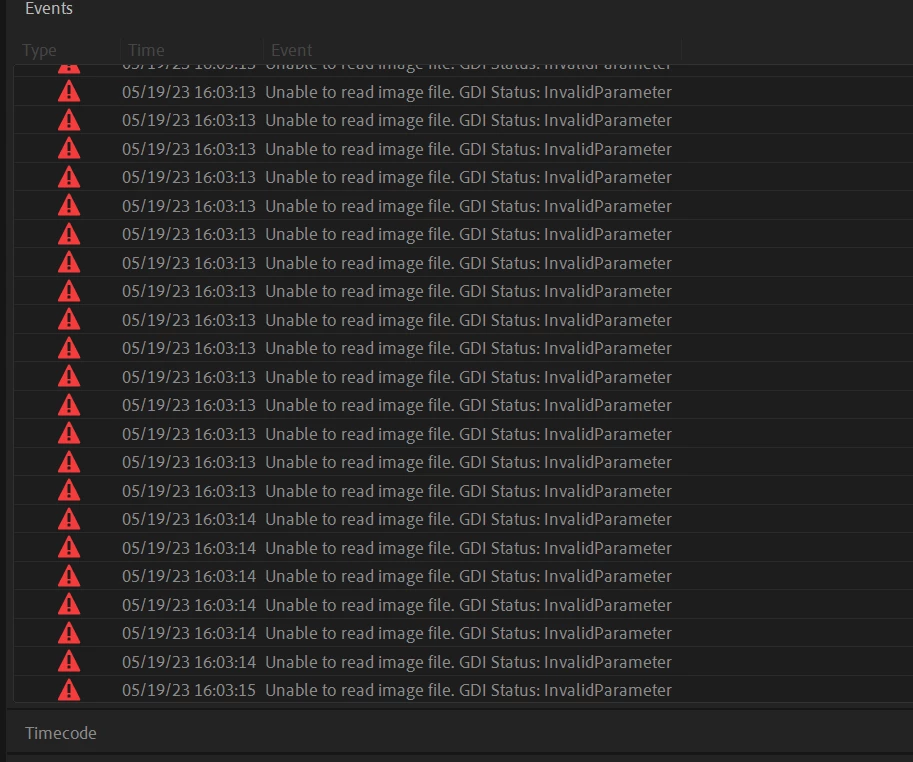
UNABLE TO READ IMAGE FILE: GDI STATUS INVALID PARAMETER

  • May 19, 2023
  • 22 replies
  • 8108 views

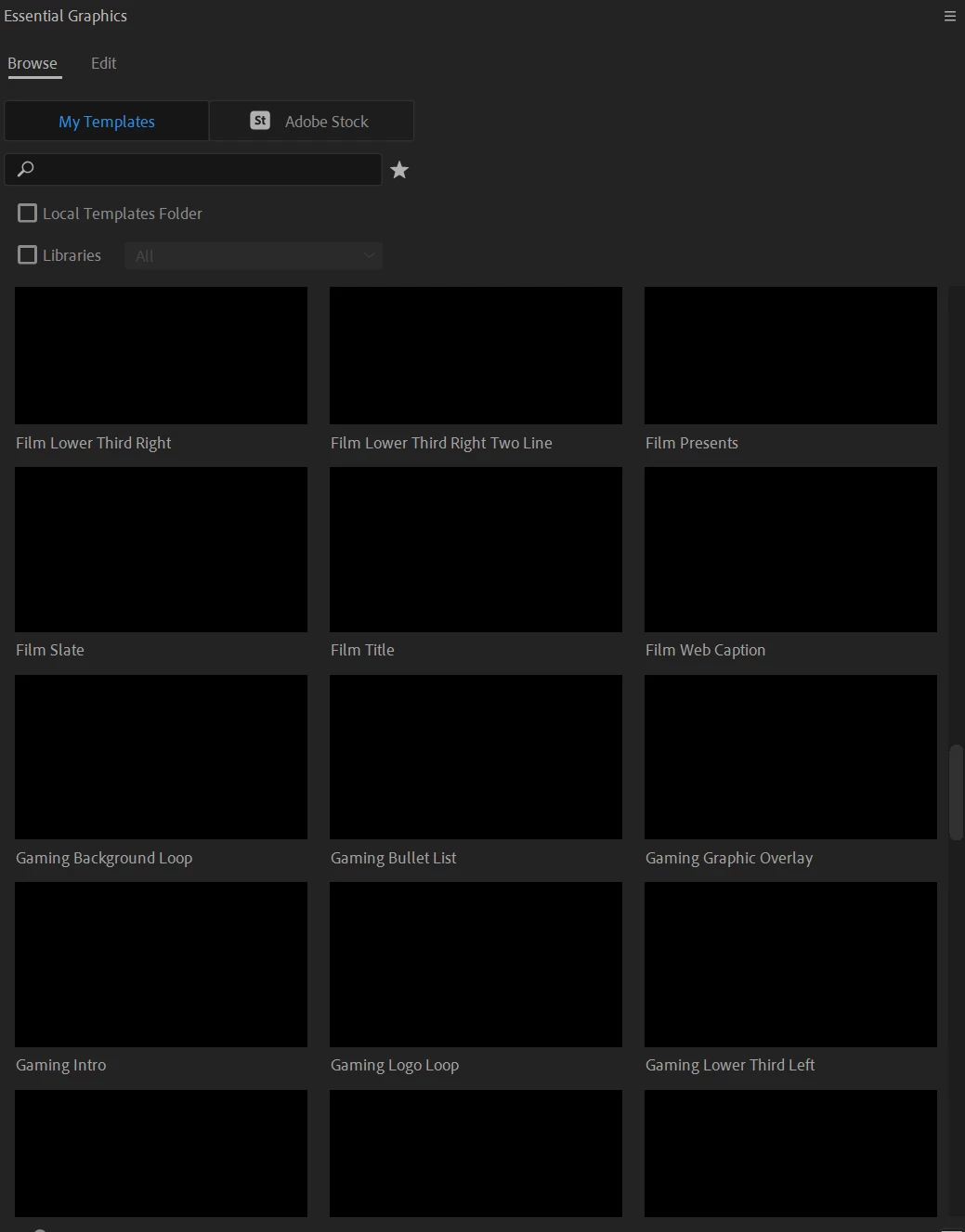
I am getting this error repeatedly on all projects from the moment i open premier. I believe it has something to do with the MOGRTS that were pre-installed because i no longer can see any preview of them. just that they are installed.  but i am unable to find any way online to solve this issue. 
 

I recently had to re-install everything on my computer including windows but all of my files were backed up on drives and re-connected when i got it back and i did not open any programs until all files were back in their original places to ensure no corrupted files. 


Can someone help?
 

This topic has been closed for replies.

22 replies

Participating Frequently
May 19, 2023

Premiere version is 23.4. On windows 11 computer. 11th Gen Intel(R) Core(TM) i7-11700F @ 2.50GHz 2.50 GHz running 32 GB of ram. I haven't try to install an earlier version of premiere.

DaciaSaenz
Inspiring
May 19, 2023

Hi @Julia25601075gj2t , 


That is so strange! I haven't seen this issue before but I'm asking devs what that error could mean. 
Can you tell me what version of Premiere you're running and what your system specs are? 

Also if you install an earlier version of Premiere or Beta, do you get the same the results? 


Oh! Is this also only happening with the thumbnails for Mogrts that get installed with Premiere or Mogrts that you have created or installed from other sources?


Thanks, 

Dacia

- Dacia Saenz, AE & PR Engineering Teams