edit58989569
Inspiring
May 30, 2024

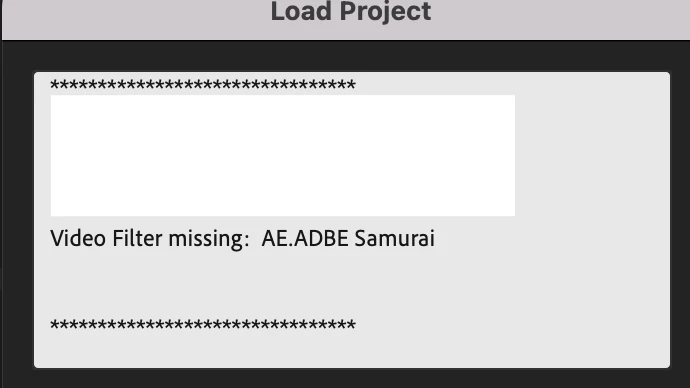
Video Filter Missing?

  • May 30, 2024
  • 6 replies
  • 869 views

I keep getting this notification when opening Premiere. I don't have any plugins installed. 


Premiere 24.2.1, Mac Sonoma 
 

This topic has been closed for replies.

6 replies

edit58989569
Inspiring
May 30, 2024

Hmmm I do have dynamic links, but it’s not applied to anything in the comp either. 

Bruce Bullis
Community Manager
Community Manager
May 30, 2024

It is likely already removed, which is what prompts the 'missing' message.

Samurai is applied to something in that project (or perhaps in a dynamically-linked AE composition?), or PPro wouldn't nag you. 🙂

edit58989569
Inspiring
May 30, 2024

Hmm it’s not applied to anything. I could have installed it years ago. How do I remove it from the system?

Bruce Bullis
Community Manager
Community Manager
May 30, 2024
edit58989569
Inspiring
May 30, 2024

I don't have a Samuri Effect applied to a clip. 

mattchristensen
Community Manager
Community Manager
May 30, 2024

This message is letting you know that one or more clips in the project have an effect called "Samurai" applied, but that effect is not installed on your system. Whatever clip(s) has that will just render without it for now.


Probably the quickest way to find it if you want to remove it is to open your sequence(s), select all clips, then right click > Remove Attributes and you'll see all the effects listed. Uncheck everything except Samurai and then remove it and save your project and you shouldn't see this anymore.
