

When I Copy/Paste a video clip with 4 audio channels into a new sequence, A4 is there...but silent?
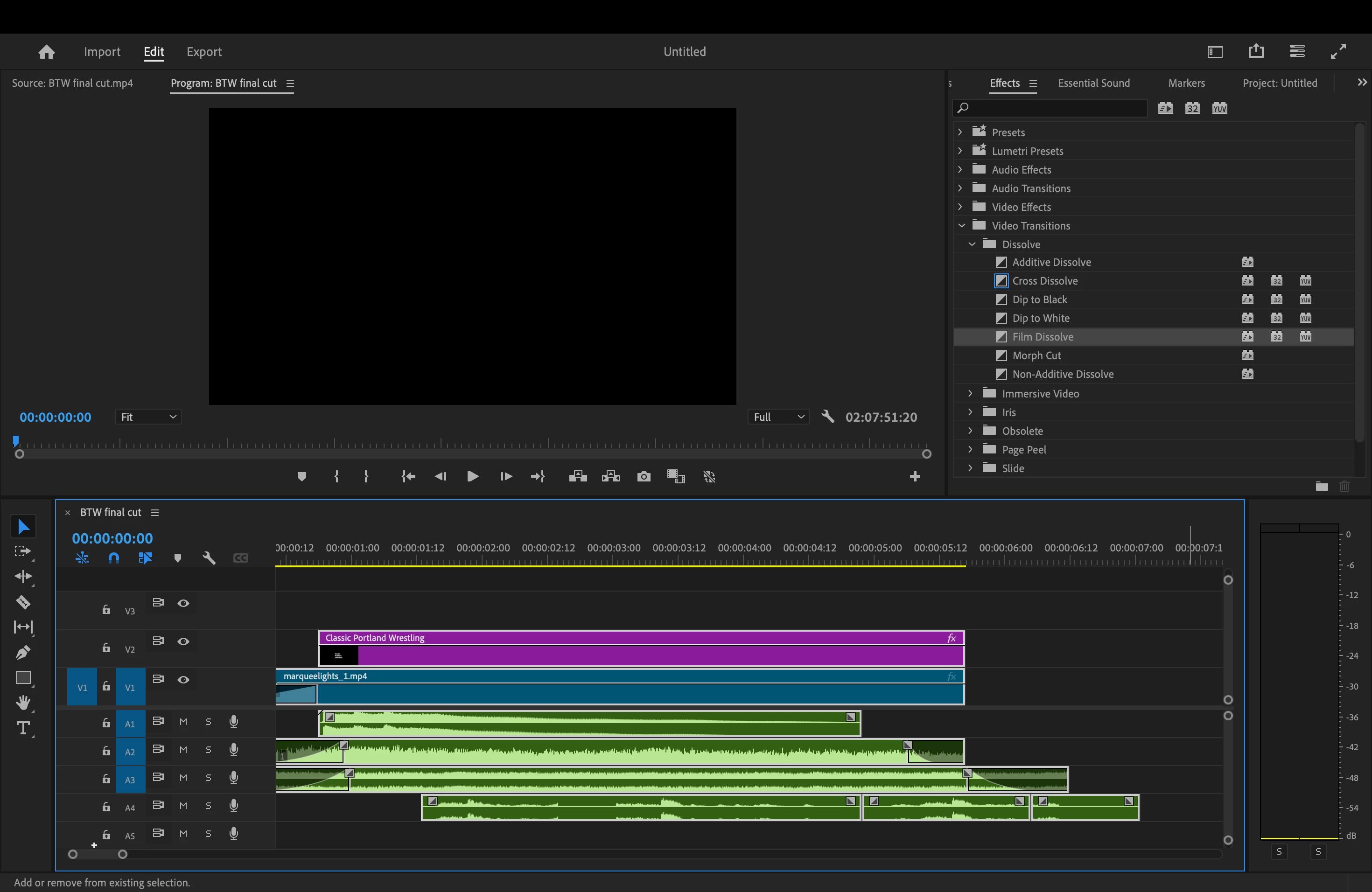
I'm editing an intro for a short film and I want to export it to the filmmaker separately to get his approval, so I copied/pasted the video file into a new sequence. In the original edit, I had to ADD one audio track, so instead of the default A1-A3 tracks, there are four A1-A4. Here's where it gets weird. After I pasted into a nerw sequence and everything was there (including the fourth audio track) I played it back but A4 was silent. I hit mute off and on a few times, and no dice. I muted everything BUT A4 and still couldn't hear it.
I've putzed around with a few things, and nothing is working.
The way I created A4 was by dragging A3 down one row. That created A4. The way I created the new sequence was the typical way we all do: first I went to File-New-Sequence and pasted, had the issue, than did it again by using Command-N and selecting sequence.
Any tips? Thanks!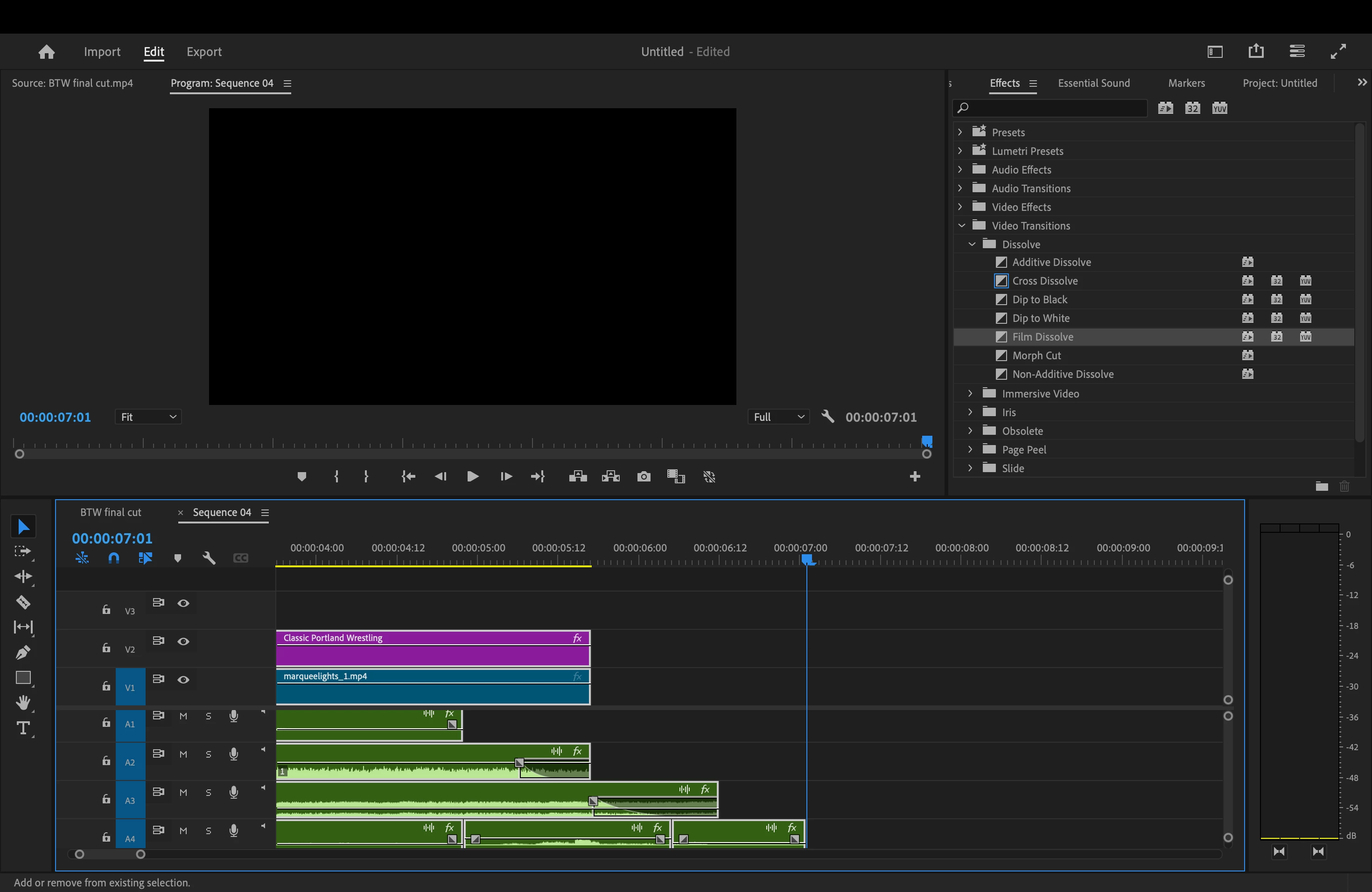


 AdChoices