
Participant
July 18, 2025

Why is my exported video only showing the top half?

  • July 18, 2025
  • 6 replies
  • 311 views

I don't understand why the exported video is only showing the top half of my photos. Here is the working view: 
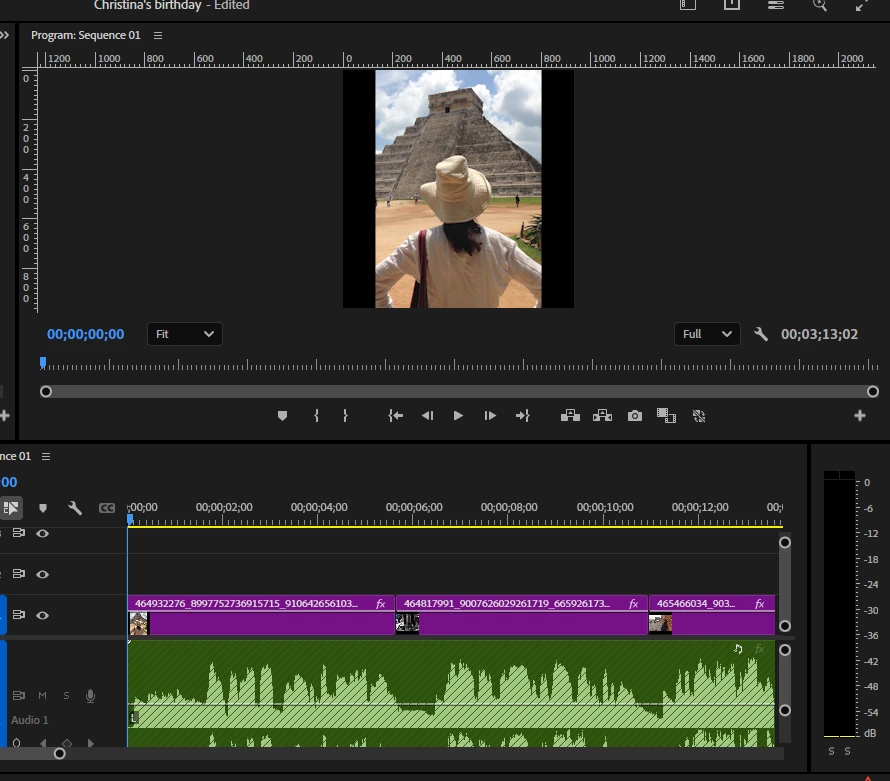
 Here is how it looks after encoding:
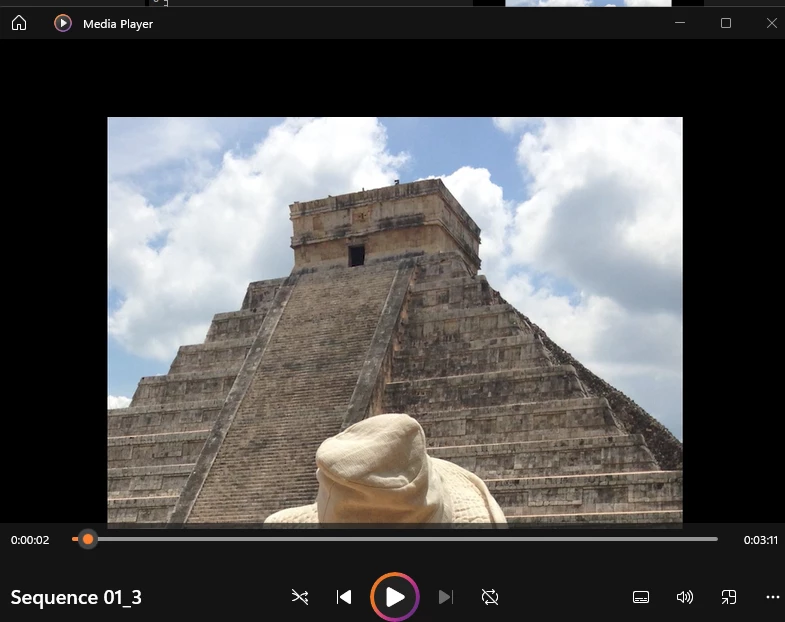
Any guesses for what I'm doing wrong? 


Sorry, I'm self-taught, so pretty ignorant, though I've successfully made half a dozen videos before with Premiere Pro, so I'm not sure what I've done differently.


I appreciate your help!


6 replies

Community Manager
July 18, 2025

Hi @stephanie_1556

I'm sorry your exports are coming out in the wrong format.  Nothing in your export settings jumps out as weird.  If you bring the file back into Premiere, does it look correct, or is half still missing?  Have you tried using a different video player? Could you send a screenshot of the specs of the exported video in MediaInfo?  

I hope we can help you soon. Sorry for the frustration! 

Participant
July 18, 2025

Yes, I just tried it inside PP and got the same result. I appreciate your help. I can't figure out what I did differently than the other videos to get this result!

Peru Bob
Community Expert
Community Expert
July 18, 2025

Does it happen both with direct export from Premiere Pro and exporting through Adobe Media Encoder?

Participant
July 18, 2025

Thank you. I tried that (changed to software encoding), but didn't see a difference in the exported video. 😞

Peru Bob
Community Expert
Community Expert
July 18, 2025

Try turning off Hardware encoding in the Video tab of the export settings.

Participant
July 18, 2025

Here is my export settings. I haven't tourched them: