
Participating Frequently
June 13, 2025

Xbox game bar does not record

  • June 13, 2025
  • 1 reply
  • 772 views

Win + Alt + R recording of what I do on Premiere Pro - does not work.
(non-shortcut "standard" recording also doesn't work either)
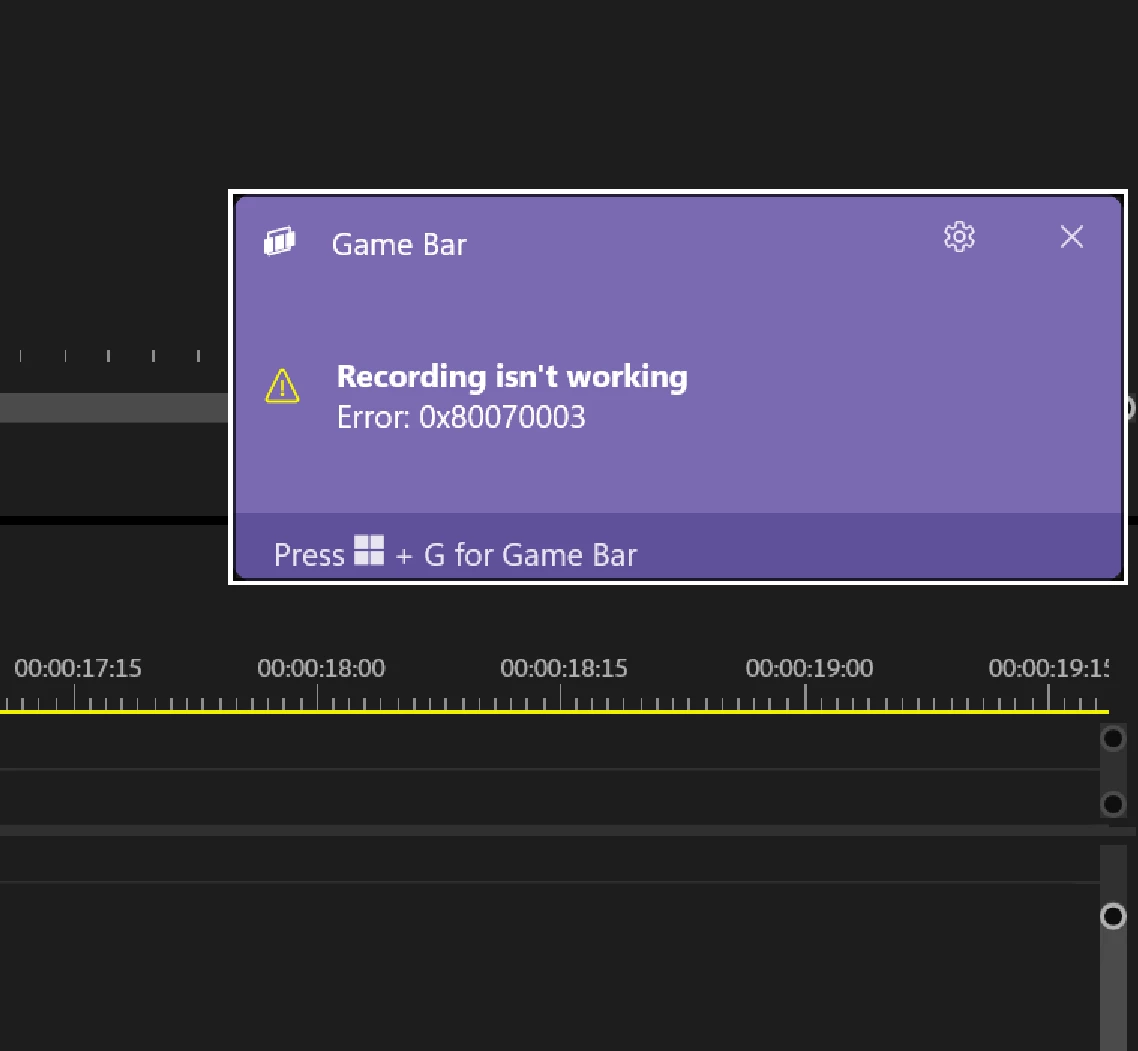
Version 25.2.3 (Build 4)

xbox app has been "repaired" and "reset" - no use.
There were "Game bar" related issues, but I was unable to find the identical problem.

How am I supposed to post a bug report if I can't even show it?

Respectfully,
GJ

1 reply

Peru Bob
Community Expert
Community Expert
June 13, 2025

Try htis:

1. Update Xbox Game Bar app
Open Microsoft Store then Click 3 dots
Select Download and Updates >
Update Xbox Game Bar or click Get Updates

2. Repair Xbox Game Bar

Go to Settings and selecting "Apps and Features". Find "Xbox Game Bar" in the Apps & features list and select it. The "Advanced options" button should appear - click it. You will see the "Repair" button. If it doesn't work, Kindly click the Reset.

3. Uninstall Xbox Game Bar

Press Windows key + X
Click and Run Windows PowerShell as Administrator
Copy paste the command below then press Enter

get-appxpackage *Microsoft.XboxGamingOverlay* | remove-appxpackage

Proceed to reinstall Xbox Game Bar

4. Go to Microsoft Store then Download again Xbox Game Bar

or copy paste the command below then press Enter

Get-AppXPackage *Microsoft.XboxGamingOverlay* -AllUsers | Foreach {Add-AppxPackage -DisableDevelopmentMode -Register "$($_.InstallLocation)\AppXManifest.xml"}

Restart your PC

from here:

https://answers.microsoft.com/en-us/windows/forum/all/xbox-game-bar-does-not-let-me-record/53f130f4-c073-4fdf-af45-dcd81c97d3b5