

Zoom while dragging clip using Logi MX Master 4
A really useful tool in Premiere has always been the ability to click and hold a clip on the timeline, then use the “-” and “=” keyboard shortcuts to zoom in and out to make dragging the clip around the timeline much faster.
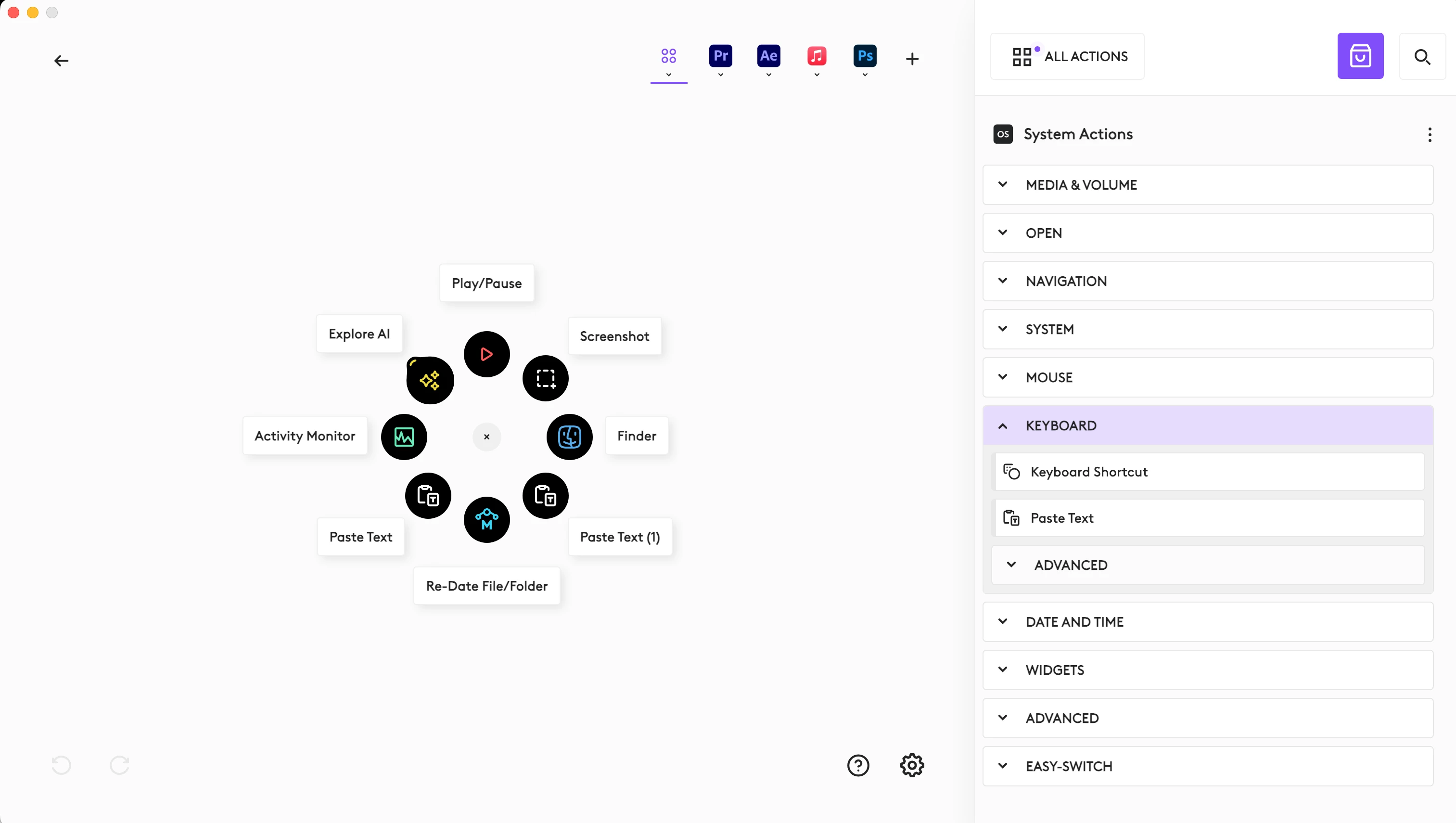
After upgrading my mouse to the Logi MX Master 4, I’ve discovered a very strange and specific bug. Using the MX Master 4 feature of the Action Ring in any other application to specifically “Paste Text” (a built-in customization), then returning to Premiere, the ability to zoom in and out when dragging clips on the timeline no longer functions. If I click and hold, I can zoom, but if I click, hold and move the clip a little, I can no longer zoom. Resetting Premiere app settings does not resolve the issue, but restarting the computer does. Any attempt to paste predetermined text using the MX Master 4 action ring breaks the Premiere feature again. No other Action Ring function appears to replicate the issue thus far, only the “Paste Text” function found in the Action Ring customization settings.
Currently running macOS 15.7 on an Mac Studio M4 Max.


 AdChoices