

Participant
September 17, 2026

AI Assistant "Skills" not opening/working after new implementation
  • September 17, 2026
  • 2 replies
  • 35 views
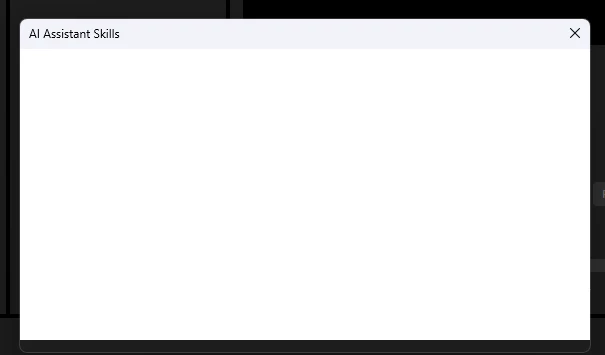
AI Assistant Skills Panel(Blank)

After the new update to Premiere for the AI Assistant Skills, The panel loads blank and nothing is populating it.  Tried restarting, same effect.

    2 replies

    Community Manager
    September 17, 2026

    Hi,
    Thanks so much for reporting this and for attaching the screenshot — that really helps. I see the Skills panel is loading blank for you; that's not the experience we want on a brand-new feature, and I completely understand the frustration when even a restart doesn't clear it.

     While we look into it, here are two things that have resolved an empty Skills panel for others:

    1. Fully quit Premiere Pro, relaunch, and open the Skills panel after the app has finished loading (rather than leaving it open when Premiere starts up). There's a known timing issue where the panel can come up empty if it's already open the moment the app launches.

    2. If you've added any custom skills, try clearing them — recent validation changes can cause the list to render blank when a saved skill is no longer valid.

     If neither helps, could you share your exact Premiere Beta version (Help > About Premiere Beta) and your operating system/version? That lets us reproduce it on the right build and get it to the team quickly. Thanks again for your patience — we'll keep you updated right here.

    Thanks,
    Kevin

    Amy the Stuv
    Community Manager
    Community Manager
    September 17, 2026

    Hello ​@Trace34314763f4wq 

    Right now this is only available in Premiere Beta. I’ll move you over to that forum but it will still help to fill in some of the information from How to Report a Problem.


    Best,

    Amy