


Participant
February 13, 2026

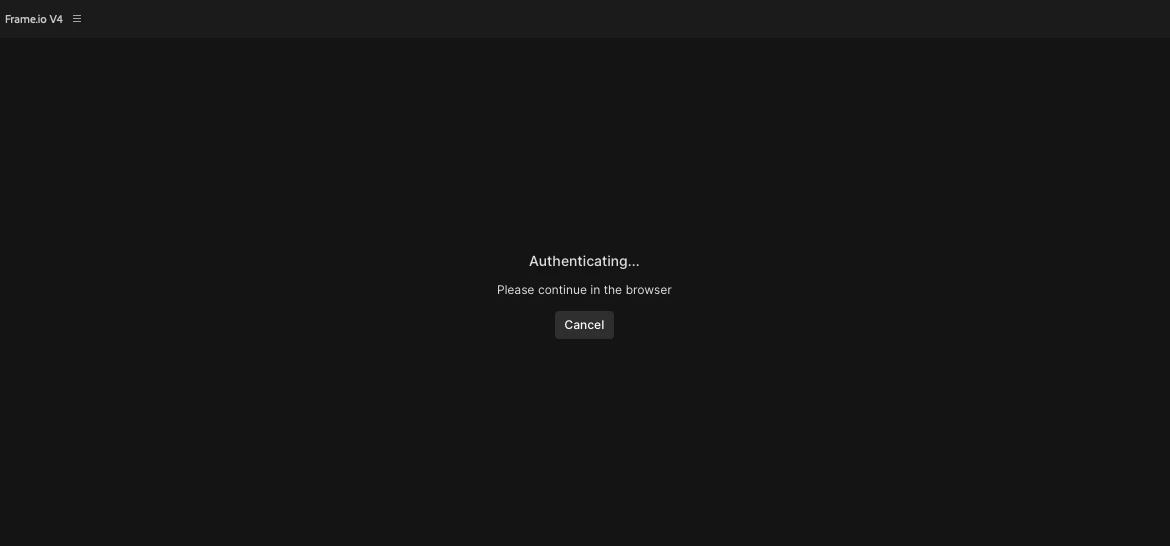
Frame.io v4 stuck on "Authenticating... Please Continue in the browser" window, and browser never opens.

  • February 13, 2026
  • 2 replies
  • 204 views

I tried the direct link provide here: 

But that did not help with the Beta version. 
 

Pinned Reply By jamieclarke

Hi ​@avitaloehler - This is a known issue please follow this post for updates: Frame.io Panel Won't Log In

2 replies

jamieclarke
Community Manager
Community Manager
February 17, 2026

Hi ​@avitaloehler - This is a known issue please follow this post for updates: Frame.io Panel Won't Log In

Participant
February 23, 2026

Thanks! What worked for me was this: 

  1. Close Premiere
  2. Go to Keychain Access (not Passwords)
  3. Under ‘Login Items’, scroll down to ‘com.adobe.frameio.token’
  4. Right-click the token and select ‘Delete’
  5. If prompted, confirm you want to delete the token
  6. Re-open Premiere and log into the Frame.io panel

In combo with this: 

“I also made sure accounts.frame.io was marked as “Allowed” in Safari>Settings>Websites>Pop-up Windows.  Worked great after that.”

From ​@Editor Jim 

Thanks! 

Inspiring
February 13, 2026

I had the same problem. I fixed this issue by signing out of Frame io and deleting it from Keychains. I also made sure accounts.frame.io was marked as “Allowed” in Safari>Settings>Websites>Pop-up Windows.  Worked great after that.
