



Open for Voting
MOGRT Render and Replace no progress
Steps to reproduce:
- Drop a Mogrt from the Graphics Template to the timeline
- Choose "Render and Replace" from the context menu
- klick "OK" in the dialogue box
Result: Render and Replace Progess-Box pop up no render progress at all
Expected: Mogrt should be rendered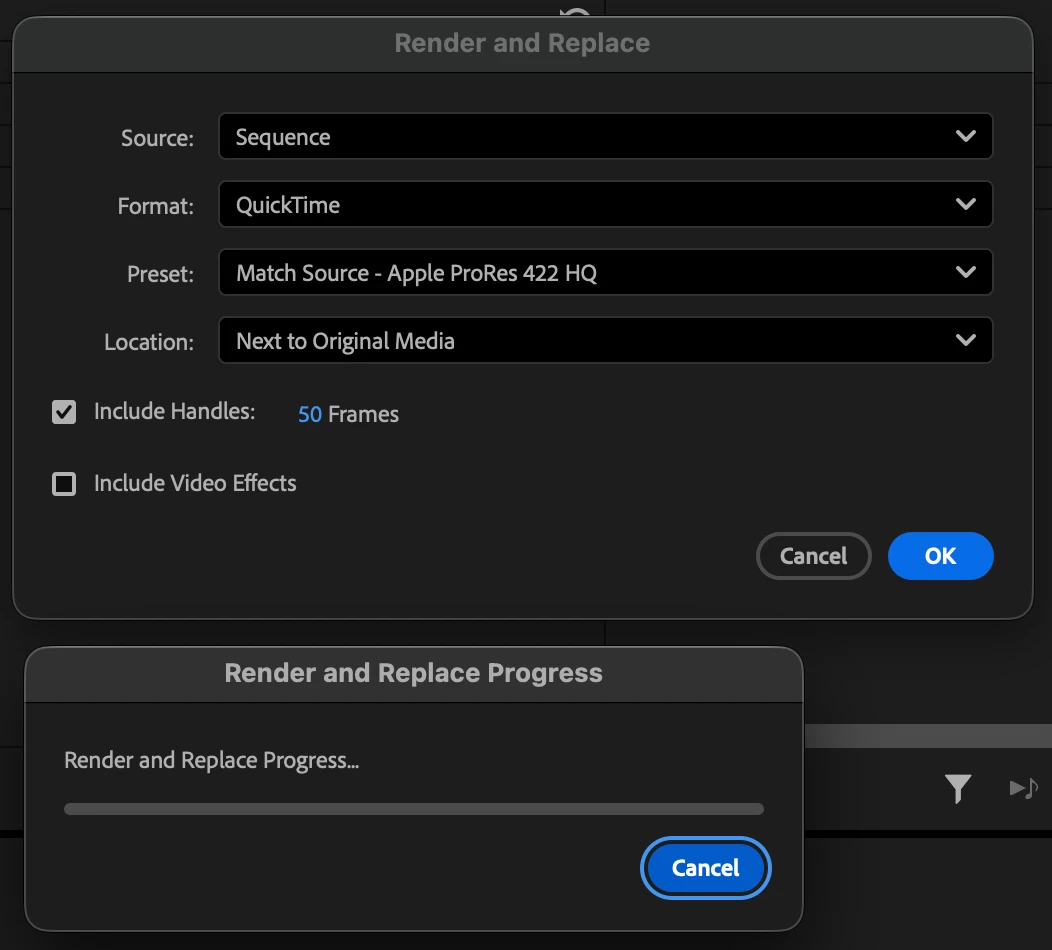
System info
Application: Premiere Pro (Beta) v26.0.0.13
OS: macOS v26.0.1, RAM: 64,00 GB GB, CPUs (logical): 12
 AdChoices