


Open for Voting
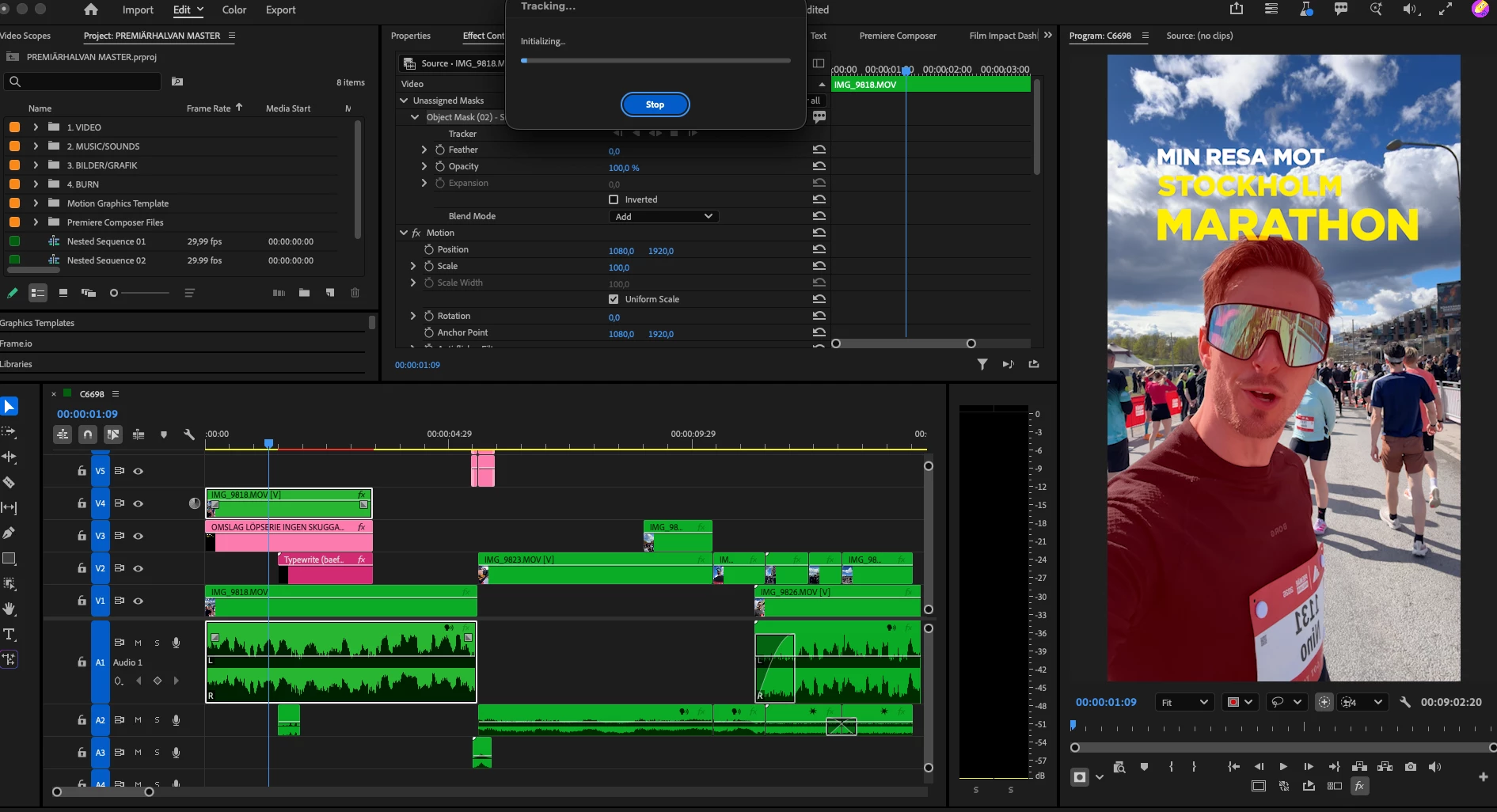
When I try to track an object using the object mask tool it gets stuck on initializing. The version use is Premiere Beta 25.5.0.012
When I try to track an object using the Object Mask tool, the process gets stuck on “Initializing” and never progresses.
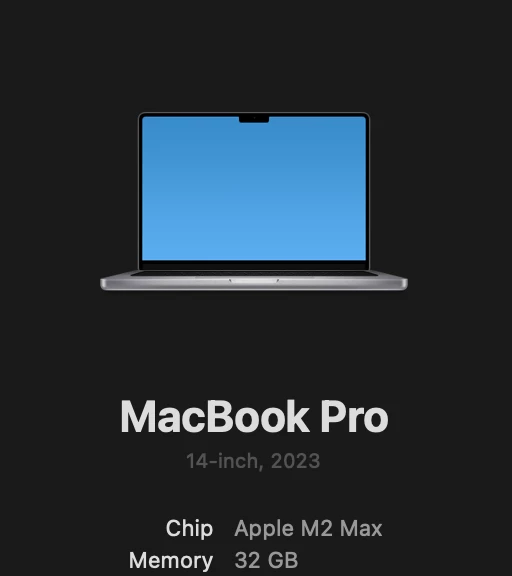
I’m currently using Premiere Pro Beta version 25.5.0.012 on macOS Tahoe 26.5.
I haven’t had any issues using the Object Mask tool on this computer previously, so this seems to be a new problem.
So far, I’ve tried the following troubleshooting steps:
- Nested the clip
- Cleared media cache files
- Created a completely new project
- Restarted my Mac
Unfortunately, none of these steps resolved the issue. The Object Mask tracking still remains stuck on “Initializing.”
Has anyone else experienced this issue or found a workaround?
 AdChoices