
Participant
August 29, 2022

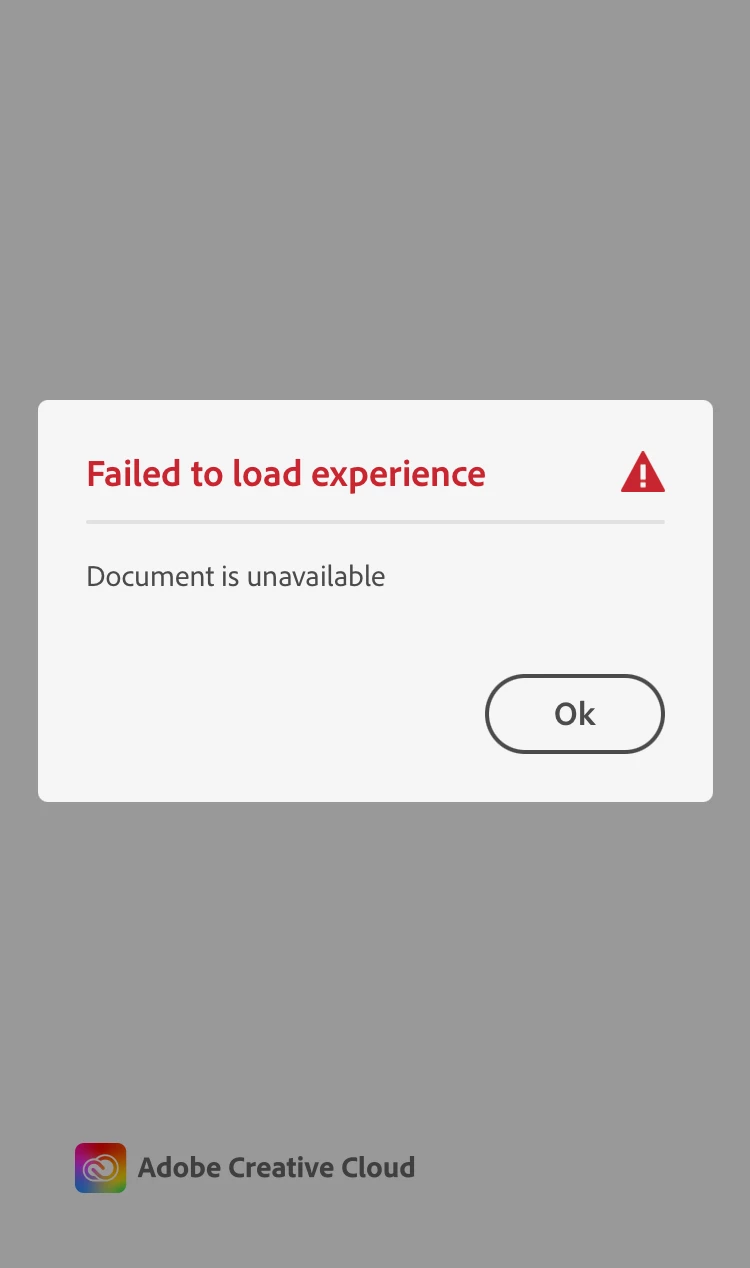
Adobe Aero “failed to load experience”

  • August 29, 2022
  • 6 replies
  • 744 views

I was trying to collaborate my Aero project with my colleagues by exporting into .real file but "failed to load experience" warning came up when importing it back to Aero. I don't know if it's a file size or what. The size is about 18.2MB. Same thing occured to my colleague who's working on a similar project. 

When I tried with a test file, it worked fine so I don't think it's an app issue.


PLEASE HELP😖 Need to finish on this project by this weekend!
6 replies

Inspiring
August 29, 2022

Ah good to know, thank you!

yuyumuAuthor
Participant
August 29, 2022

Thank you for the prompt response!

My colleagues and I were using Japanese characters. Some katakana and some kanji. 
Thanks.

Inspiring
August 29, 2022

Thanks for letting me know! What were the characters in the file name? I will let the dev team know so we can flag it as a bug. Thanks!

yuyumuAuthor
Participant
August 29, 2022

Wondering what the differences were between my test files and original, I just tried renaming my files and it worked!

I so sorry for the confusion😭

I think it was that my colleague and I were using other language characters in part of the file name. When I changed it to just numbers and alphabets, it opened perfectly. 
Thank you.

yuyumuAuthor
Participant
August 29, 2022

Hi markhellar,

Thank you for the reply. 
The version I am using for iphone is 2.15.4 and for windows desktop is 0.15.4.

It should be up to date?

Inspiring
August 29, 2022

Hi, yuyumu

Super sorry this is happening. Can you let me know the verion of Aero you are using? From the top menu choose Aero->About Aero. Thanks