
BrianD_ECU
Participant
April 11, 2023

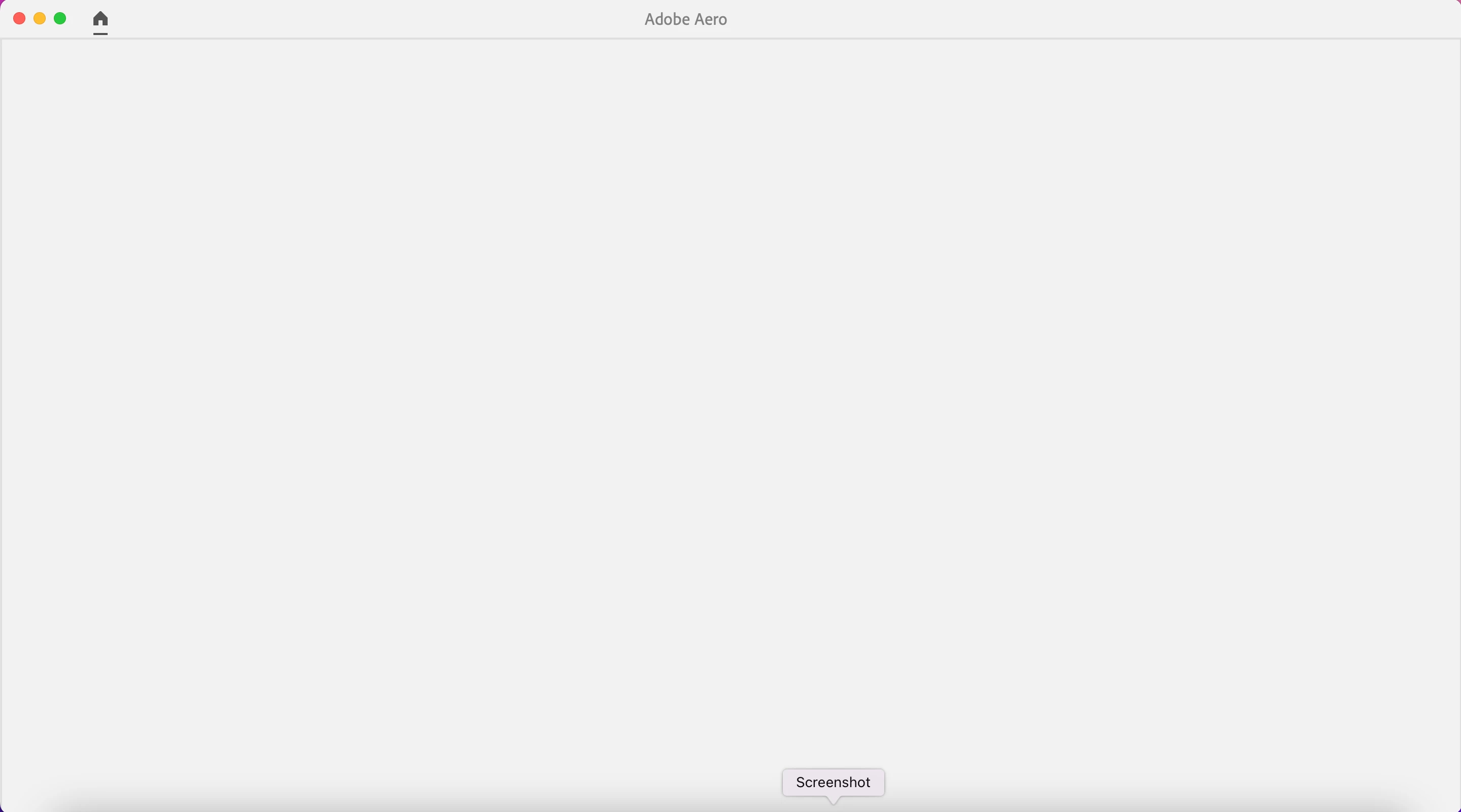
Adobe Aero Opening with Blank Window

  • April 11, 2023
  • 8 replies
  • 1596 views

I've tried opening Adobe Aero 0.18.4 on several Intel-based iMacs and all I get after the Adobe login is a blank Aero window shown below. I've also tried it on a M1 Mac mini, but I get the same result. Does anyone have any suggestions on what I can try to get it to work?
 

8 replies

Participant
March 11, 2024

Hi, I'm getting a blank screen too on a Wondows 10 PC. Aero loads fine on my iphone. Existing scenes and new scenes display the same - no assets or grid floor  visable.

Please help I need to use aero for a job! It was workong fine a week or so ago.

Participating Frequently
May 20, 2023

Similar issue with opening some (not all) .real files, built on a Mac M2 mini, stored in the cloud,  and will not open on an ipad air. I have a personal account/profile.

Participant
May 12, 2023

I'm teaching AR using Aero and my students need to supply me with their final project .real file so I can check their setup for behaviors, etc. I've been using Aero since 2020 and in the earlier beta versions I was able to easily open their .real files and see this information. But for the last couple of teaching semesters, in the more recent beta versions of Aero, when I double click or right click on a student .real file to open it, it launches Aero, but only to the opening splash window with options for New File or Open. I've tried using the Open button in Aero to directly open the .real file but it only opens to a blank stage. I've followed past postings here for possible solutions to this issue and checked I have no spaces in the actual .real name or any directory it's sitting in -- still no success. I've tried not having the files on my local computer, but uploaded and accessed from Adobe Creative Cloud, but still no success. I'm using a range of mac devices -- ipad, iphone, intel mac and m1 mac. I've restarted each device and checked I'm running the latest version of Aero -- no success still.

Participant
May 11, 2023

I'm getting this issue, posted in the community with no help so far.


Used personal email and used my organization email with no success...

Participant
May 11, 2023

I am also on an organizational account and am having this issue. I'm trying to open the tattoo demo from Adobe (https://helpx.adobe.com/aero/how-to/augmented-reality-tattoo-design-aero.html) and it's opening like this: 

Participant
April 18, 2023

Hi Mark


I also have this issue, Windows 10 on a Creative Cloud All Apps Shared Device license. I don't have a personal account I can use and our staff wish to use Aero. Can you please help?


Regards

Paul

Inspiring
April 12, 2023

Hi @BrianD_ECU thanks for the info. If you can please pm me the domain of the account that was not working and I will trace. Thanks

BrianD_ECU
Participant
April 11, 2023

Found a resolution to the issue. Used my personal account/profile, instead of one of the organizational options I have tied to that email.